What is the best HVAC field service software for commercial work?
Commercial HVAC software has to handle the equipment as well as the jobs. FieldEx keeps service jobs and planned maintenance on the same unit record, so the history the client asks for builds up from the work itself. Compare approaches in our guide to Field Service Management Software.
What is the best app for HVAC technicians?
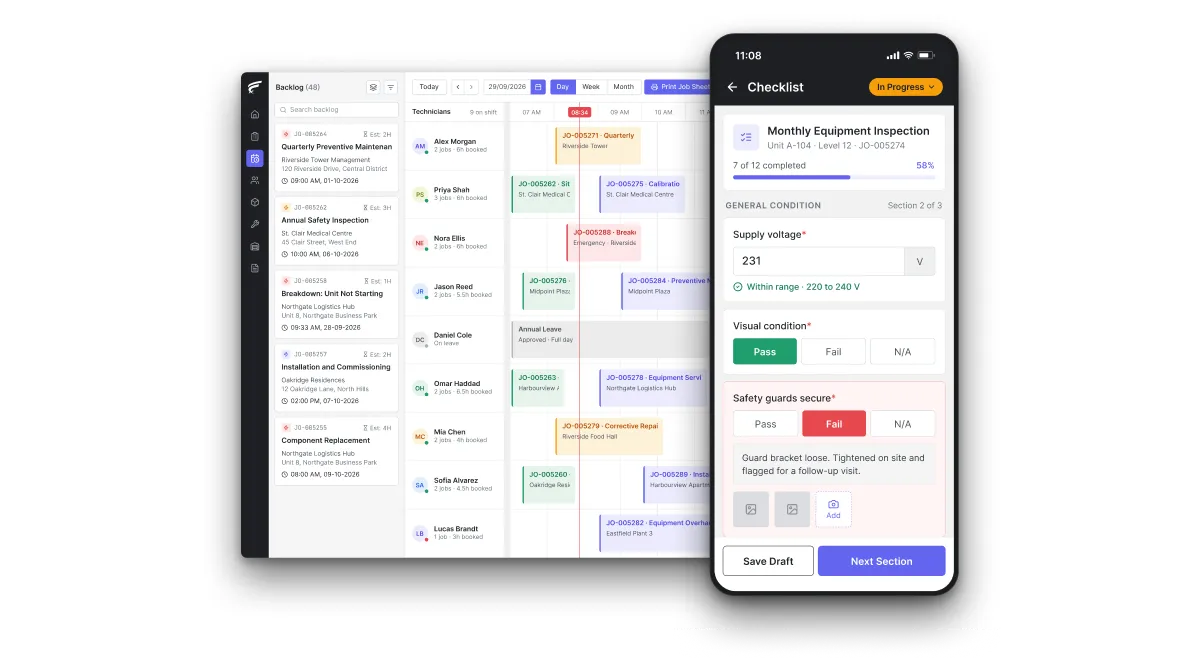
The best app opens the unit from a QR scan and shows the right checklist. It records parts from the technician's own stock, takes watermarked photos and captures the customer's signature. The FieldEx mobile app does each of these, and the office sees the completed job and its PDF report as soon as the technician syncs.
Can FieldEx run chiller PPM on running hours as well as dates?
Yes. Maintenance plans can trigger on the calendar, on the unit's meter reading, or on whichever comes first. Each unit can use its own meter interval, or the plan can apply one interval to every unit it covers. Completing an inspection can update the reading.
How do HVAC contractors keep track of PPM schedules across many sites?
Put every site's units on maintenance plans instead of a spreadsheet. One FieldEx plan can cover many sites, and new units that match its criteria join it automatically, with each unit's next visit date on the plan.
Can FieldEx schedule refrigerant leak checks for each unit?
Yes. Leak checks run as recurring inspections on each unit, at the frequency its charge requires. Each check shows as due, overdue or completed and sends reminders. The completed check records the result and the technician, with the test report attached.
Can FieldEx track walk-in cooler and cold-room service history?
Yes. Each cold room, freezer and condensing unit is an asset with its own record. Every visit, checklist, photo and replaced part is kept against it, with a timestamped history of temperature readings. Scan its QR label on site to see the history on the phone.
Can FieldEx replace our HVAC service report template?
Yes. Instead of filling in a Word or Excel template, the technician completes the job on the app and FieldEx generates the report, as described above. Admins can build custom PDF layouts, so the report can follow the format your clients already know.
Can our customers report a fault and see their equipment's service history?
Yes. In a branded customer portal, customers see their equipment with its last-serviced date, upcoming maintenance and job status. They submit service requests with photos or video and download job reports. Building staff can also report a fault by scanning a QR code on the unit, without logging in.
Can FieldEx track equipment and parts warranties?
Yes. Warranty details sit on each unit's record and warranty periods on each spare part, so the office can check cover before charging for a repair.
Can technicians complete work orders without a signal?
Yes. Jobs and tasks can be downloaded and worked offline, with check-in, check-out and travel synced later. That covers plant rooms and basements with no signal.
How does setup, implementation and training work?
There's no setup fee. Once we know your requirements and your data is ready, FieldEx can be implemented in as little as a week with standard features for small businesses. Larger setups and custom work take longer. Units can be uploaded. FieldEx helps with setup, and training is included. See Setup and Training.