11 best CMMS software in Malaysia (2026 guide)

Looking for the best CMMS software in Malaysia? Compare the top 11 platforms for 2026, including FieldEx, Cerev and MaintainX, to automate your maintenance.
Sophie Liu
April 9, 2026
Header image

TD;LR: What is the best CMMS software in Malaysia? 

In 2026, the top CMMS solutions available for Malaysian businesses include FieldEx (Best Overall for Field Service & Assets), local homegrown champions like Cerev, yCloudx, Smart CMMS and Reams CMMS, alongside global heavyweights such as MaintainX, UpKeep, Limble CMMS and Fiix.

The Malaysian industrial landscape is undergoing a massive digital transformation in 2026. Driven by the National Energy Transition Roadmap (NETR) and Industry 4.0 initiatives, sectors ranging from green infrastructure to facility management are scaling rapidly. However, far too many local businesses are still trying to manage multi-million ringgit infrastructure using fragmented WhatsApp messages, muddy whiteboards, and error-prone Excel spreadsheets.

This reactive approach leads to costly equipment downtime, blown compliance audits, and frustrated field technicians. The solution? A modern computerised maintenance management system (CMMS) designed to shift your operations from reactive firefighting to proactive, automated maintenance.

If CMMS is something that’s entirely foreign to you, let’s get you up to speed on what it is and how it can boost your business. 

What is a CMMS?

At its core, a computerised maintenance management system (CMMS) is a digital platform designed to centralize maintenance data, automate work orders, and track the health of your physical equipment.

For years, facility and operations managers have relied on a combination of unmanaged messaging apps, paper checklists, and manual spreadsheets to dispatch technicians and ensure compliance. A CMMS replaces this chaos with a structured, end-to-end digital workflow.

Instead of waiting for a machine to break down, a CMMS allows you to actively manage your heavy equipment and assets. A robust CMMS typically boosts your business by automating 4 core operational areas:

  • Work Order Automation: The work order is the central unit of operation within a CMMS. It automatically captures all data related to a specific job – who it is for, what needs to be done, who is executing the work, and what parts are consumed.
  • Asset & Equipment Tracking: Every asset you manage is tracked within the system. Every work order completed against an asset is logged as a chronological timeline. This provides a complete service history for each individual piece of equipment, which is invaluable for warranty management and passing strict compliance audits.
  • Preventive Maintenance (PM): This is the heart of a CMMS. It allows companies to proactively plan and schedule maintenance work, rather than only reacting to catastrophic failures. Maintenance can be scheduled based on elapsed time, or triggered automatically when an asset reaches a specific usage threshold (like hours of operation).
  • Inventory & Spare Parts Control: A CMMS includes a full inventory management system to track spare parts across your warehouses and individual technician bins. When a technician logs a part on their mobile app, the system records it as consumed, creating a fully auditable trail of parts usage from the warehouse directly to the job site.

The Modern Evolution: Historically, a CMMS was built just to track stationary machines inside a factory. However, modern operations often require hybrid platforms – like FieldEx – that seamlessly combine CMMS capabilities with field service management (FSM). This means the software not only manages your physical assets, but also coordinates the dispatching, compliance and routing of your mobile workforce out in the field.

What are the benefits of a CMMS?

Investing in a CMMS is no longer just about going paperless; it’s about protecting massive capital investments and surviving in a highly competitive market. Whether you’re managing a fleet of commercial properties in Selangor or a sprawling network of EV chargers in Penang, the ROI of a modern CMMS is immediate.

Here are the core operational advantages of adopting a digital maintenance system:

  • Extending High-Value Asset Lifespans: Reactive maintenance (waiting for a machine to break before fixing it) accelerates equipment degradation. A CMMS automates preventive maintenance schedules based on real-time usage (meter-based triggers) or calendar dates, ensuring your assets run at peak efficiency for years longer.
  • Bulletproof Compliance and ISO Audits: Malaysian industries face strict regulatory oversight from bodies like DOSH (Department of Occupational Safety and Health). A CMMS digitizes your compliance. For example, modern platforms utilize mandatory "Procedures" – enforced, sequential digital checklists that guarantee technicians follow the exact safety and compliance steps before they are physically allowed to close a job.
  • Eliminating "Spreadsheet Chaos" & Human Error: Tracking inventory across multiple vans and warehouses using Excel is a recipe for lost parts and bleeding profit margins. A CMMS tracks parts usage from the main warehouse right down to the specific technician's mobile "user bin", creating a fully auditable trail of every ringgit spent on materials.
  • Reducing Emergency Overtime Pay: When machines break down unexpectedly on a weekend, you pay premium emergency labor rates. By shifting to a proactive CMMS schedule, maintenance is performed during standard working hours, drastically reducing massive overtime payouts.

The hybrid advantage (FSM + CMMS)

While a traditional CMMS is fantastic at saving money on the factory floor, a hybrid system (like FieldEx) actually helps you make money. By combining equipment maintenance with field service management (FSM) , you can instantly dispatch technicians to billable client sites, manage external Service Level Agreements (SLAs), and generate professional PDF invoices the moment a job is completed in the field.
The 11 Best CMMS Software in Malaysia (2026)

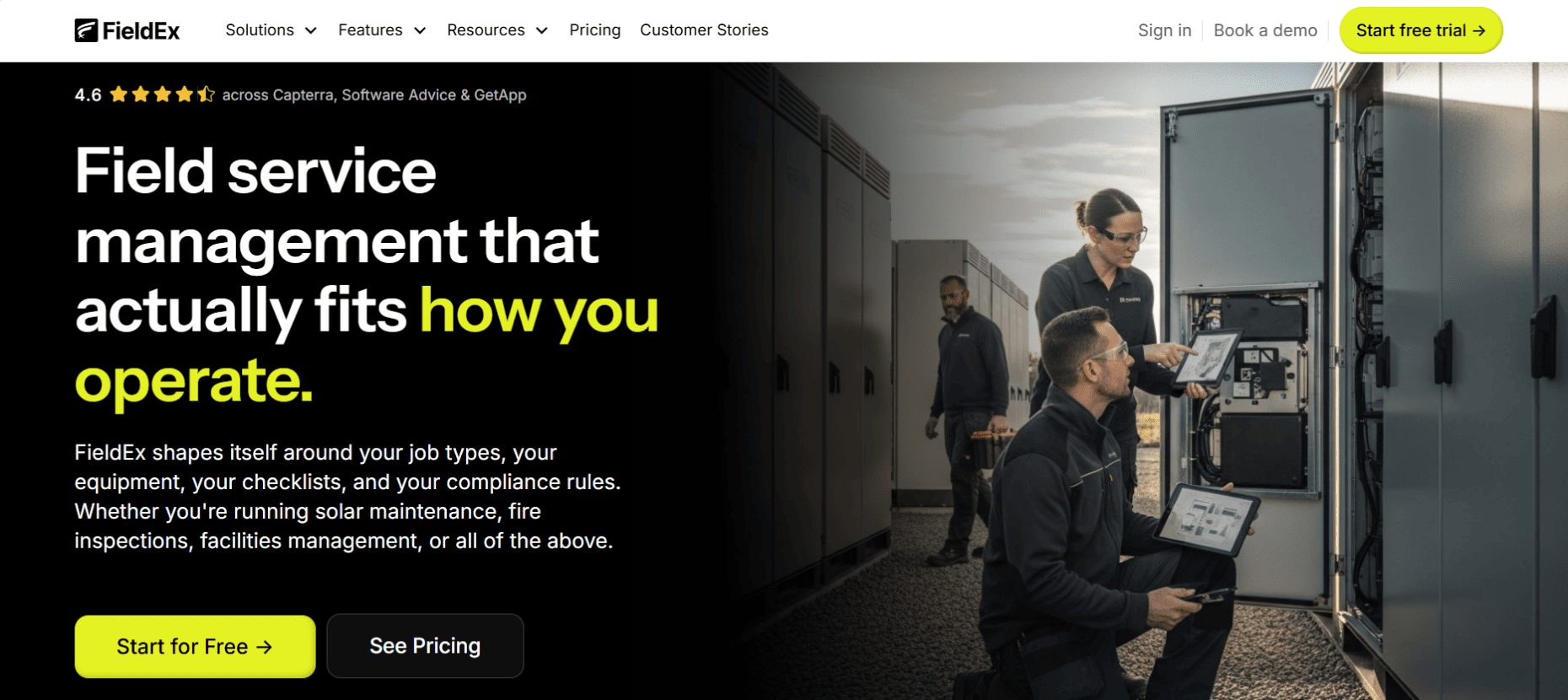
1. FieldEx

www.fieldex.com | The Hybrid FSM & CMMS Master

FieldEx bridges the massive gap between FSM (dispatching people) and CMMS (maintaining equipment). Natively available on Android, iOS and web, it manages the full lifecycle of field operations from automated scheduling to strict compliance documentation.

Best For

Growing operations across diverse industries that require complex, end-to-end digital workflows. It is explicitly designed for green infrastructure (EV chargers, solar, BESS), coffee machine & beverage maintenance, construction, agriculture & estate management, equipment rental, property maintenance, and manufacturing.

Standout Features

  • Public-Facing QR Code Reporting: You can enable a form on any asset's QR code, allowing members of the public to report a fault without a login. This automatically creates a work order and routes it to the right technician via round-robin assignment.
  • Checklist Triggers: If a technician answers "No" to a critical safety check in the field, the system automatically logs the failure and generates a new follow-up work order instantly, ensuring no secondary issues are missed.
  • Multi-Level Asset Hierarchies & Inventory: Track individual components as "child assets" beneath a parent piece of equipment. Furthermore, inventory is tracked across three tiers (Location, Zone, Bin) right down to the individual technician's "user bin" in their van.

Pros & Cons

  • Pros: Unmatched adaptability. You can entirely relabel the system terminology – changing "Customer" to "Client" or "Site Host", and "Asset" to "Charge Point" or "Machine". It features a powerful preventive maintenance (PM) module that supports time-based, meter-based and site-sweep plans.
  • Cons: FieldEx is a powerhouse built for scaling, multi-trade operations. It is too robust for a single-person owner-operator looking for a simple digital diary.

The Local Edge: As Malaysia scales its green infrastructure and smart facilities, FieldEx seamlessly connects remote CPMS/CSMS alerts to physical, automated technician dispatches.

Plans & Pricing: Growth ($10/user/month) | Pro ($55/user/month) | Enterprise ($85/user/month). 
2. Cerev 

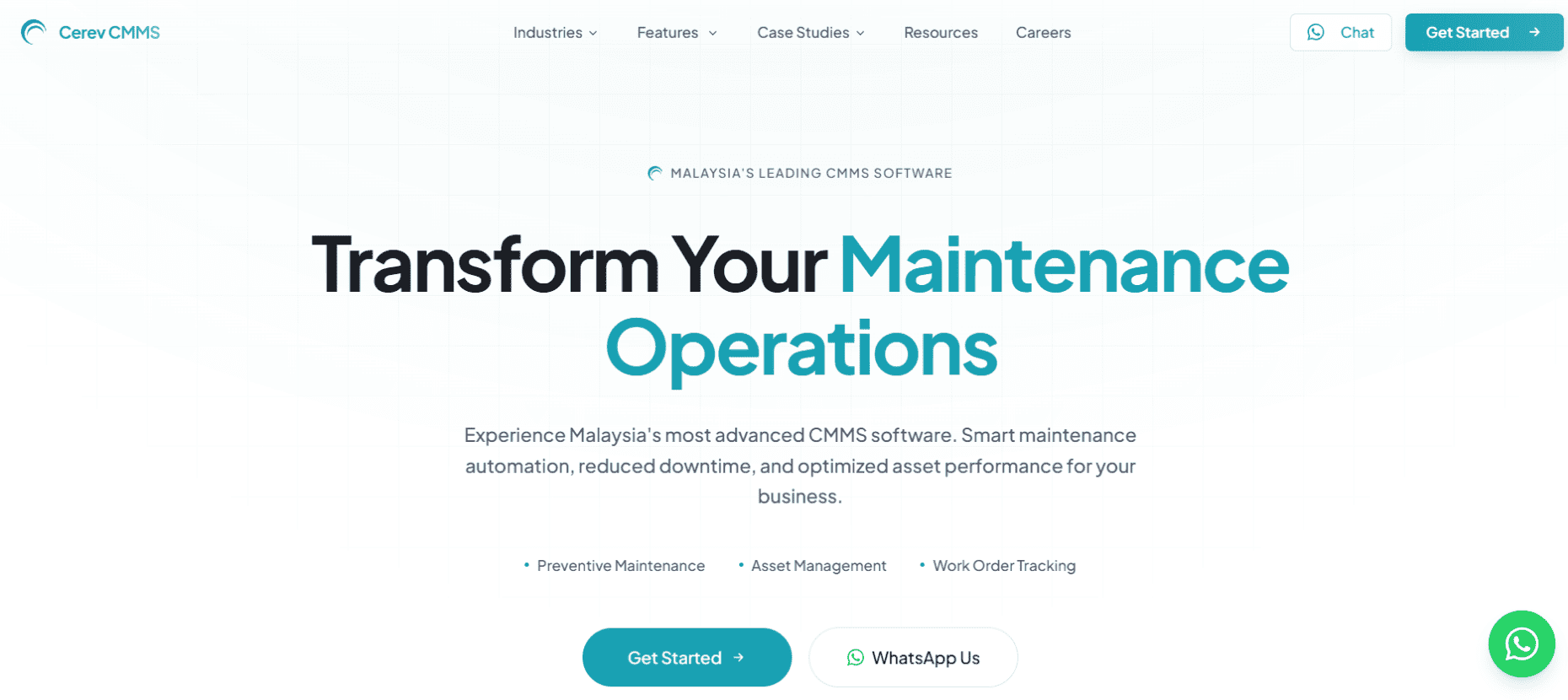
www.cerev.net | The Paper-to-Digital Bridge

Cerev is a premier Malaysian CMMS focused on helping localized businesses safely transition from legacy spreadsheets to a highly organized digital database without losing their established compliance formats.

Best For

Malaysian maintenance and facility management operations that undergo strict local ISO audits and require exact PDF replications of their legal and safety documents.

Standout Features

  • Exact Dashboard Replication: Cerev's engineers specialize in reproducing complex, pre-existing Excel formulas and dashboards exactly as they are within the new system.
  • Custom PDF Generation: They map their digital outputs to perfectly match your exact local compliance and regulatory reporting formats, eliminating double data entry.

Pros & Cons

  • Pros: Provides highly dedicated, in-person local support. The smart data validation forces field workers to input accurate numbers, reducing human error.
  • Cons: It is deeply focused on stationary facility management. It lacks the dynamic cross-trade routing and mapping required for fast-paced field service contractors on the road.

The Local Edge: Cerev intimately understands Malaysian regulatory reporting, meaning you won’t have to hack a generic American software template to appease local auditors.

Plans & Pricing: Not publicly listed. Contact Cerev directly to know more.
3. yCloudx 

www.ycloudx.com | The Enterprise Asset Lifecycler

yCloudx is a robust cloud-based CMMS and Enterprise Asset Management (EAM) platform that centralizes asset data, work orders, and preventive schedules to shift large maintenance teams from reactive to proactive strategies.

Best For

Medium to large Malaysian industrial factories, manufacturing plants, and multi-site enterprise operations looking for total asset lifecycle visibility.

Standout Features

  • IoT Sensor Integration: Connects directly with factory floor sensors to track real-time machine health, driving predictive maintenance before breakdowns occur.
  • Full Lifecycle Management: Tracks an asset from procurement to deprecation, integrating warranty information and depreciation costs into a single dashboard.

Pros & Cons

  • Pros: Highly scalable architecture that supports massive, multi-location operations. It also features natively integrated inventory and procurement modules.
  • Cons: Because it operates as a broader suite (touching ERP and HR elements), the implementation time and learning curve are steeper than pure-play CMMS apps.

The Local Edge: Based in Selangor, yCloudx provides excellent localized implementation tailored to Malaysia's push toward Industry 4.0 manufacturing.

Plans & Pricing: Not publicly listed. Contact yCloudx directly to know more.
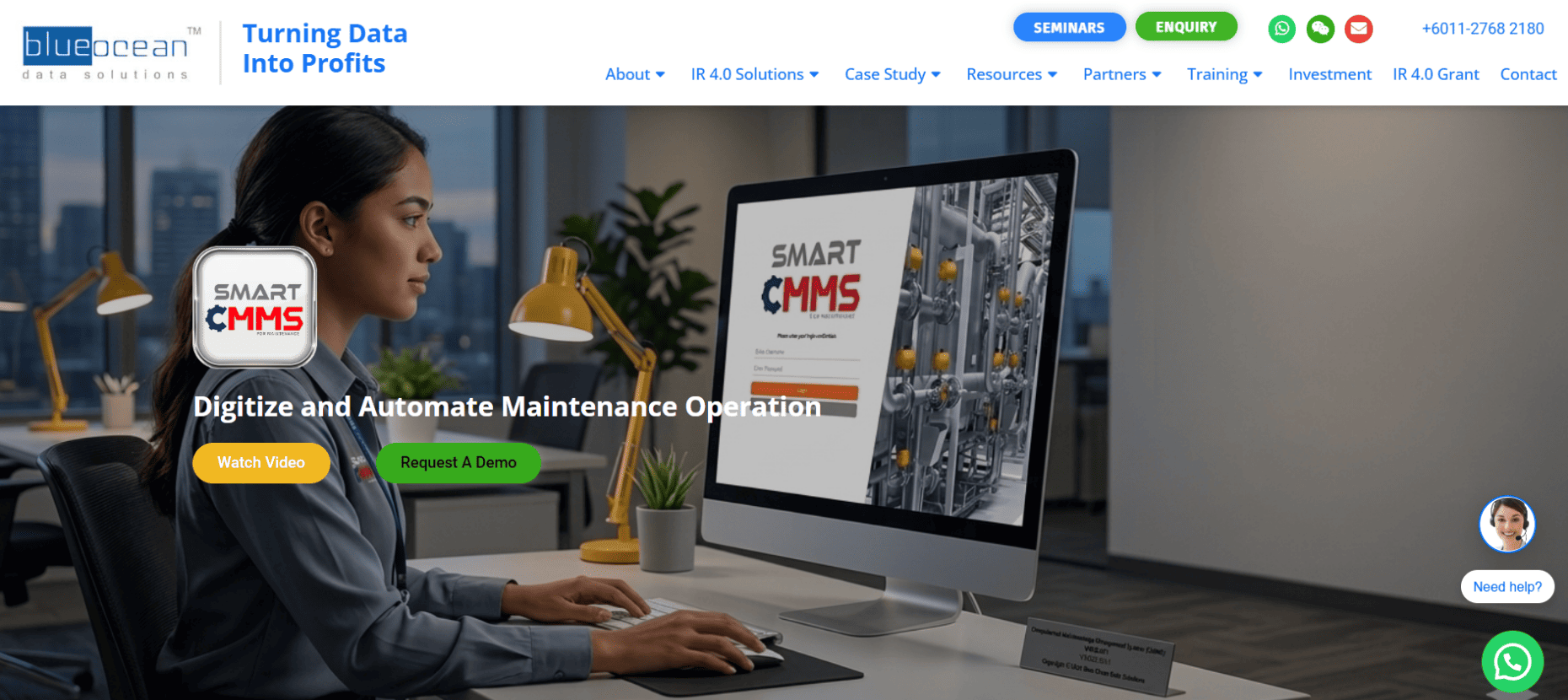
4. Smart CMMS by Blue Ocean 

www.blueoceands.com | The Uptime Guardian

Smart CMMS by Blue Ocean is a web-based computerized maintenance system focused specifically on digitalizing machine maintenance to increase Overall Equipment Effectiveness (OEE) and reduce unplanned downtime.

Best For

Heavy manufacturing plants and production lines in Malaysia that need to tightly track equipment reliability, manpower allocation, and precise spare parts usage on the floor.

Standout Features

  • Downtime ROI Tracking: Automatically calculates the cost of unplanned machine stoppages against the cost of preventive labor, proving the value of the maintenance department.
  • Smart TOOL Integration: Natively connects with Blue Ocean's tooling management system to track the usage, location, and calibration of specialized manufacturing tools.

Pros & Cons

  • Pros: Phenomenal at extending heavy machinery lifespan and standardizing shift-to-shift maintenance handovers.
  • Cons: The interface is unapologetically industrial. It does not translate well to mobile service technicians who are doing commercial or residential property visits.

The Local Edge: Perfect for Malaysian factories that need a localized tool built explicitly around heavy production line reliability and reducing costly manufacturing downtime on the shop floor.

Plans & Pricing: Not publicly listed. Contact Blue Ocean directly to know more.
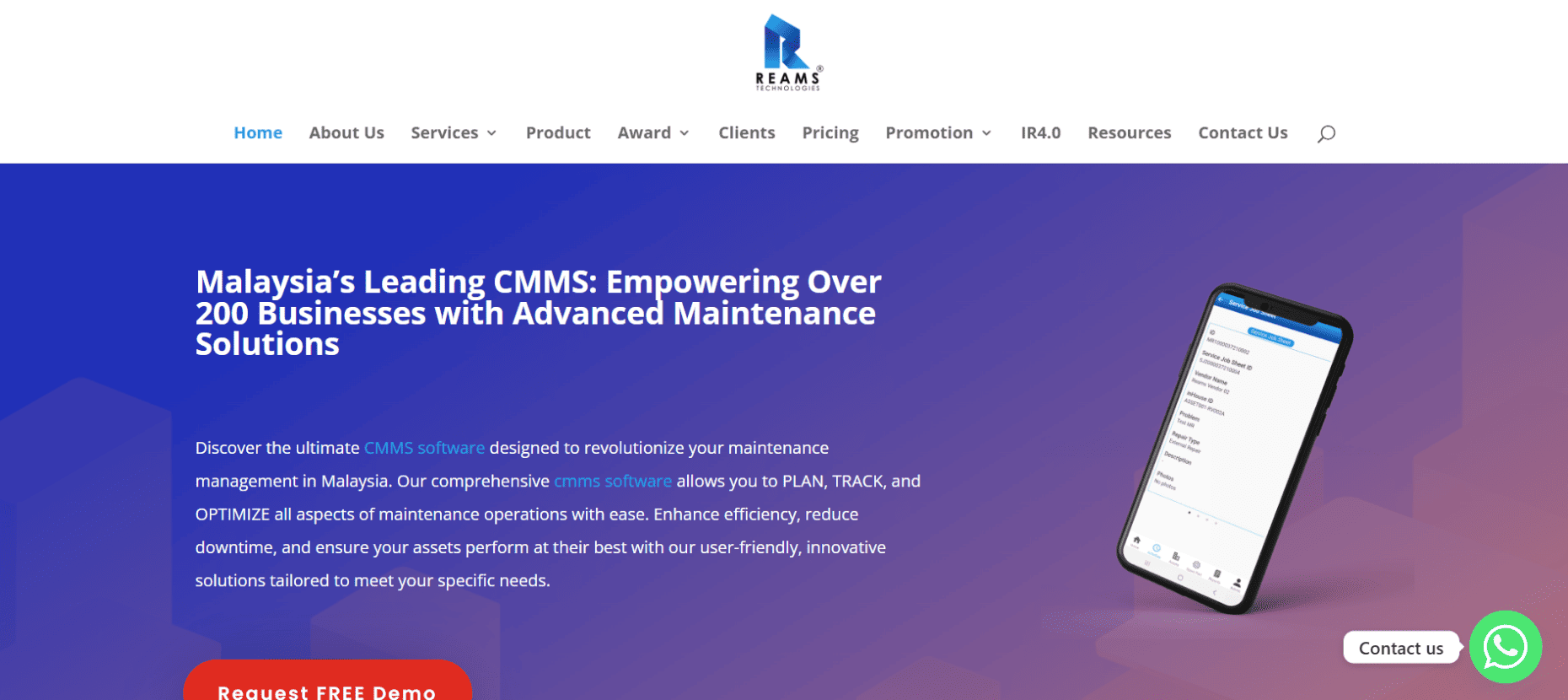
5. Reams CMMS

cmms.reamstech.com | The Affordable Vendor Manager

Reams CMMS is a localized maintenance platform built specifically to empower micro, small, and medium enterprises (MSMEs) in Malaysia by simplifying facility upkeep and standardizing third-party vendor work.

Best For

Small to medium property managers, retail chains, and local commercial buildings looking for an affordable entry into digital maintenance.

Standout Features

  • Service Vendor Automation: Streamlines the management of external contractors by digitizing job sheets and keeping vendor communication inside the system.
  • NFC-Enabled Asset Tags: Technicians can instantly pull up a machine's entire maintenance history and safety specs via a quick NFC tap on their phone.

Pros & Cons

  • Pros: Highly cost-effective and designed for local SMEs. It forces accountability on external vendors.
  • Cons: It lacks the deep, multi-tier asset hierarchy and complex automated checklist triggers found in enterprise hybrid tools like FieldEx.

The Local Edge: Reams is often listed as an approved digital solution under the Malaysian Geran Digital PMKS Madani, making it incredibly accessible for local MSMEs utilizing government subsidies.

Plans & Pricing: Reams CMMS – RM168 per user/month (min 1 user) | Competitor E – RM310 per user/month (min 3 users) 
6. MapcoN CMMS via IPEC

www.ipecsystems.com.my | The Database Heavyweight

MapcoN is a highly robust, traditional CMMS trusted globally for over 40 years. In Malaysia, it’s distributed and supported directly by IPEC Project Systems, bringing enterprise legacy power to local plants.

Best For

Massive, traditional enterprise plants, chemical facilities, and multi-site organizations that require deeply entrenched database controls and custom SQL reporting.

Standout Features

  • Deep Warehouse Logic: Features industrial-grade physical inventory tracking, rigorous cycle count controls, and the ability to map physical warehouse aisles and shelves.
  • Advanced System Utilities: Includes a label editor, SQL editor, menu generator, and deep Microsoft Excel integration for internal database administrators.

Pros & Cons

  • Pros: Offers an incredibly mature feature set with the comfort of dedicated local Malaysian implementation, custom programming, and IT support via IPEC.
  • Cons: It is a legacy system. The desktop-first interface and underlying architecture feel heavier and significantly less agile than modern startups.

The Local Edge: Gives Malaysian enterprise plants the power of a globally tested, decades-old database system with the comfort of immediate, local IT support and implementation directly in Selangor.

Plans & Pricing: Not publicly listed. Contact IPEC directly to know more.

7. MaintainX

www.getmaintainx.com | The Chat-First Innovator

MaintainX is a globally recognized, mobile-first CMMS that excels at replacing clipboards with a highly interactive, chat-based digital workflow designed to keep frontline workers connected.

Best For

Global and local teams operating in Malaysia whose primary bottleneck is poor internal communication, lost photos, and lack of accountability on the shop floor.

Standout Features

  • Native Real-Time Chat: Built-in instant messaging inside every single work order. Techs can send photos, circle defects, and get manager approvals without ever opening WhatsApp.
  • Dynamic SOPs: Extremely easy-to-build standard operating procedures (SOPs) that ensure mandatory safety steps are checked off before a job concludes.

Pros & Cons

  • Pros: It features arguably the best, lowest-friction mobile interface on the market. The learning curve for blue-collar workers is practically zero.
  • Cons: As a global software, it doesn't offer localized Malaysian compliance templates out of the box, and it isn't built for complex field dispatching across external clients.

The Global Edge: The ultimate tool for teams whose biggest bottleneck is internal communication, bringing world-class, WhatsApp-style instant messaging and accountability directly to the frontline.

Plans & Pricing: Essential – $20 per user/month  | Premium – $65 per user/month | Enterprise – Contact MaintainX directly to know more.    

8. UpKeep 

www.upkeep.com | The Consumer-Grade Tracker

UpKeep is a massively popular global CMMS built explicitly for smartphones, delivering a consumer-grade, app-like experience to the traditionally clunky heavy industry sector.

Best For

Fast-paced facility managers and property maintenance teams who want a highly intuitive, frictionless app for managing recurring work orders and basic inventory.

Standout Features

  • Requester Portal: Allows external users (like building tenants, teachers, or factory floor staff) to easily submit maintenance requests via a simple link without needing a paid software license.
  • Trilingual Native Support: Operates natively in multiple global languages, making it highly adaptable for diverse, multinational workforces in Malaysia.

Pros & Cons

  • Pros: Incredibly fast UI. The freemium model allows small teams to test the waters with basic work orders before committing to a paid tier.
  • Cons: It famously lacks a dedicated, real-time chat feature within work orders, forcing teams to rely on basic commenting threads for urgent communication.

The Global Edge: Sets the standard for modern facility managers who want a globally recognized, mobile-first tool that feels as intuitive and frictionless as a consumer food delivery app.

Plans & Pricing: Essential – $20 per user/month  | Premium – $55 per user/month | Professional & Enterprise – Contact UpKeep directly to know more. 

9. Limble CMMS

www.limblecmms.com | The Executive's Dashboard

Limble CMMS is a highly polished global tool favored by executives and plant managers for its ability to instantly calculate the dollar value of maintenance activities.

Best For

Mid-to-large organizations that need to strictly track Mean Time To Repair (MTTR) and Mean Time Between Failures (MTBF) to justify maintenance budgets to the C-suite.

Standout Features

  • Automated Cost Calculations: The software automatically calculates the financial impact of machine downtime versus the cost of preventive maintenance labor and parts.
  • Modular Customization: Allows administrators to easily drag and drop custom data fields into their asset logs to track highly specific machinery metrics.

Pros & Cons

  • Pros: Phenomenal automated reporting and analytics. It translates maintenance work directly into financial data.
  • Cons: The platform is a significant financial investment priced in USD, making it a heavy lift for smaller, growing Malaysian startups.

The Global Edge: Designed to speak the language of finance just as fluently as the language of maintenance, making it the perfect tool to prove operational ROI and MTTR to global stakeholders.

Plans & Pricing: Standard | Premium | Enterprise. Contact Limble CMMS directly to know more.

10. Fiix by Rockwell Automation 

www.fiixsoftware.com | The AI Pioneer

Backed by Rockwell Automation, Fiix is a heavy-hitting global CMMS designed to bring artificial intelligence and advanced IoT integrations to massive industrial floors.

Best For

Enterprise-level manufacturing and industrial plants that are ready to leverage AI to predict failures and connect deeply with existing ERP systems.

Standout Features

  • AI-Driven Insights: Fiix Foresight analyzes your historical work order data to suggest better preventive maintenance schedules and predict future asset failures.
  • Deep ERP Integration: Built specifically to tie directly into legacy enterprise resource planning systems like SAP, Oracle and NetSuite.

Pros & Cons

  • Pros: Backed by one of the largest industrial automation companies in the world, ensuring high-end IoT connectivity and long-term stability.
  • Cons: Designed strictly for massive stationary industrial floors. It is entirely unsuited for mobile, field-service contractors traveling between sites.

The Global Edge: Brings genuine machine learning and predictive AI analytics to traditional factory maintenance, backed by the massive global industrial power of Rockwell Automation.

Plans & Pricing: Basic – $45 per user/month  | Professional – $75 per user/month | Enterprise – Contact Fiix directly to know more. 

11. eMaint by Fluke Reliability

www.emaint.com | The Sensor Specialist

eMaint is the ideal CMMS for enterprise operations that are heavily invested in condition-monitoring sensors and need their physical hardware to talk directly to their software.

Best For

Highly specialized industrial operations (like power generation, oil & gas, or chemical processing) that rely on real-time vibration and temperature monitoring.

Standout Features

  • Native Fluke Integration: Seamlessly connects with Fluke sensors to automatically trigger work orders the second a machine falls out of its normal vibration or thermal threshold.
  • Regulatory Compliance Management: Built with strict audit-ready reporting capabilities for highly regulated ISO and safety standards.

Pros & Cons

  • Pros: Unmatched hardware-to-software integration if your facility is already entrenched in the Fluke reliability ecosystem.
  • Cons: The desktop interface feels highly traditional and dated compared to the newer mobile-first FSM startups on this list.

The Global Edge: The absolute gold standard for condition-based maintenance monitoring, providing a seamless, global bridge between physical Fluke sensor hardware and predictive software alerts.

Plans & Pricing: Team | Professional | Enterprise. Contact eMaint directly to know more.

How to choose the right CMMS for your business

Choosing the right software isn't about picking the tool with the longest feature list; it is about finding the platform that solves your specific operational bottlenecks. Before you sign a contract in 2026, evaluate these three critical areas:

  1. Mobile-First Execution is Non-Negotiable: Your technicians are out in the field, often in basements or remote solar fields with poor cellular reception. The app must allow them to check in to tasks, log consumed parts from their user bins, and capture digital signatures directly from their phones.
  2. Demand True Customization: Your business doesn't operate exactly like the generic templates built in Silicon Valley. Look for a platform like FieldEx that allows administrators to relabel the entire system. If your company uses terms like "Site Host" instead of "Customer", or "Work Done" instead of "Resolution", your software should reflect that immediately.
  3. Understand FSM vs CMMS: Ask yourself: Are you just managing stationary machines inside a factory, or are you dispatching a fleet of technicians traveling to external sites? If you manage mobile teams and heavy assets, you will quickly outgrow a basic factory tool. You need a hybrid system capable of both complex Field Service Management and granular asset maintenance.

Unifying your operations in 2026

Transitioning away from spreadsheets, group chats, and paper forms is no longer a luxury for Malaysian businesses – it is a baseline necessity for survival and growth.

If you run a localized factory, tools like Smart CMMS or yCloudx are excellent, focused choices. If you need a global chat tool specifically to improve internal facility communication, MaintainX is a stellar option.

However, if you’re an ambitious, multi-trade operation managing remote field teams, external clients, and complex multi-tiered infrastructure, FieldEx is the unmatched hybrid solution. It provides the deep tracking power of an enterprise CMMS combined with the nimble dispatching of modern FSM software – all while allowing you to customize the terminology to match your exact business.

Stop letting manual processes drain your margins – make the switch to a modern CMMS today and watch your operational chaos transform into measurable, scalable profit.

Frequently asked questions

Why should my business use a CMMS instead of spreadsheets and WhatsApp?

Relying on spreadsheets and messaging apps makes your maintenance process highly reactive and vulnerable to human error. A CMMS replaces this chaos with a structured, end-to-end digital workflow. Instead of relying on memory, a CMMS centralizes everything – managing the entire lifecycle from job creation and technician dispatching to on-site execution, parts consumption and final reporting.

What is the expected ROI of implementing a CMMS?

The Return on Investment (ROI) from a CMMS is realized through reduced equipment downtime, optimized labor and extended asset lifespans. By maintaining equipment proactively, you drastically reduce expensive emergency repairs and overtime pay. Furthermore, hybrid systems like FieldEx generate ROI by accelerating your cash flow; technicians can capture digital signatures on-site and instantly email branded PDF invoices or completion certificates before they even leave the driveway.

Will a CMMS force my team to change our daily operational lingo?

A rigid, generic CMMS might, but a highly adaptable platform will mold to your business reality. For example, FieldEx is designed to be fully customized to match your company's specific terminology. Administrators can completely relabel system modules, changing generic terms like "Customer" to "Site Host", "Site" to "Station", or "Asset" to "Charge Point". This extreme adaptability significantly reduces the learning curve and prevents technician pushback.

How does a modern CMMS handle preventive maintenance (PM)?

A robust CMMS completely automates your preventive maintenance schedules so you no longer have to manually track due dates. Advanced platforms support highly detailed asset-based plans with multiple triggers. For instance, maintenance can be scheduled based on elapsed time, or meter-based triggers that automatically generate a work order when a machine reaches a specific threshold (like total hours of operation or charging cycles).

How does a CMMS improve end-customer satisfaction and SLA compliance?

A CMMS dramatically improves customer satisfaction by providing faster response times, greater transparency, and undeniable proof of service. With features like FieldEx's public-facing QR codes, customers or site visitors can simply scan a machine to report an issue instantly, without even needing a login. Furthermore, mandatory checklists and procedures guarantee that work is completed up to standard every single time, ensuring you easily meet strict service level agreements (SLAs).

What is the difference between a ‘Task’ and a ‘Checklist’?

While often confused, they serve different operational purposes. A "Task" is a specific step in a work order that tracks exact labor time via check-in and check-out functionality. A "Checklist" is a structured digital form used for compliance, safety, and data gathering. High-end platforms use both simultaneously to track labor efficiency while enforcing safety.

Can the public report broken assets via a CMMS?

Yes, but only on advanced platforms. For example, FieldEx allows administrators to place QR codes on public-facing assets (like EV chargers or building facilities). Anyone can scan the code to report an issue without logging in, which automatically enters the system as a tracked work order and assigns a technician.

About the Author

Dashboard mockup

Sophie Liu

Hi there! I'm Sophie Liu from FieldEx. I love finding simple and smart solutions to the tricky problems field service teams face every day. My background in tackling everything from various field service industries helps me write content that's not just easy to read, but useful for improving your business. Whether you're looking to make your day-to-day operations smoother or aiming to grow, I'm here to help with advice that works. Let's make things better together!

Complex operations simplified with one software.

No paperwork. No spreadsheets. No blindspots. Just one solution that simplifies your field service operations.
Header image