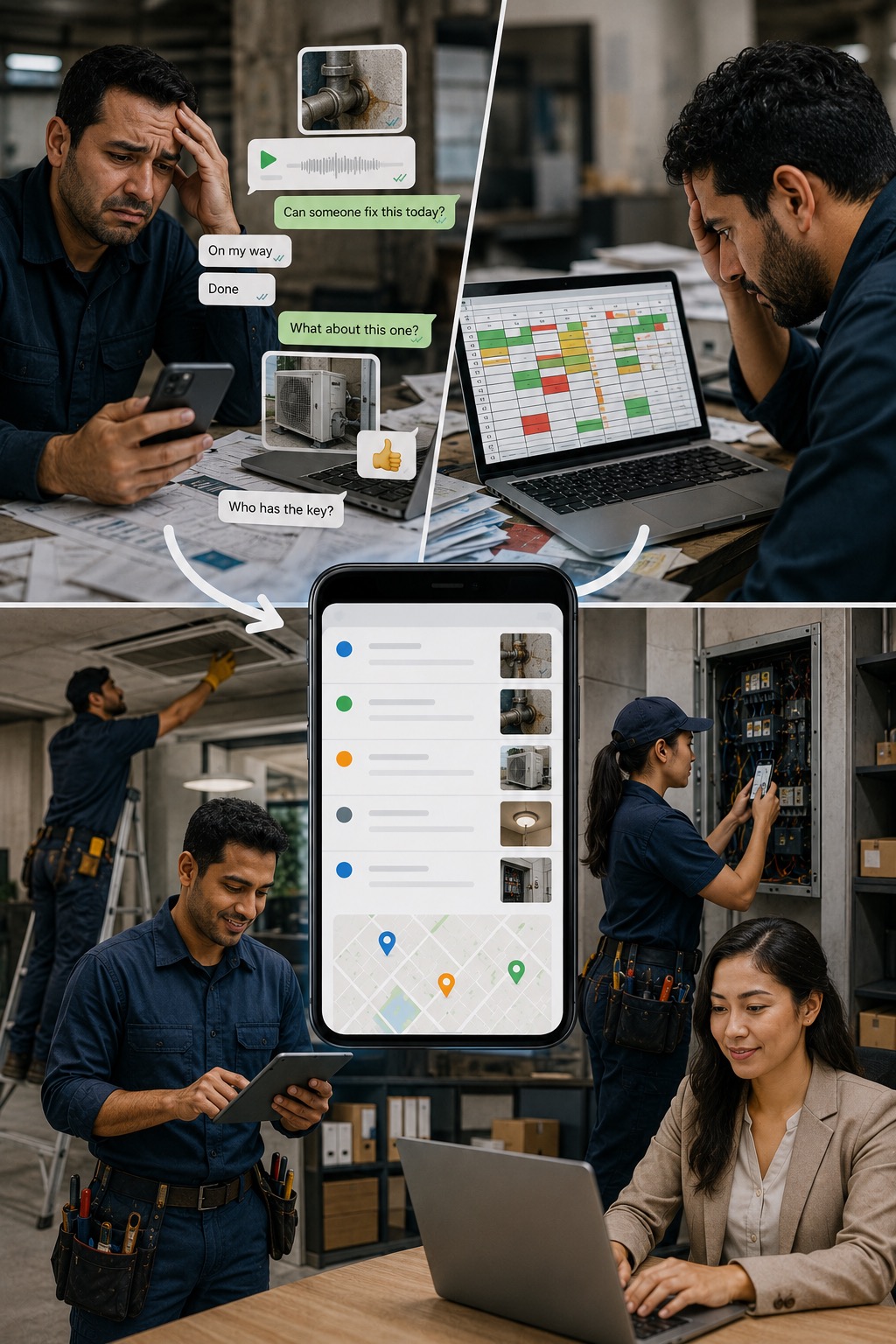
If your jobs are managed on WhatsApp, you do not have a record. You have a chat history.

FieldEx replaces the group chat with a system where every job is assigned, tracked, and documented — and nothing depends on someone remembering to send a message.

The problem

WhatsApp works for conversations. It does not work for running a field operation. The problem is not the tool. The problem is what the tool cannot do.

1.
There is no record of what was done or who did it.

A job is discussed in a group chat. Someone says they will handle it. They go and do it. But there is no formal record — no documented outcome, no proof of completion, no client sign-off. If anyone asks what happened on that job, the answer is buried in a chat thread.

2.
Jobs get missed when the chat moves on.

A message gets sent. It gets read. Then a dozen other messages arrive and it gets buried. No one followed up. No one assigned it formally. The job never happened.

3.
You cannot see the workload across your team.

WhatsApp tells you what people said. It does not tell you who has five jobs today and who has none. Workload distribution is invisible until someone is overwhelmed or a job is late.

4.
Clients cannot get updates without someone manually checking.

A client calls to ask about their job. Someone has to go into the chat, find the relevant messages, piece together what happened, and report back. This happens multiple times a day.

How it works with FieldEx

With FieldEx, every job exists as a formal record from the moment it is created — not as a message in a chat.

1.
Every job is created, assigned, and tracked in the system.

When a job comes in, it is logged in FieldEx. It is assigned to a technician. The technician receives it on their phone. There is no ambiguity about who is doing it or when.

2.
The technician documents the job as they do it.

Check-in, tasks completed, parts used, photos taken, form filled in, job closed. All of it is captured in the job record. Not in a message. Not in a voice note.

3.
You see your whole team's workload in one place.

Who has jobs today. Who is on site. What is open, what is done, what is overdue. No chat to interpret. No calls to make.

4.
The record is there when anyone asks.

A client asks what happened on a job. You open the job record. You see exactly what was done, when, by whom, with photos and a completed form. You do not have to search through a chat history.

Key capabilities

Job creation and assignment

Every job is logged and assigned in FieldEx. The technician receives it as a notification on their phone.

Technician mobile app

Technicians work through jobs on Android or iOS. Check in, complete tasks, fill in forms, capture photos, close the job — all without a desktop.

Real-time job status

See every job — open, in progress, completed, overdue — in real time. No need to ask anyone what is happening.

Workload visibility

See what each technician has on, who is available, and where jobs are concentrated. Manage distribution from one screen.

Job records with full detail

Every closed job has a documented record — tasks completed, forms filled, photos attached, time logged. Permanent and searchable.

PDF on completion

A completion document is generated when the job is closed. Ready to send to the client or keep on file.

Who is this for

This is for you if:

Your team currently coordinates jobs through WhatsApp, SMS, or phone calls
You have had jobs that were discussed but never formally completed or documented
You cannot see your team's workload without calling or messaging each person
Clients sometimes ask about job status and you do not have an immediate answer
You have no formal record of what was done on past jobs
Solar Panel Photo

See how it works for your team