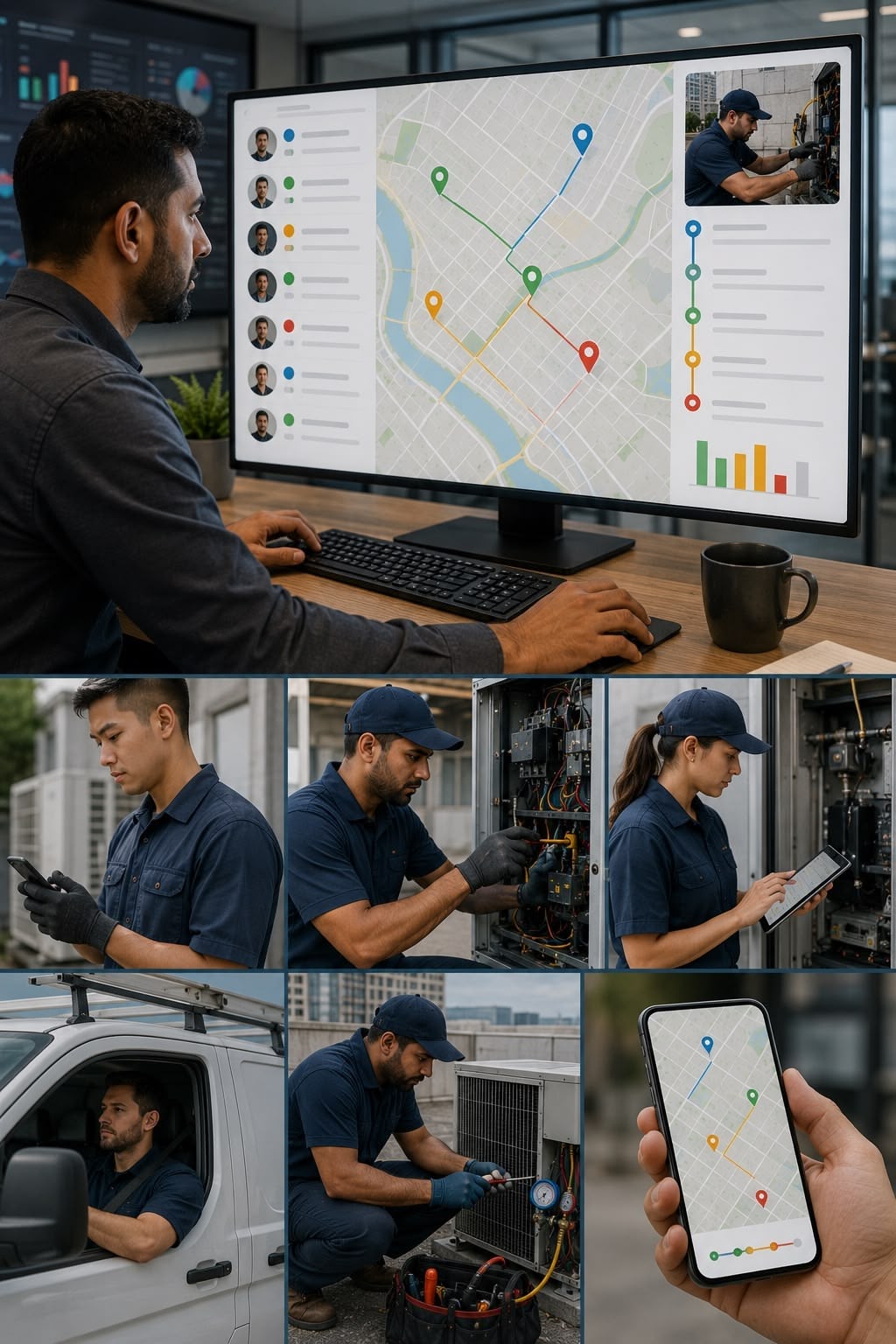
Your technicians are out in the field. Do you know what is actually happening?

FieldEx gives you a real-time record of where each technician is, what they have done, and how long they spent — at every job.

The problem

When your team is in the field, your visibility ends at the office door. You know who you sent. You do not always know what happened after.

This creates problems that are hard to resolve because there is no objective record to refer to.

1.
Timesheet claims you cannot verify.

A technician logs four hours on a job. The client says they were there for two. There is no record of when they arrived, when they left, or what they did while they were there.

2.
Clients dispute jobs you cannot defend.

A client says the work was not done, or not done correctly. Your technician says it was. Without a documented record of what happened on site — tasks completed, photos taken, client signature collected — you have no way to resolve it.

3.
You do not know who is available without calling around.

A job comes in that needs covering. You have to call or message each technician to find out who is free. By the time you have the answer, the urgency has grown.

4.
Productivity is invisible.

Some technicians complete six jobs a day. Others complete three. Without a system that captures actual job times and outcomes, you cannot see the difference or understand why it exists.

How it works with FieldEx

With FieldEx, every job has an objective record of what happened, when, and for how long.

1.
Technicians check in and out of every task.

When a technician starts a task, they check in. When they finish, they check out. The time on each task is recorded automatically. No one has to estimate or self-report.

2.
The job record captures everything done on site.

Tasks completed, forms filled in, parts used, photos taken, notes written. All of it is in the job record — timestamped and tied to the technician who did it.

3.
The client signs off on site.

When the job is done, the client or site contact signs on the technician's phone. The signature is stored with the job record. If anyone later disputes whether the work was completed, the sign-off is there.

4.
You see the whole team in real time.

Who is on a job, who has finished, who is available. Job status updates as the technician works. You do not need to call to find out.

Key capabilities

Job creation and assignment

Every job is logged and assigned in FieldEx. The technician receives it as a notification on their phone.

Technician mobile app

Technicians work through jobs on Android or iOS. Check in, complete tasks, fill in forms, capture photos, close the job — all without a desktop.

Real-time job status

See every job — open, in progress, completed, overdue — in real time. No need to ask anyone what is happening.

Workload visibility

See what each technician has on, who is available, and where jobs are concentrated. Manage distribution from one screen.

Job records with full detail

Every closed job has a documented record — tasks completed, forms filled, photos attached, time logged. Permanent and searchable.

PDF on completion

A completion document is generated when the job is closed. Ready to send to the client or keep on file.

Who is this for

This is for you if:

Your team currently coordinates jobs through WhatsApp, SMS, or phone calls
You have had jobs that were discussed but never formally completed or documented
You cannot see your team's workload without calling or messaging each person
Clients sometimes ask about job status and you do not have an immediate answer
You have no formal record of what was done on past jobs
Solar Panel Photo

See how it works for your team