4.5
across Capterra, Software Advice & GetApp

Field service management and CMMS in one platform

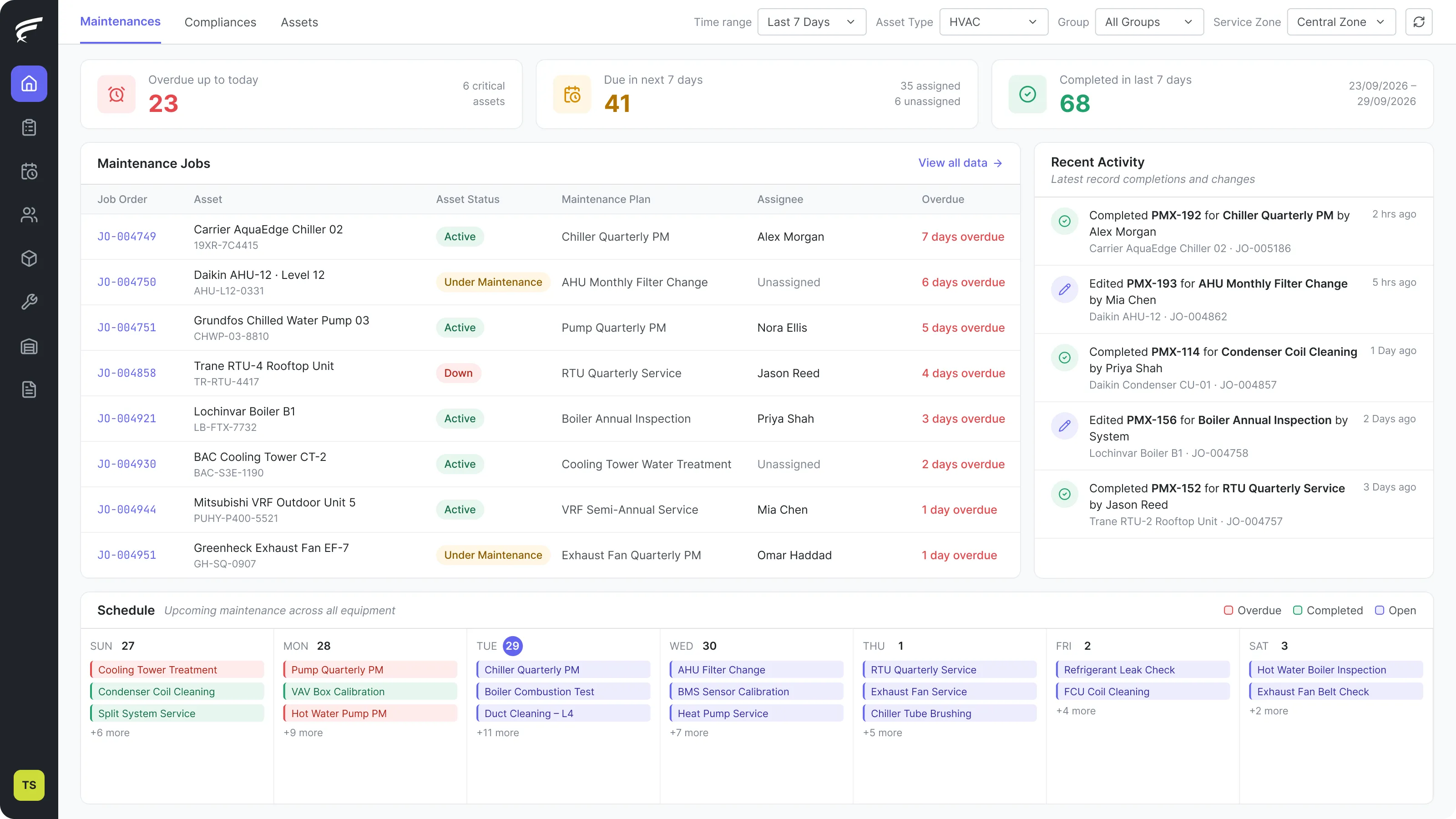
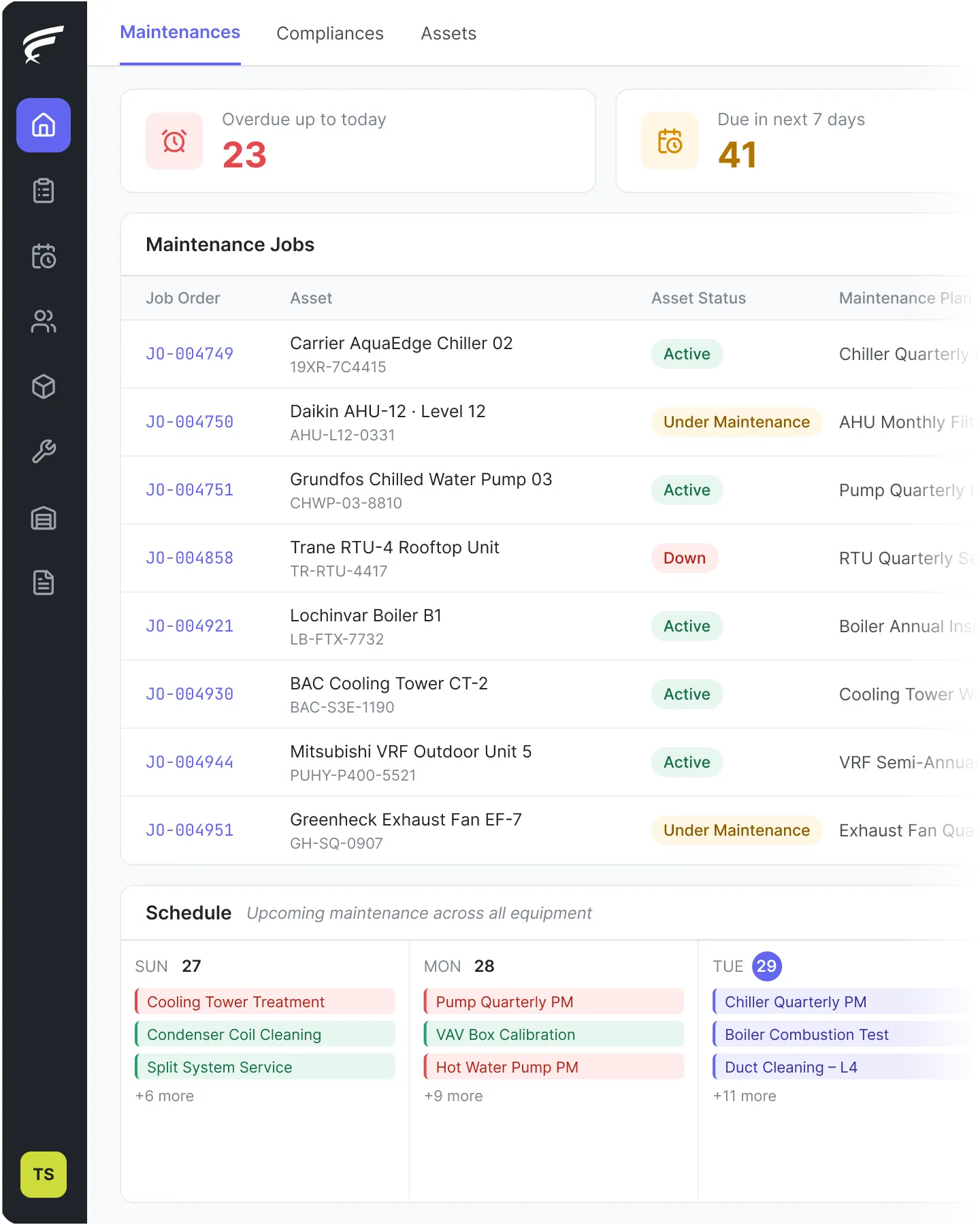
FieldEx runs the jobs your technicians do in the field and the assets they maintain, in one system. Work orders, dispatch, preventive maintenance, asset history, parts inventory and compliance records across every site and every trade – without the cost or complexity of an enterprise CMMS.

""
""
""
""
""

Trusted by service teams worldwide

Alan Dick logoMagnum 4D logoSD Guthrie company logoSime Industrial company logoChubb company logoAMRTUR logoManser Saxon logoSterra logo Lamarsa coffee machine company logoTouch 'n Go logo TAP EFFECT logoSD Guthrie Agri Bio logoJulius Distribution logoCoffex Coffee Roasters logoAireGard logo The Well Coffee Roasters logoCT Nexus logo Royal Facilities Management logoGOURMET Mongolia logoSecond brew logoSensory hub logoKL HOP-ON HOP-OFF logoCoffee & Co Group logoUpkeefix logoEC Solutions logoArtisan coffee logoACRE WORKS logoYAGODAR logoC&W Services logo

Built for companies that do more than one thing.

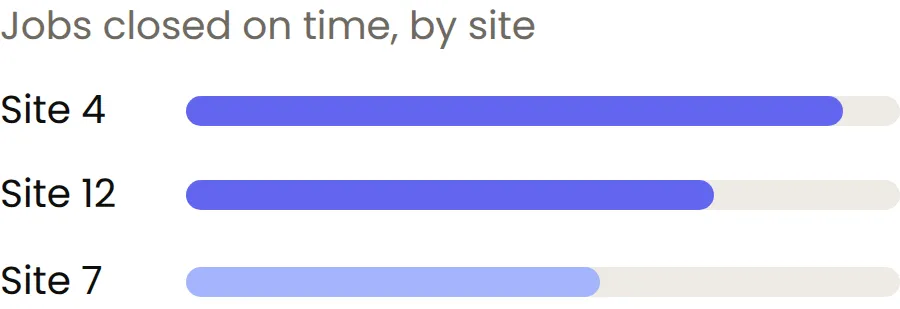
FieldEx goes beyond tracking jobs. Every machine has its own full history: every repair, every part used, every inspection. Leaders can see how each site and each type of work is really performing. Field teams stay coordinated, and customers get the same reliable service every time.

What you can do with FieldEx

Here's what your team actually works with every day.

Work Orders

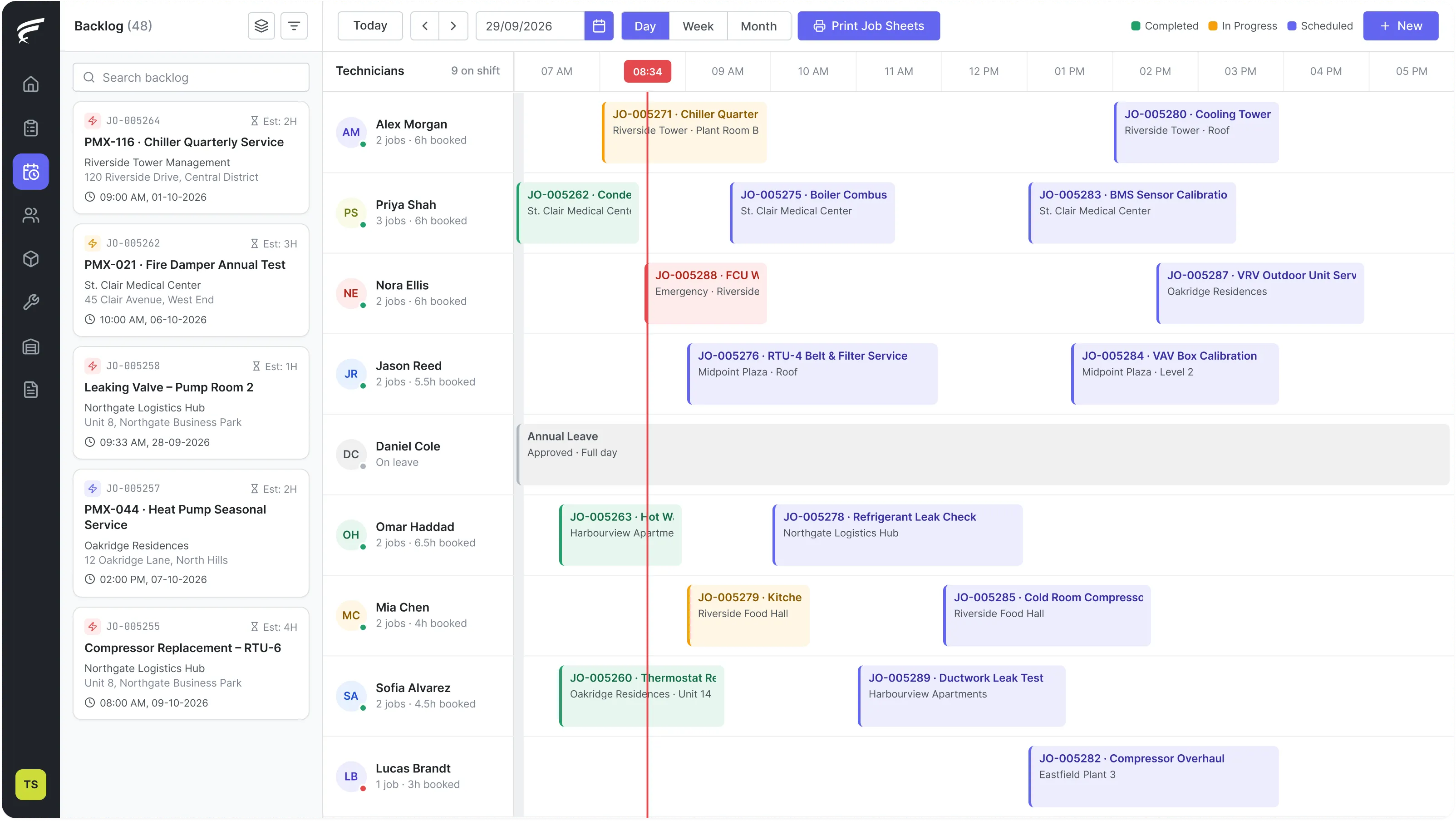
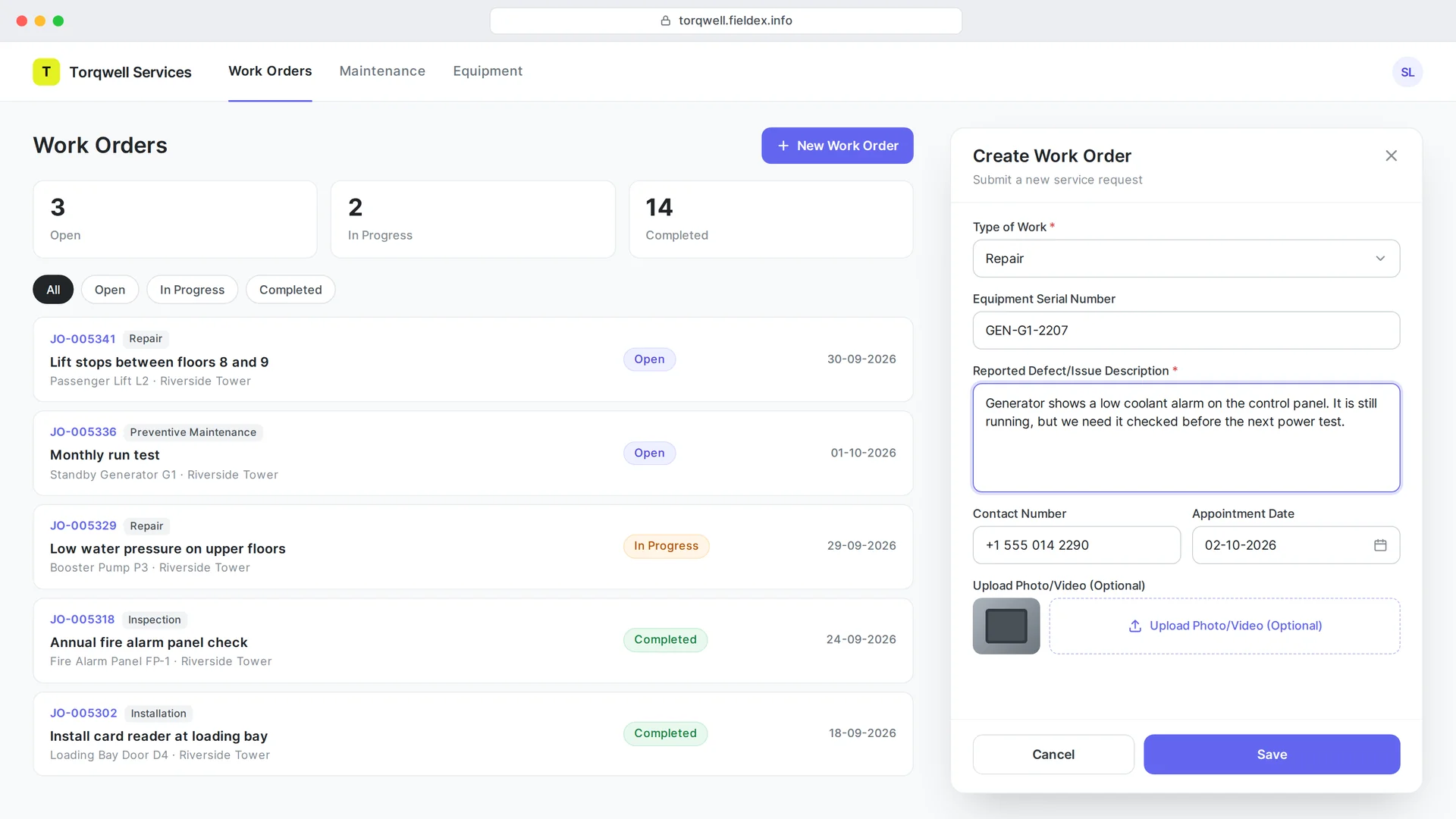
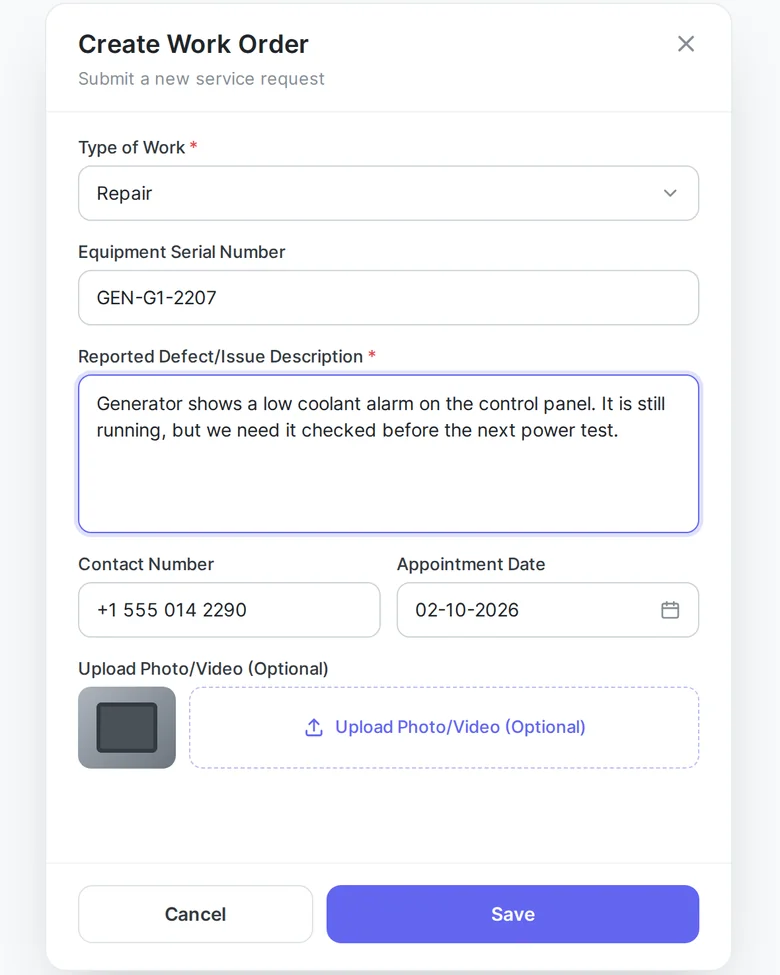
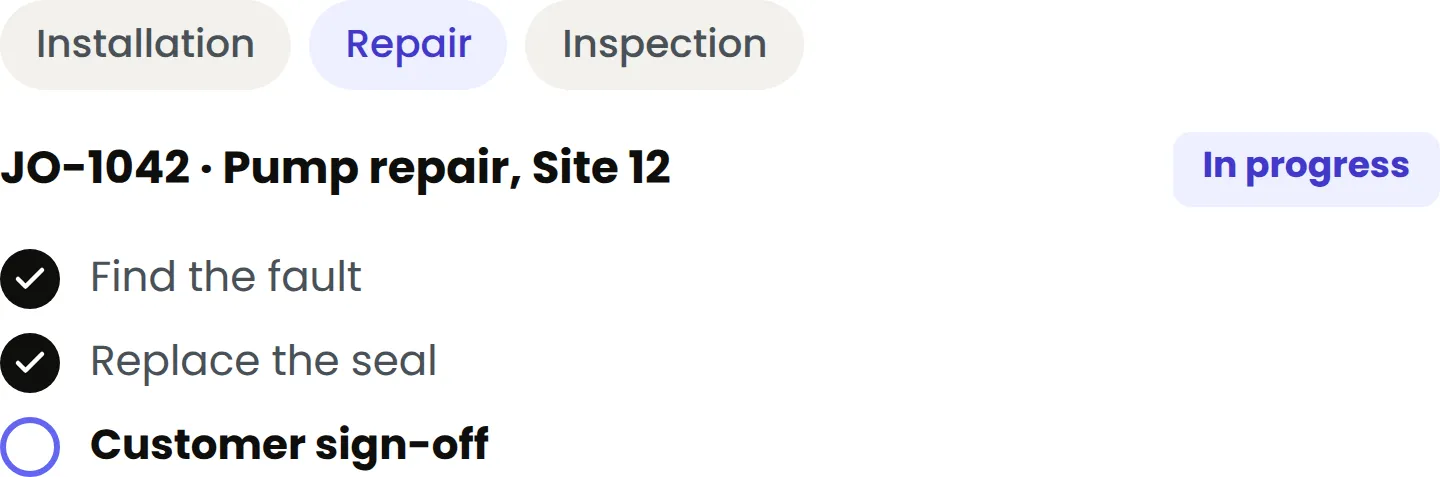
Each job type has its own fields, steps, and status flow. An installation looks different from a repair. A repair looks different from an inspection. Your team sees a form that matches the job, not one form built for everything.

Inspections & Checklists

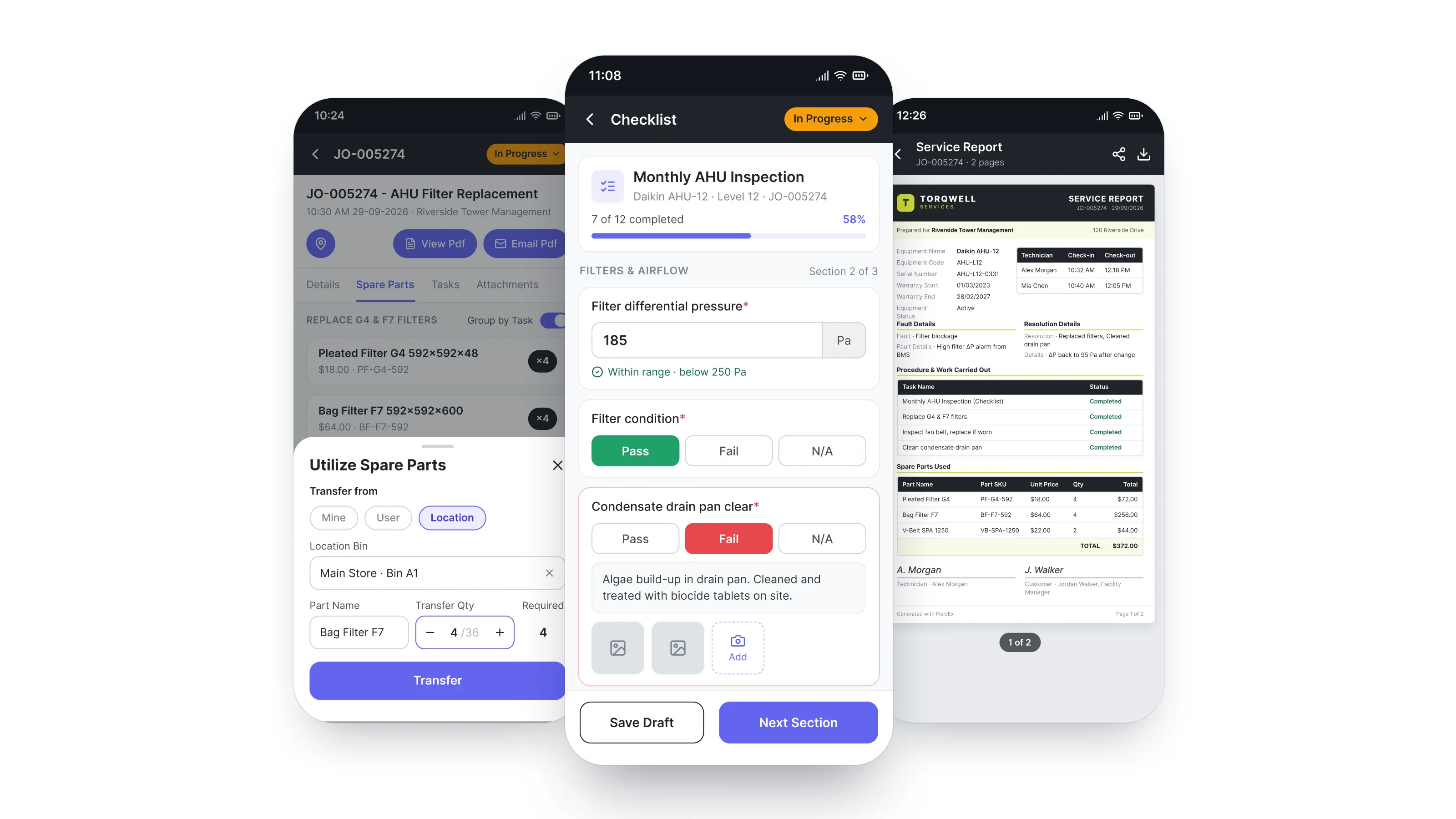
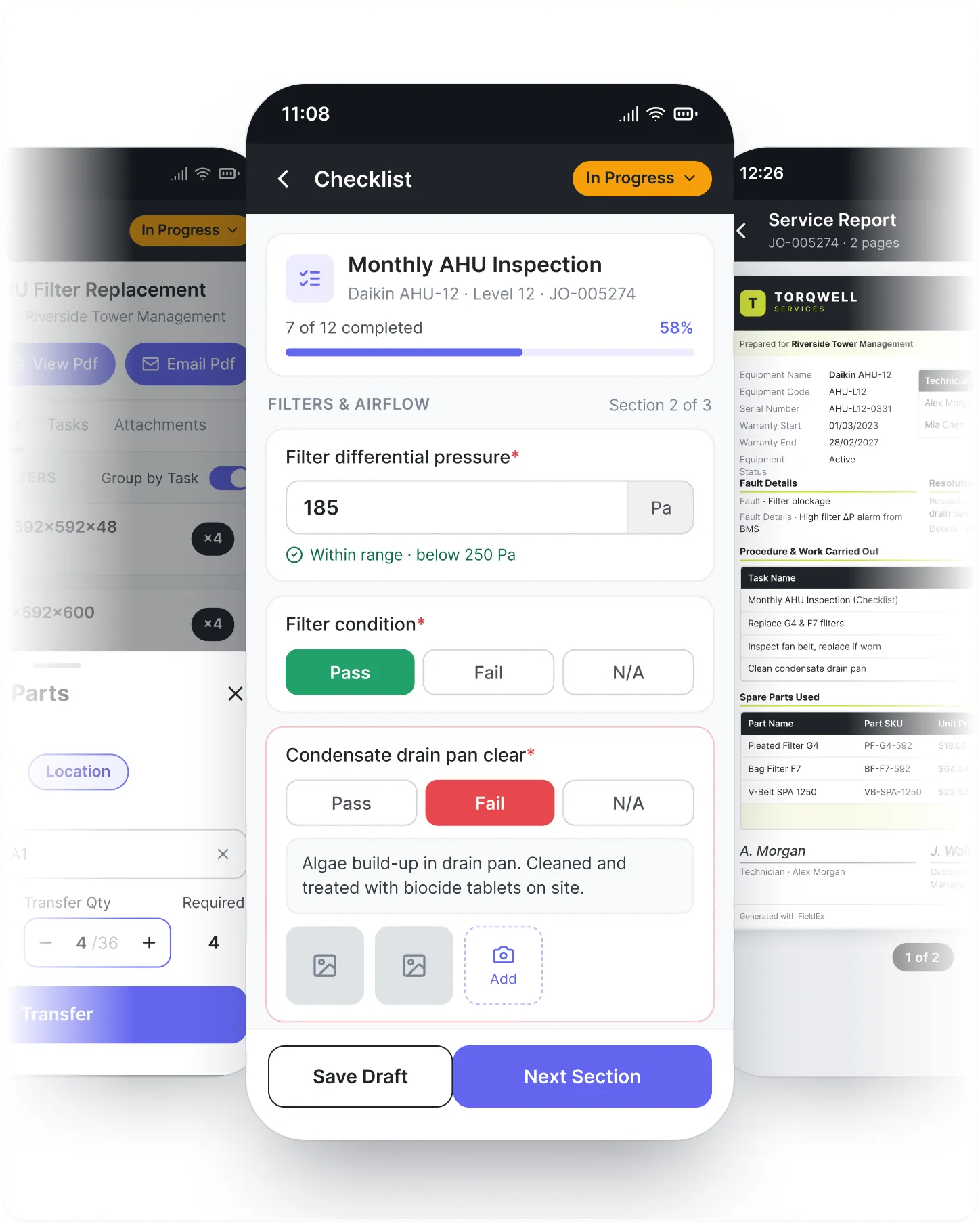
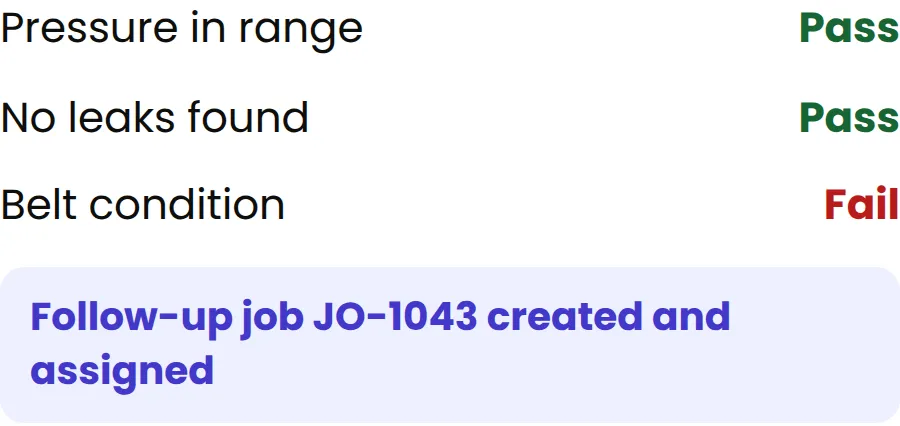
Build a checklist for each service type and each set of rules. When a technician finds a problem, FieldEx creates a follow-up job and assigns it. No one has to remember. Nothing gets missed.

The same checklist can update the asset's own status or meter reading automatically, so the record stays current without a separate step.

Asset Tracking

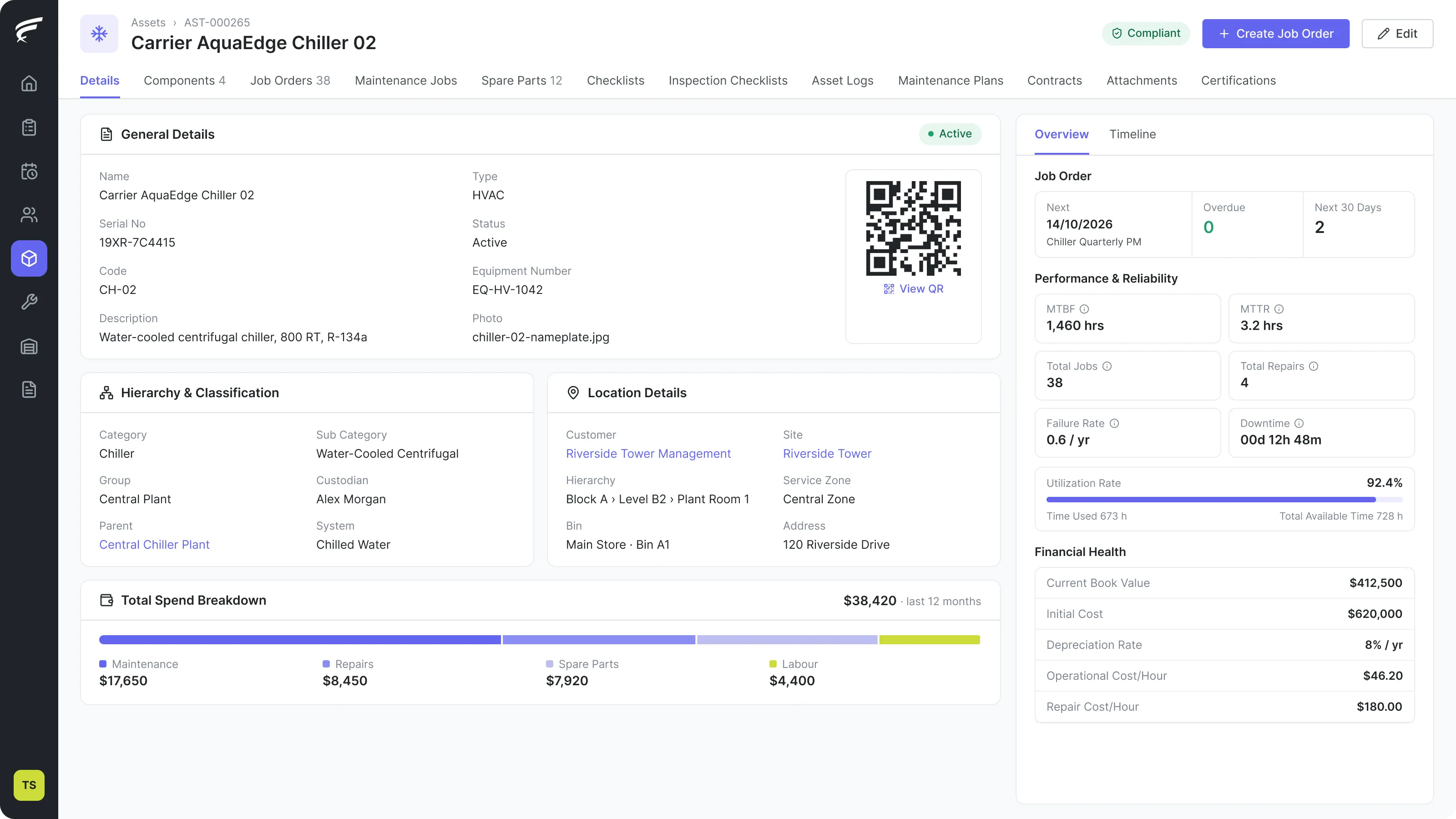
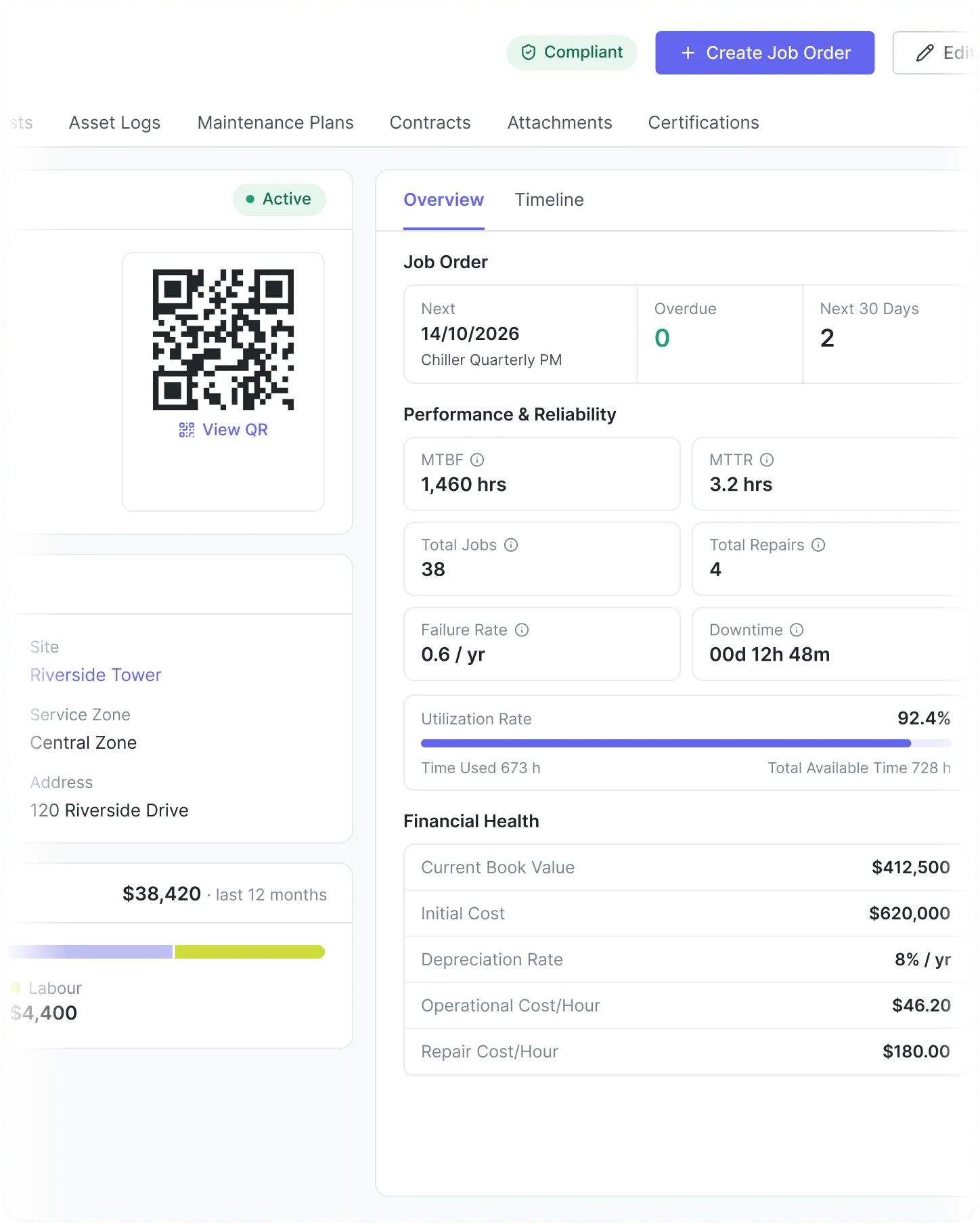
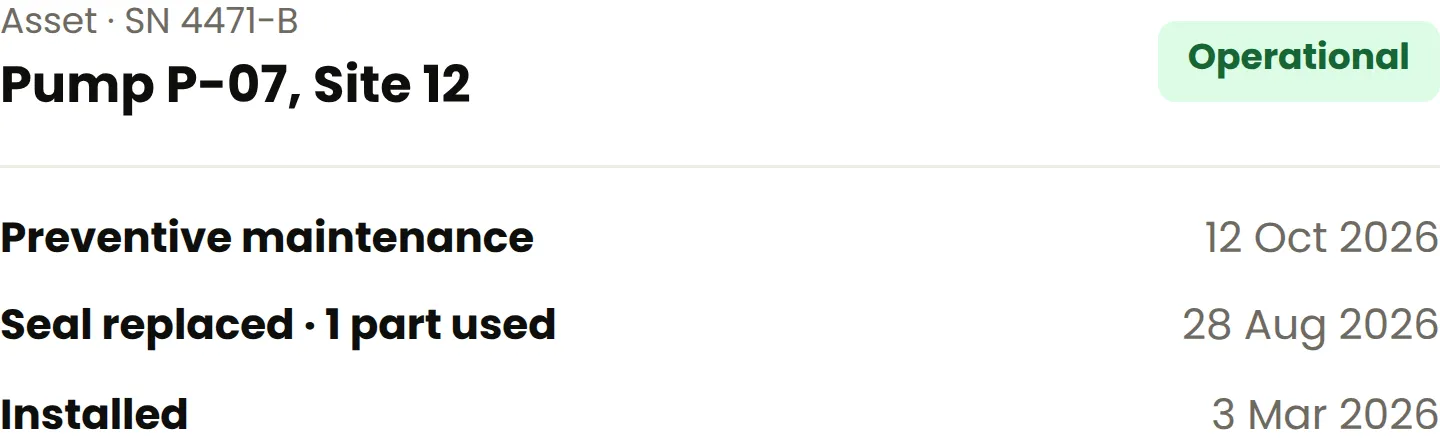
Every machine has a full service record, no matter the type. Look up assets by serial number. See every job, every part swap, every note. Larger systems and their parts are linked together.

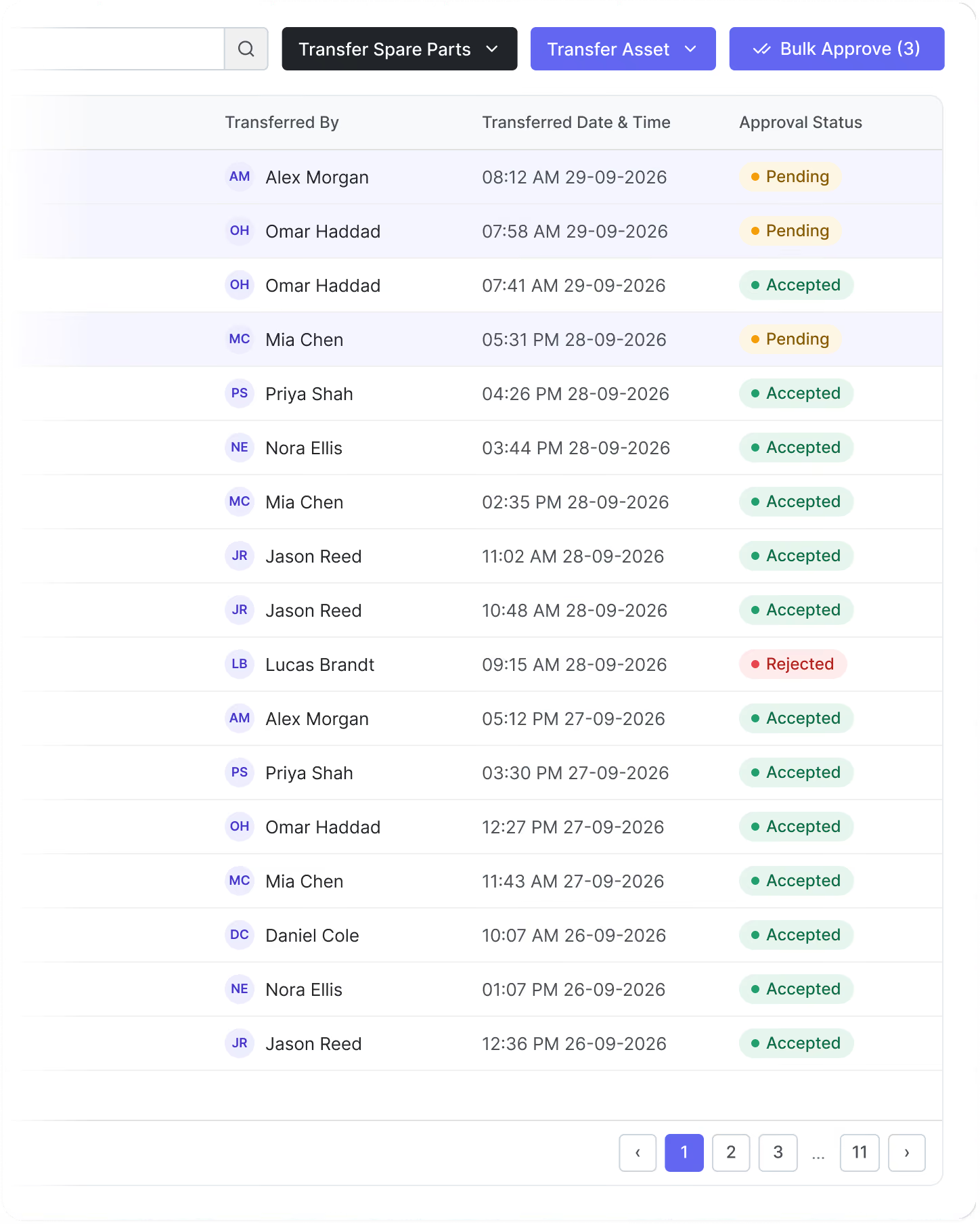
Scan an asset's QR code from the FieldEx mobile app to jump straight into a checklist, a job order, a reading, or a transfer, or to open its full record.

Preventive Maintenance

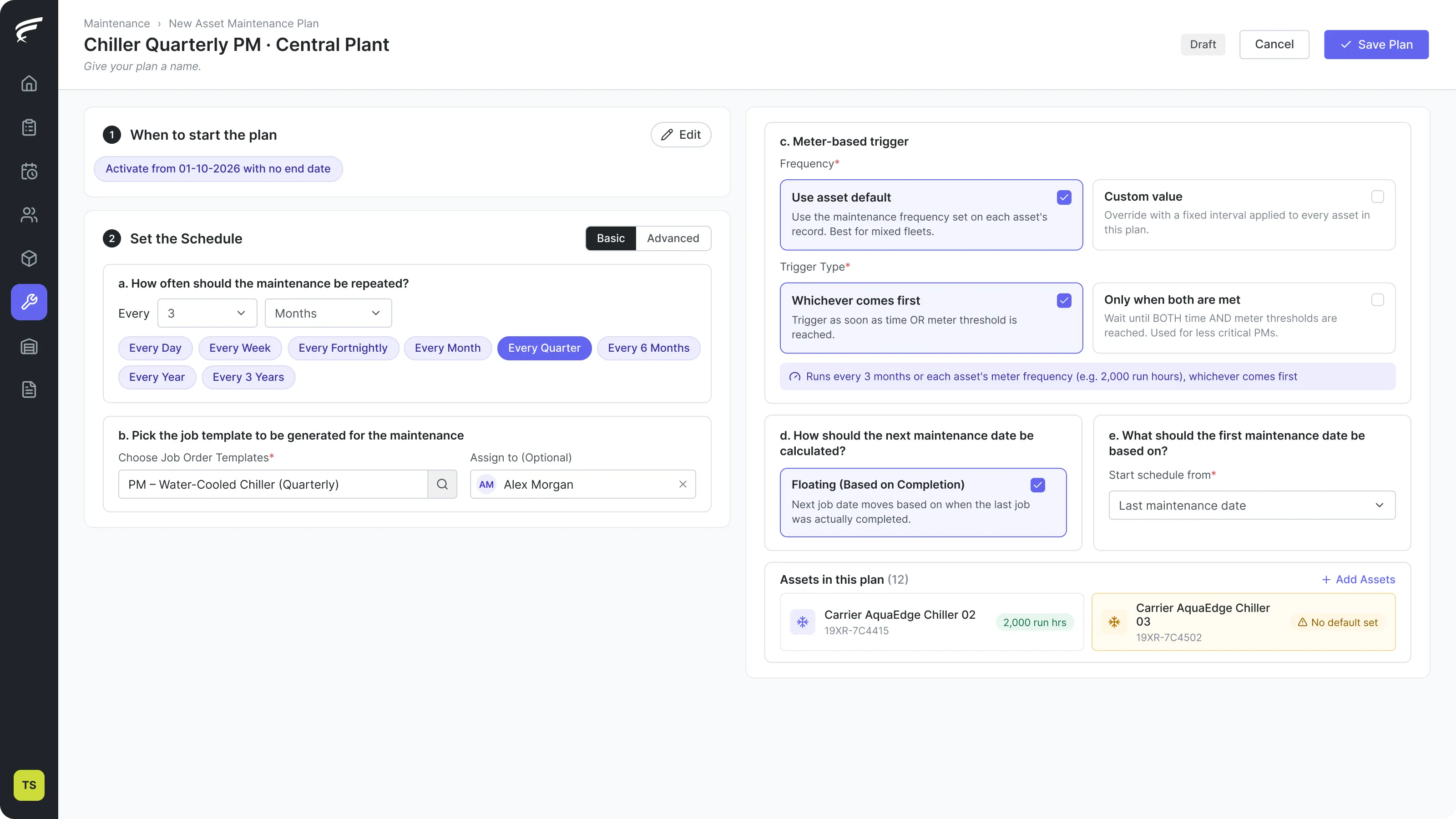
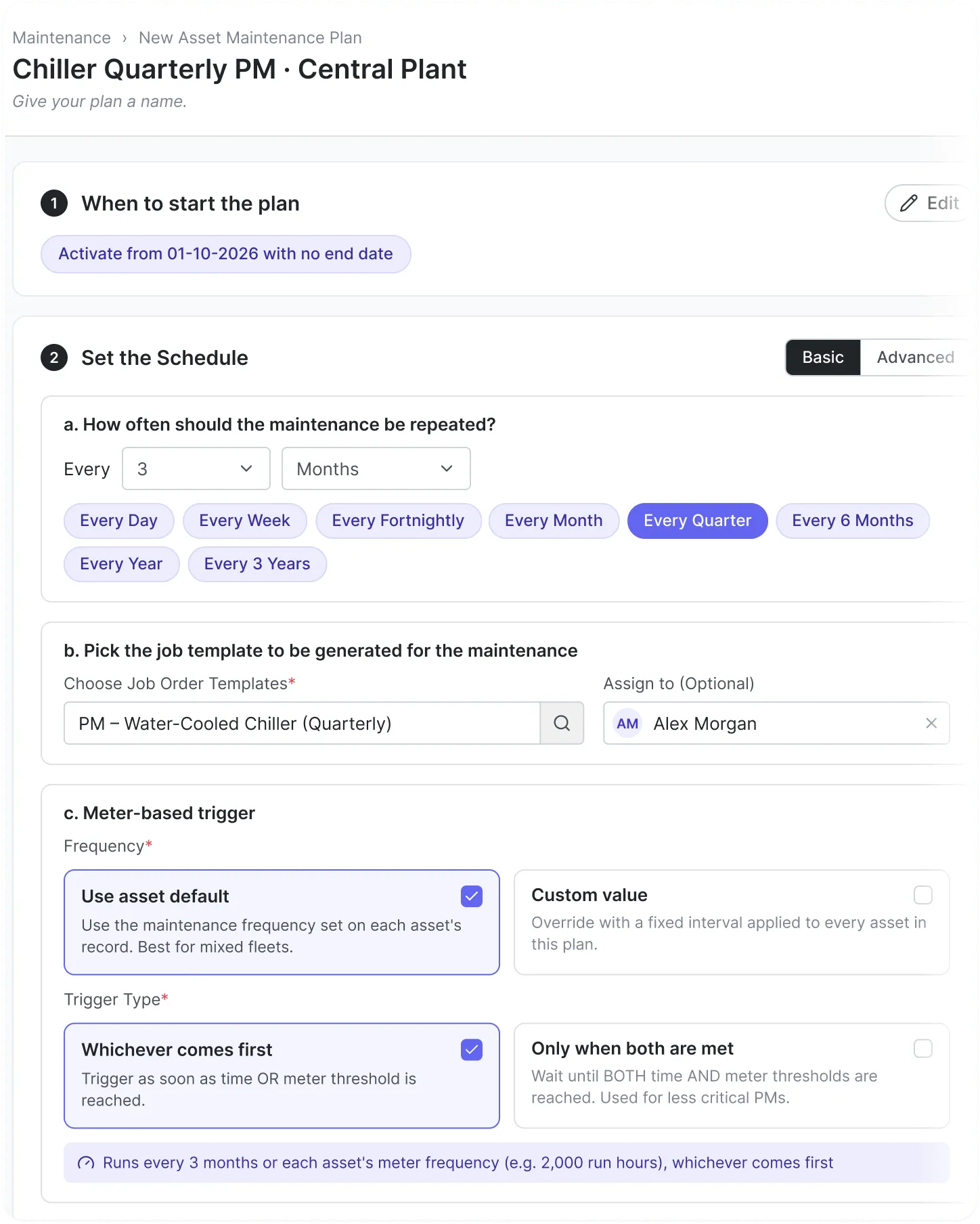
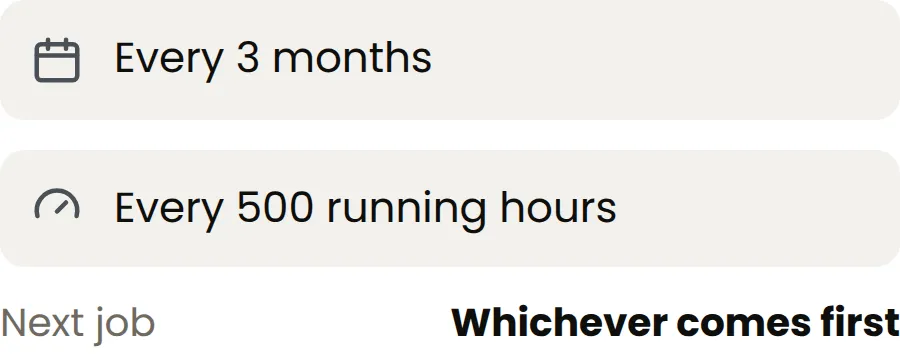
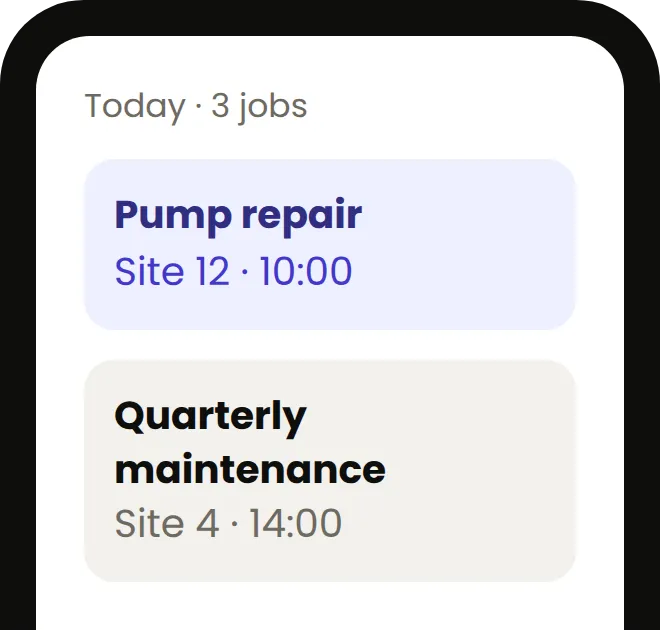
Schedule maintenance by date, by machine usage, or both. Attach a plan to a single machine or run a full site visit. FieldEx creates and assigns jobs on its own. Works for every type of machine and every service in your operation.

Parts & Inventory

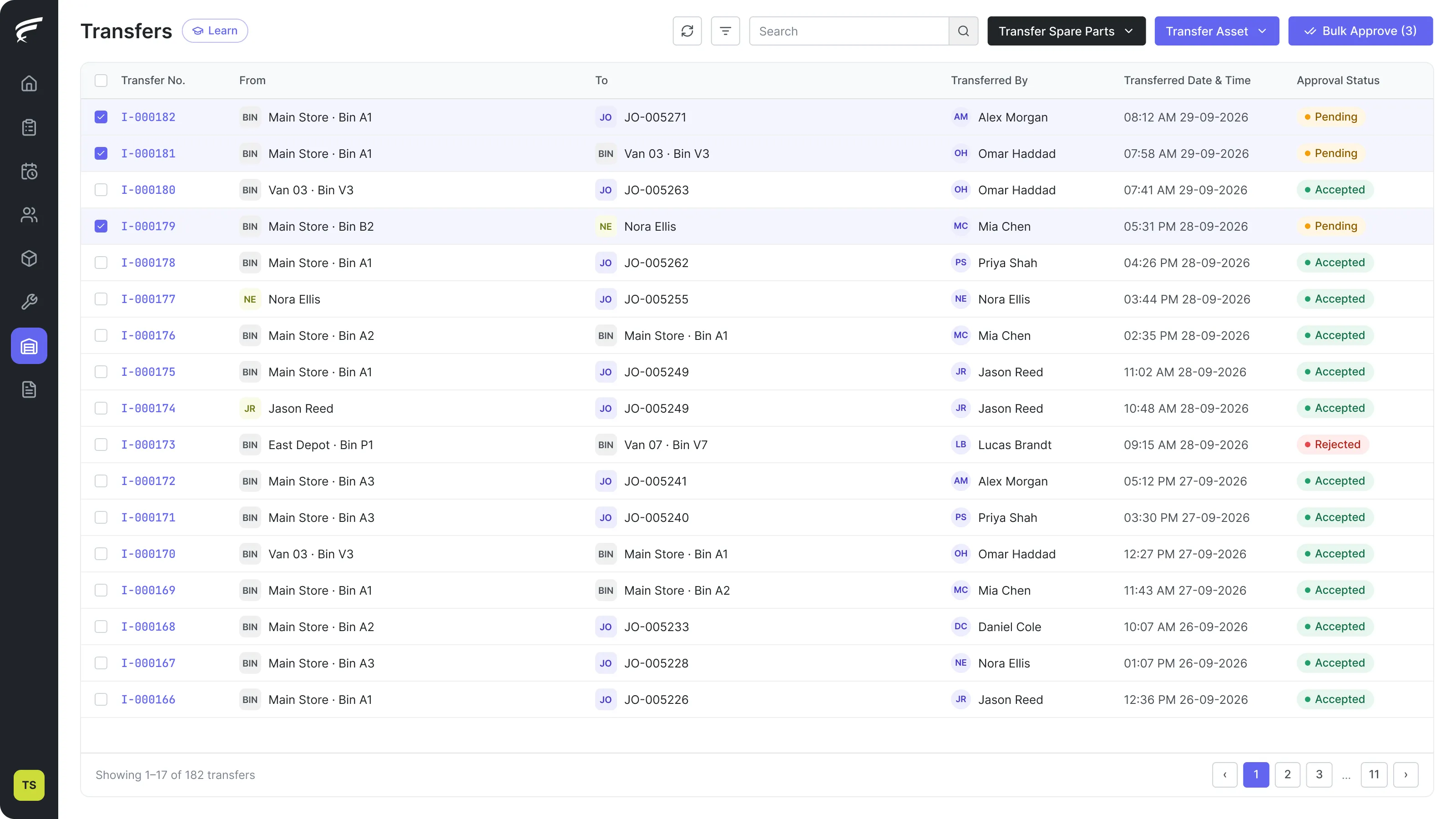
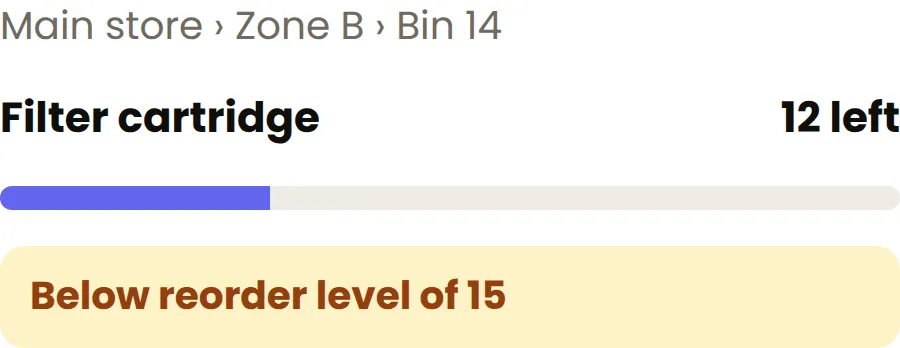
Track parts at three levels: location, zone, bin. Each technician has their own kit on the app. When they use a part on any job, stock levels update and the system flags when it is time to reorder. One process, no matter the service

Smart Assignment

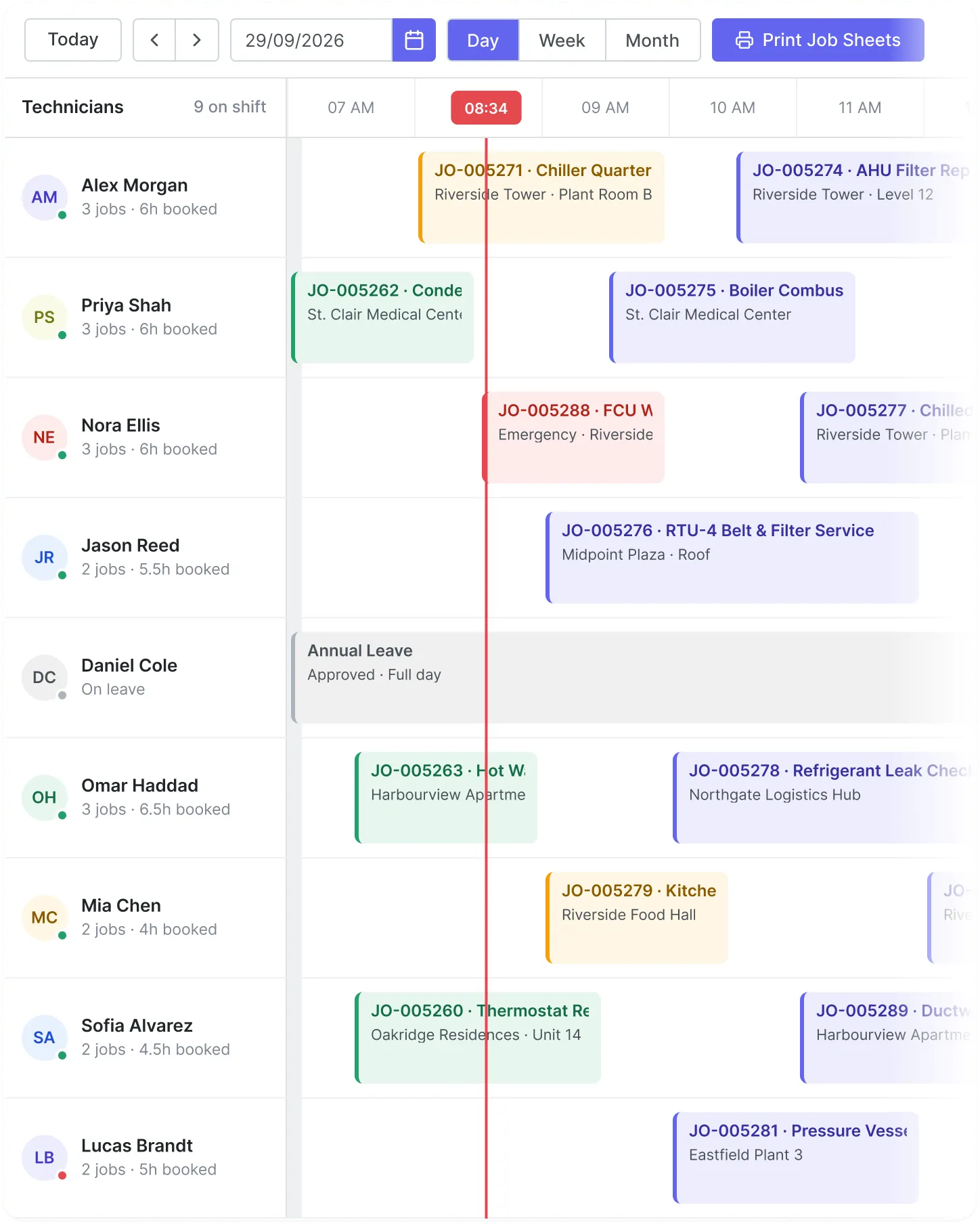
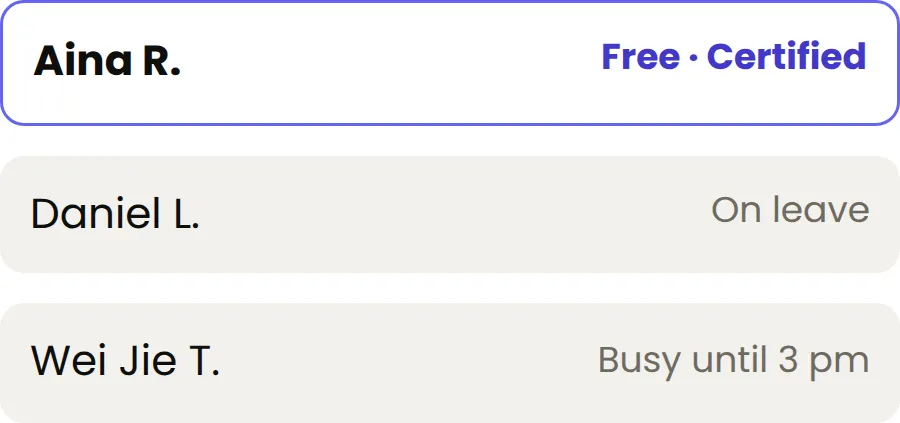
Group your technicians by area, skill, certificate, or service type. FieldEx sends each job to the right person on its own. It knows who is on leave, who is busy, and who is qualified.

Each job also carries the asset's own maintenance and certification history, so the technician already knows what they are dealing with before they arrive.

Why FieldEx

4.5

Capterra logo
Capterra Review

4.5

Software advice logo
Software Advice Review

4.5

GetApp logo
GetApp Review

Who FieldEx is not for

We would rather you knew now.

If you run a 1 to 9 person trade business and just need quoting, invoicing and online booking, you don't need FieldEx – you need something simpler like Jobber or Housecall Pro.

If you’re a global enterprise running a formal procurement process against IBM Maximo or SAP, FieldEx will not clear your requirements matrix.

If your work is project-based construction rather than recurring service and maintenance against assets, FieldEx is the wrong shape.

FieldEx fits operators with roughly 10 to 500 technicians and several thousand assets & more across more than one site, who have outgrown spreadsheets and WhatsApp but do not want an enterprise CMMS implementation. 

Why this matters

If it's not documented, it didn't happen.

Auditors want records. Warranty providers want proof. Clients want to know the work was done properly. When you run several services, each with its own rules, that paperwork gets harder. FieldEx records everything as the job happens, sorted by job type, machine, and rule. When someone asks for proof, you find it in seconds.

Your process, enforced automatically (per service type)

Set mandatory steps in any order you need. Technicians work through them one by one — the job can't close until everything's done.

Branded PDFs generated when the job closes

When a job wraps up, FieldEx builds a branded PDF with photos, timestamps, parts used, and a digital signature. Ready to send immediately.

Full service history for every machine, across every service

Pull up any asset and see its complete history — every job, every part swap, every note. It takes about two seconds.

Asset record for Site #402 Inverter Block A, showing operational status and maintenance history timeline

Let the outside world report issues

Your clients and the people on site do not need to call you to report a problem or check progress. FieldEx gives them a way to do it themselves, without giving them access to your whole system.

QR code issue reporting

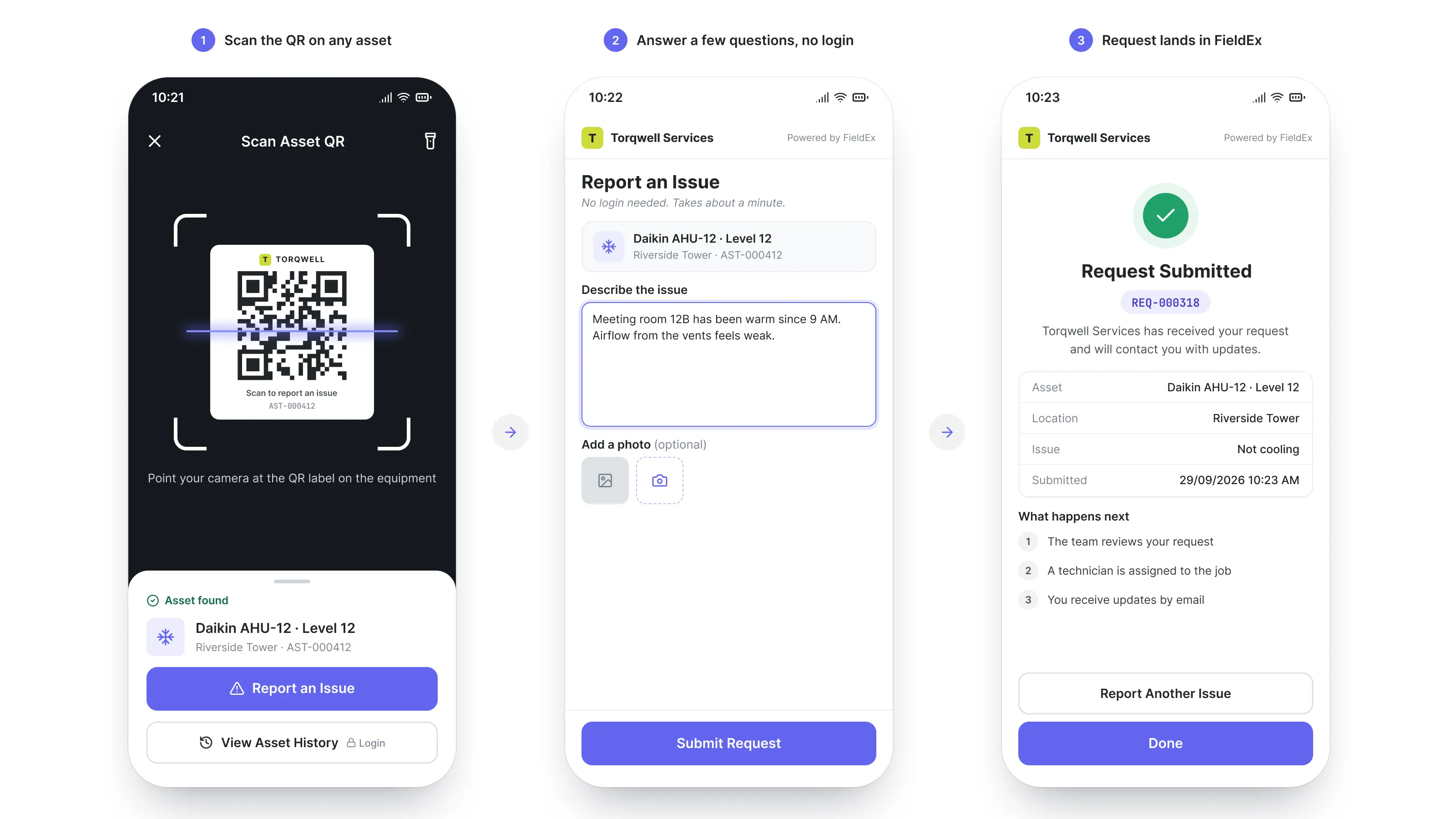
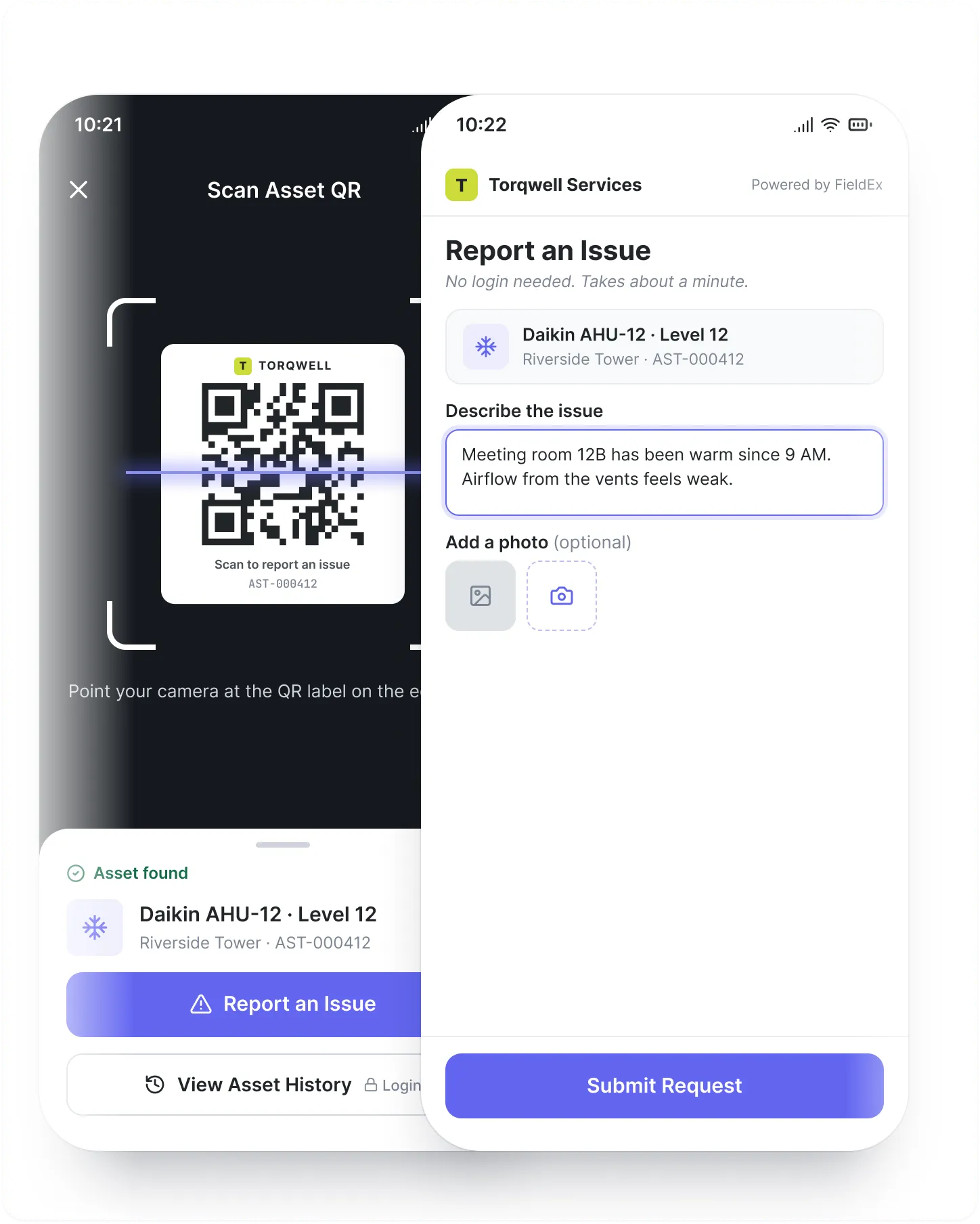
Stick a QR code on any piece of equipment or at any location. When someone scans it, they get a simple form to report a problem. They don't need an account or the app. The moment they submit, it comes into FieldEx as a real work order, automatically assigned to the right person.

How it works

1. End user scans QR code on equipment or site
2. Simple form opens with no login needed
3. They describe the issue and submit
4. FieldEx creates a work order and assigns it automatically

This is especially useful if your equipment is in public spaces or on client sites. Anyone who encounters a problem can report it instantly, and nothing gets lost in a phone call or email.

Three-step equipment reporting process: scan a QR code on the equipment, submit a quick report with no account needed, and a work order is automatically created and assigned to a technician

Customer portal

Give your clients a window into their service requests without giving them access to your whole system. The customer portal lets your clients log in and check the status of their open tickets in real time. They see what's been reported, what's in progress, and what's been resolved. It cuts down on status-update calls and keeps everyone informed without extra work from your team.

Woman in a blue blazer at a desk viewing a service request dashboard with a data table and pie chart on her monitor

We set it up.
You use it.

Most field service tools fail to land because the team is too busy to set them up, move the data across, and learn a new system. So we do all of it. We set up your account, move your data over, build your forms and checklists into FieldEx, and train your people. No setup fee. No setup cost. If we do not deliver what we agreed, you do not pay.

1.

Import your data in minutes

Drop your Excel sheets to import your data or connect your existing system via OpenAPI. FieldEx helps arrange every asset, part and job for you.

Illustration of a file upload screen accepting an XLS spreadsheet import
2.

Use the words your team already knows

Switch 'Assets' to 'Machines' or 'Work Orders' to 'Jobs'. FieldEx adapts to your language, not the other way around.

Custom Label screen mapping default field names like Asset and Work Order to a company's own terms
3.

Digitize any paper form with one photo

Take a photo of your paper forms. FieldEx auto-builds a digital version with steps and fields, which your team can start using immediately.

Illustration of a phone scanning a paper work order to digitize it

What our customers say

There’s never been a better time to upgrade.

A few ways FieldEx gives you more.
Built-In AI Assistance
Assign jobs in
0.4s
with smart workflows
32%
lower operating costs
Multi level
SLA tracking
Live team map
See everyone in real time
""
99.99%
System uptime
""

We’re here every step of the way

Whether you’re setting up your first workflow or scaling across teams, our support team moves fast and actually solves things. No ticket black holes. Just real help, when you need it.

Multi language

Switch instantly between languages. Train every crew member in the language they use daily.

Connect instantly to your tools

FieldEx comes with out-of-the-box connectors for platforms like Xero, QuickBooks, and more. Plus OpenAPI support to integrate with any system you use.

Diagram of FieldEx integrations with QuickBooks, NetSuite, Microsoft Power BI, Microsoft 365, Zendesk, Monitor ERP, Calendly, Salesforce, Cin7 Core, Xero, and Google Calendar and other business tools

Works wherever
your team works.

One system on every device, from back-office planning to on-site action.

Web Console

FieldEx web console dashboard shown on a laptop, displaying inventory and asset tracking
Strategic control for managers & schedulers
PC / Tablet

Mobile App

FieldEx mobile app screen showing a completed journey with travel time, distance, and a check-in button
Fast, intuitive, built for technicians
Google Play and App Store logos

Augmented Reality

Augmented reality glasses representing FieldEx's upcoming hands-free field guidance feature, marked coming soon
Hands-free guidance in the field
Coming Soon