

.png)
For years, Simpro has been a legacy heavyweight for traditional trades. But let’s be honest for a second: not everyone needs a sledgehammer to crack a nut. If you’re here, you’re probably tired of the steep learning curve, the rigid enterprise workflows, and an interface that feels dated. (Side note: if your team is constantly complaining about how many clicks it takes just to close a simple work order, you’re definitely not alone.)
The reality is that sticking with clunky software is a major vibe killer for your operations. Plus, it’s bad for business. Unplanned equipment downtime is getting entirely out of hand – in fact, at a large facility an hour of downtime can cost a whopping $1.7 million. When you’re bleeding money by the minute, you simply cannot afford to have your technicians fighting with a slow app just to figure out what spare part they need.
Here, we’ve done the heavy lifting for you. Let’s dive into the 11 best Simpro alternatives that can actually scale with your business without the enterprise-level headaches.
In a rush? Here is the cheat sheet to help you find your perfect fit before you dive into the deep end:
Before you jump ship, you need to know what you’re looking for. You don't want to trade one set of problems for another. Keep an eye out for these crucial elements:
■ Ease of Use & Fast Implementation: You want to move away from outdated software to an intuitive UI (User Interface) that your field technicians will actually use. A shiny system is useless if your crew reverts to using text messages because the app is too confusing.
■ Comprehensive Asset & Preventive Maintenance: This is absolutely essential for equipment-heavy sectors. You need a system that helps you fix things before they break, ideally with automated schedules.
■ Robust Inventory & Spare Parts Management: This is critical for maintaining your profit margins, ensuring high first-time fix rates, and overall operational efficiency. If you don't know what's in your technician's van, you are losing money.
■ Industry Flexibility: You need the ability to serve not just traditional building trades, but specialized niches like Green Infrastructure (like EV or solar), Coffee & Beverage, Healthcare, and Agriculture.
■ Actionable Data & BI (Business Intelligence): Moving beyond basic, static reporting to real, automated data analytics that actually help you forecast and strategize your next quarter.
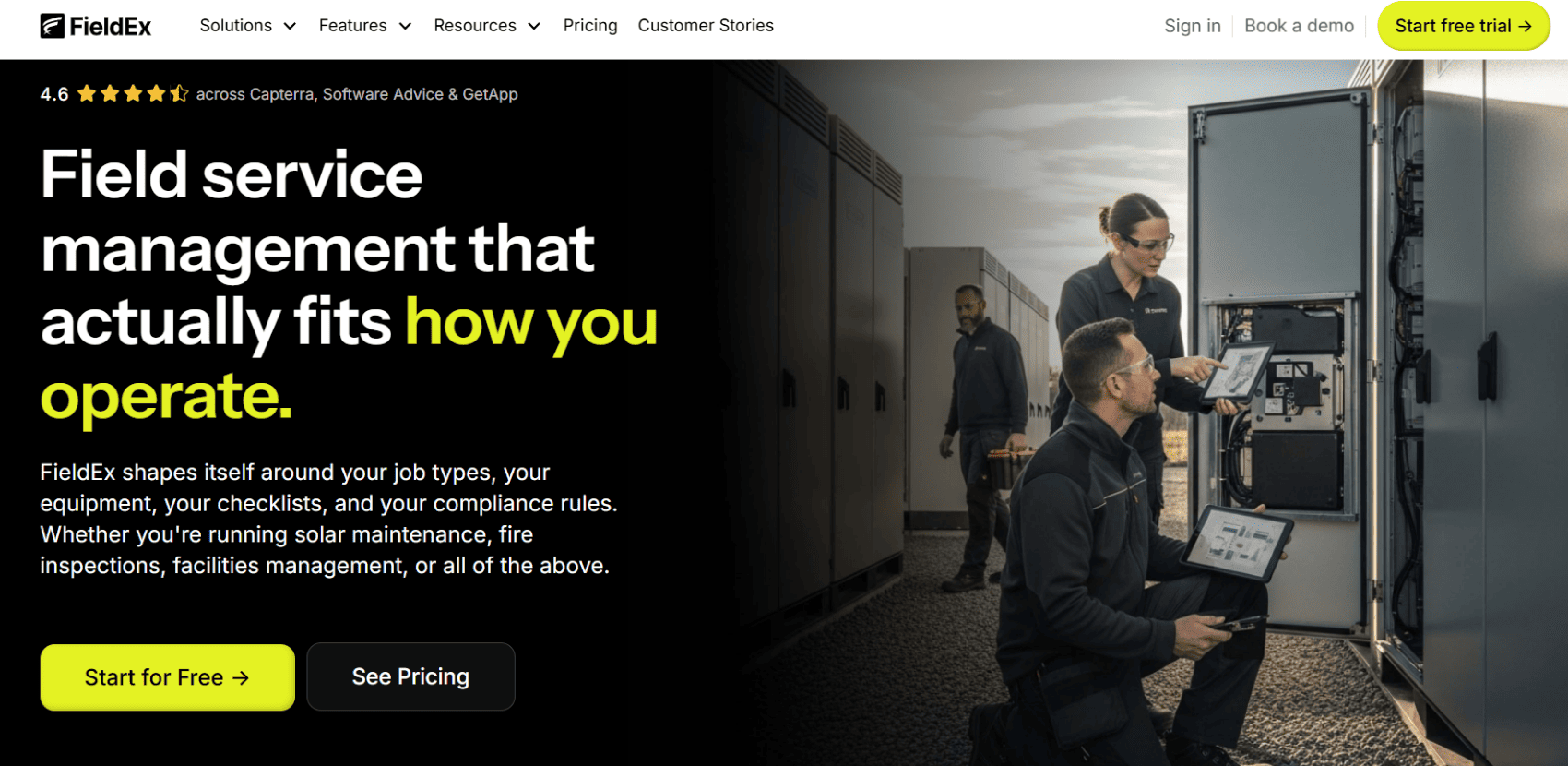
FieldEx was specifically built to be the premier solution that bridges the gap between field service agility and heavy-duty asset management. It’s a combined field service management (FSM) and computerized maintenance management system (CMMS). Available on Android, iOS and the web, FieldEx manages everything from dispatching the right tech to generating the final compliance documentation.
EV charger operators, solar energy companies, and any operation managing complex, multi-level assets across various physical sites that require strict SLA (Service Level Agreement) adherence.

ServiceTitan – the 800-pound gorilla in the residential and commercial contractor space. If you’re running a massive plumbing or HVAC (Heating, Ventilation and Air Conditioning) empire, you have probably sat through their sales pitch. They are an absolute juggernaut, officially reporting a whopping $771.9 million in total revenue for their full fiscal year. To put their massive scale in perspective, they processed $68.5 billion in Gross Transaction Volume across roughly 9,500 active customers during that same period.
Advanced dispatching and routing, integrated customer financing, robust reporting, and a highly polished technician mobile app with a heavy emphasis on sales presentation tools.
Massive plumbing, HVAC and electrical empires that treat every field technician like a salesperson and rely heavily on upselling the customer at the kitchen table.
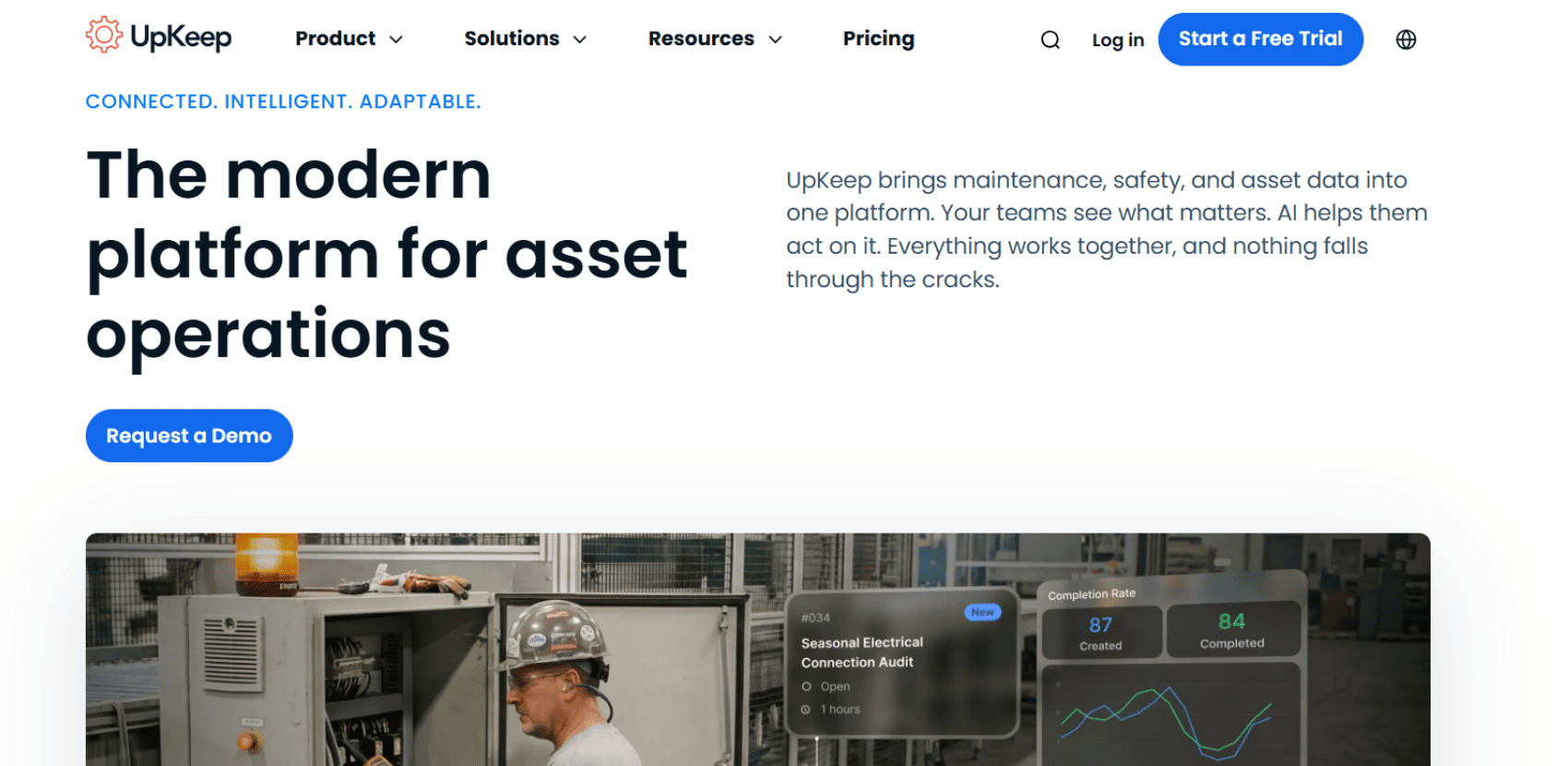
A mobile-first CMMS designed primarily to simplify facility and equipment maintenance. UpKeep was built from the ground up for the technician on the floor, rather than the manager hiding in the back office.
Mobile work order management, barcode scanning, asset tracking, and basic inventory management. It’s all about making asset health tracking as painless as possible.
Internal facilities management, manufacturing plants, and property managers whose sole focus is keeping machines running and preventing internal downtime.
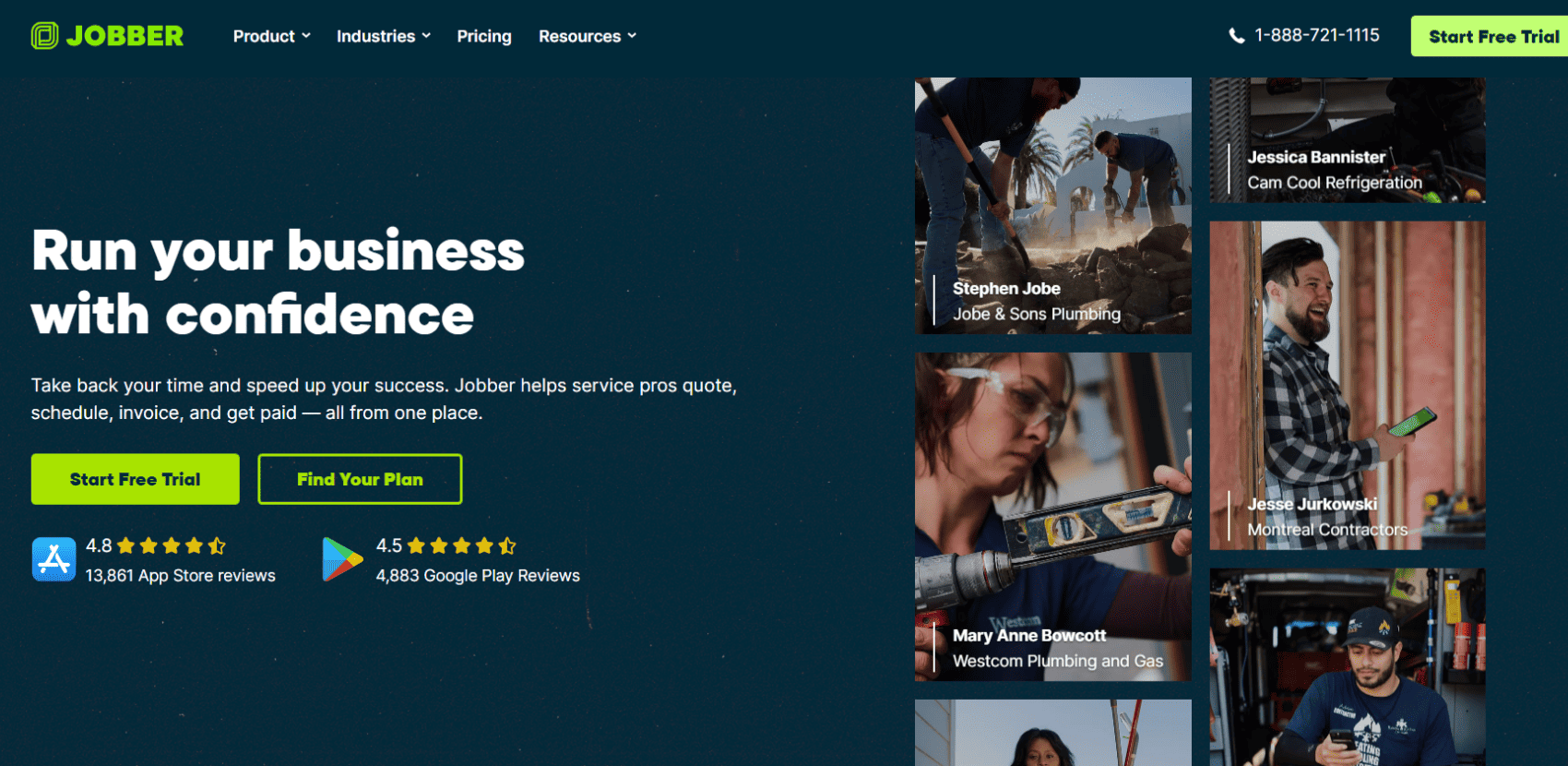
A user-friendly, SMB-focused (small and medium-sized business) field service tool, Jobber is the absolute darling of the small business world. It supports over 350,000 service professionals across 50 industries, including landscaping, cleaning, contracting, and construction. In Q4 of 2025, Jobber launched three new marketing tools – a website creator, competitor analysis of reviews, and insights dashboard.
Drag-and-drop scheduling, lightweight CRM (Customer Relationship Management), customizable quoting, automated invoicing, and online booking portals.
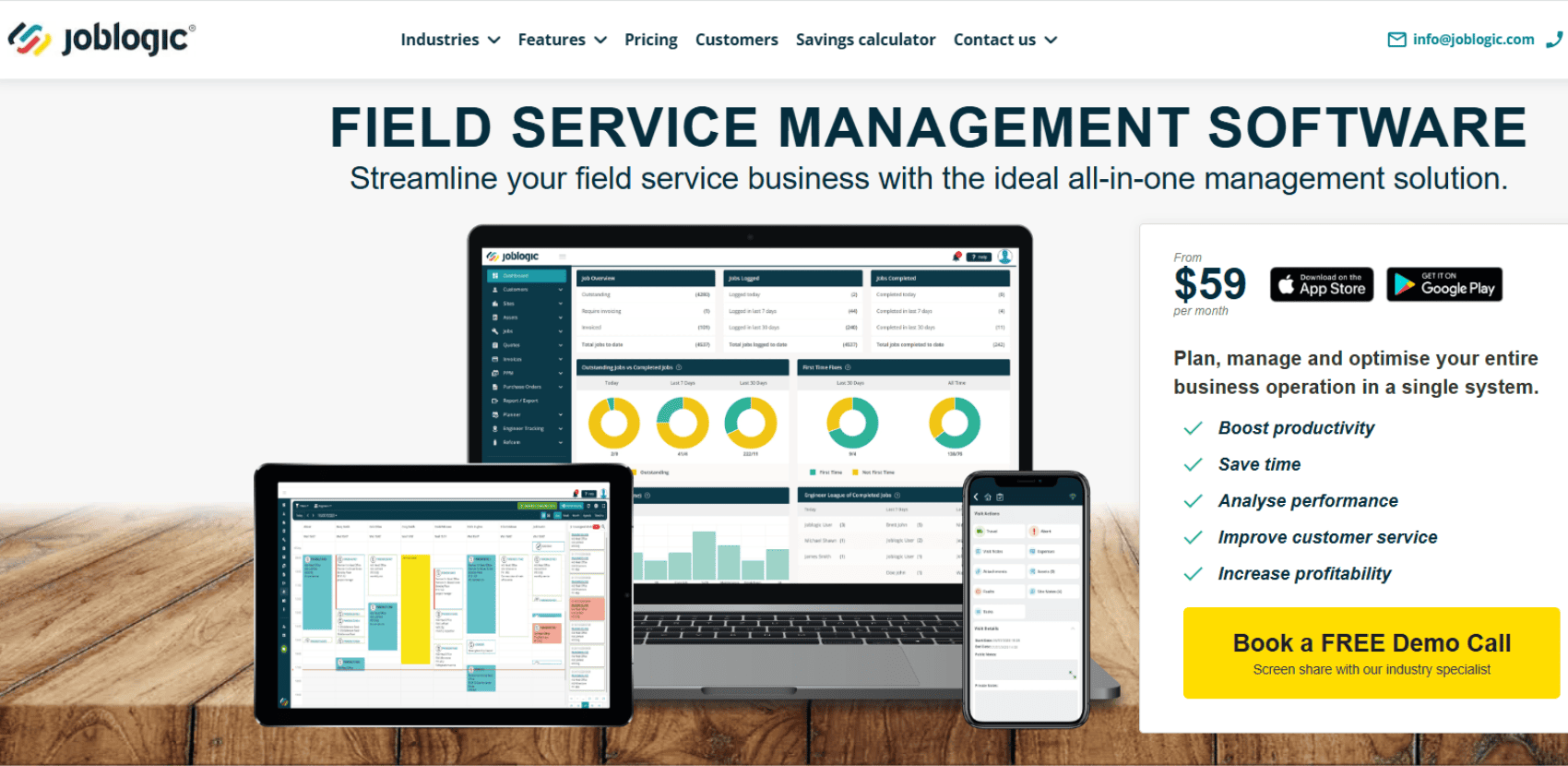
Joblogic is a UK-based FSM provider that supports more than 100,000 users across 7,000 customers operating in traditional field-based industries such as HVAC, plumbing, facilities management and building fabric maintenance. It helps simplify workflows, automate processes, streamline every step of the job lifecycle, boosting efficiency and ensuring compliance. In September 2025, Vista Equity Partners threw down over £100 million in new primary capital to help accelerate Joblogic's "AI-first" roadmap.
PPM (Planned Preventive Maintenance) scheduling, F-Gas tracking (which is absolutely essential for refrigeration compliance), subcontractor management, and mobile offline capabilities.
Facilities management companies and commercial contractors bound by strict government compliance regulations and rigid recurring maintenance contracts.
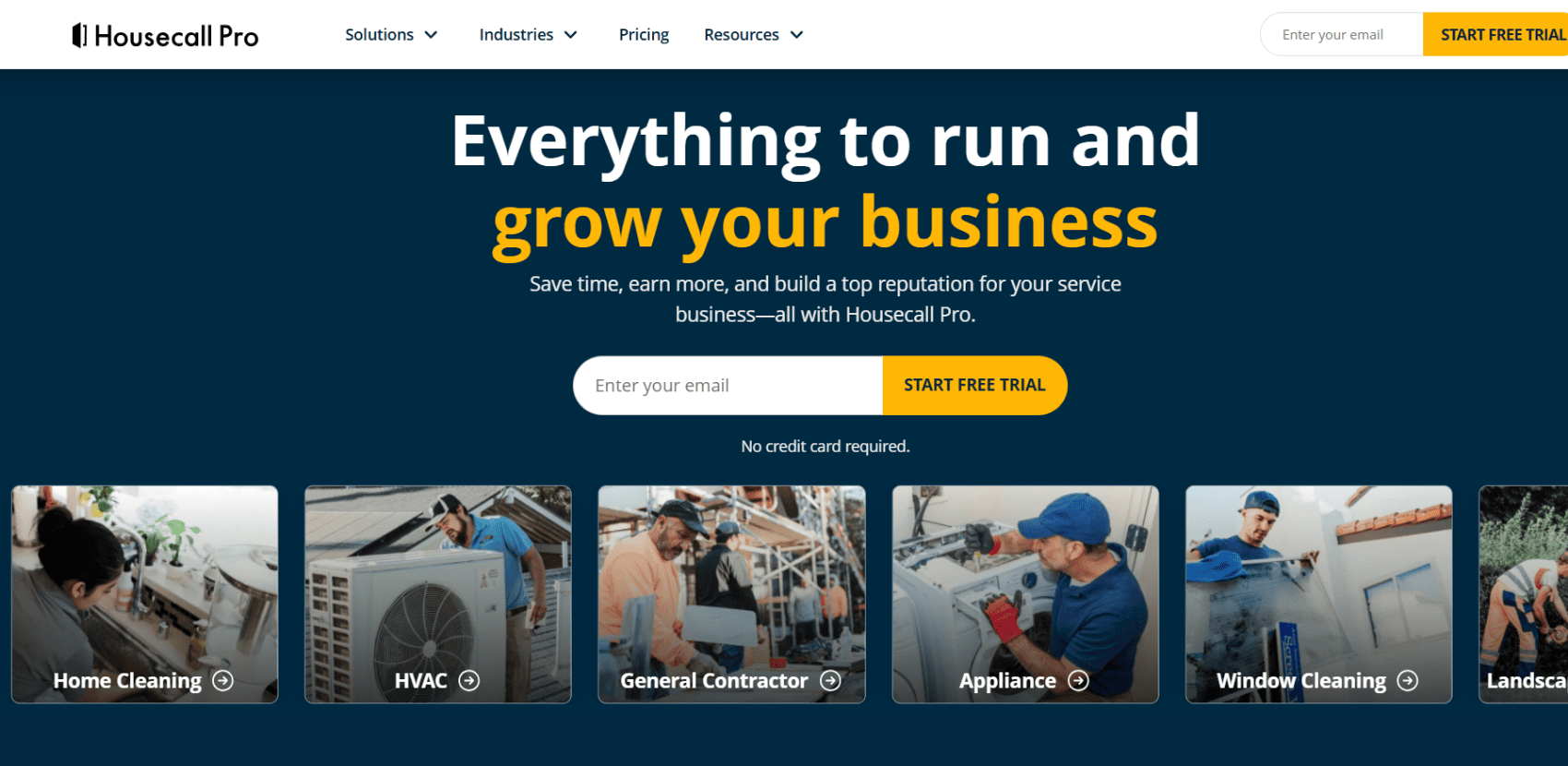
Housecall Pro is a popular app specifically for residential home service businesses; think single-truck plumber, the local carpet cleaner or the neighborhood handyman. It has grown into an absolute giant in the residential space, now trusted by over 200,000 home service professionals. Recently, they rolled out a massive core update directly shaped by user community feedback, bringing heavy-hitting improvements to payroll, accounting, and brand new AI tools.
Quick dispatching, real-time technician tracking, automated review requests, and seamless integration with accounting software. New additions include: All-in-one Payroll Time Tracking (complete with overtime and time-off visibility), and custom QuickBooks Online sync controls.
Single-truck residential home service pros looking to build their local online reviews, dispatch quickly, get paid on the spot, and automate their back-office admin tasks.
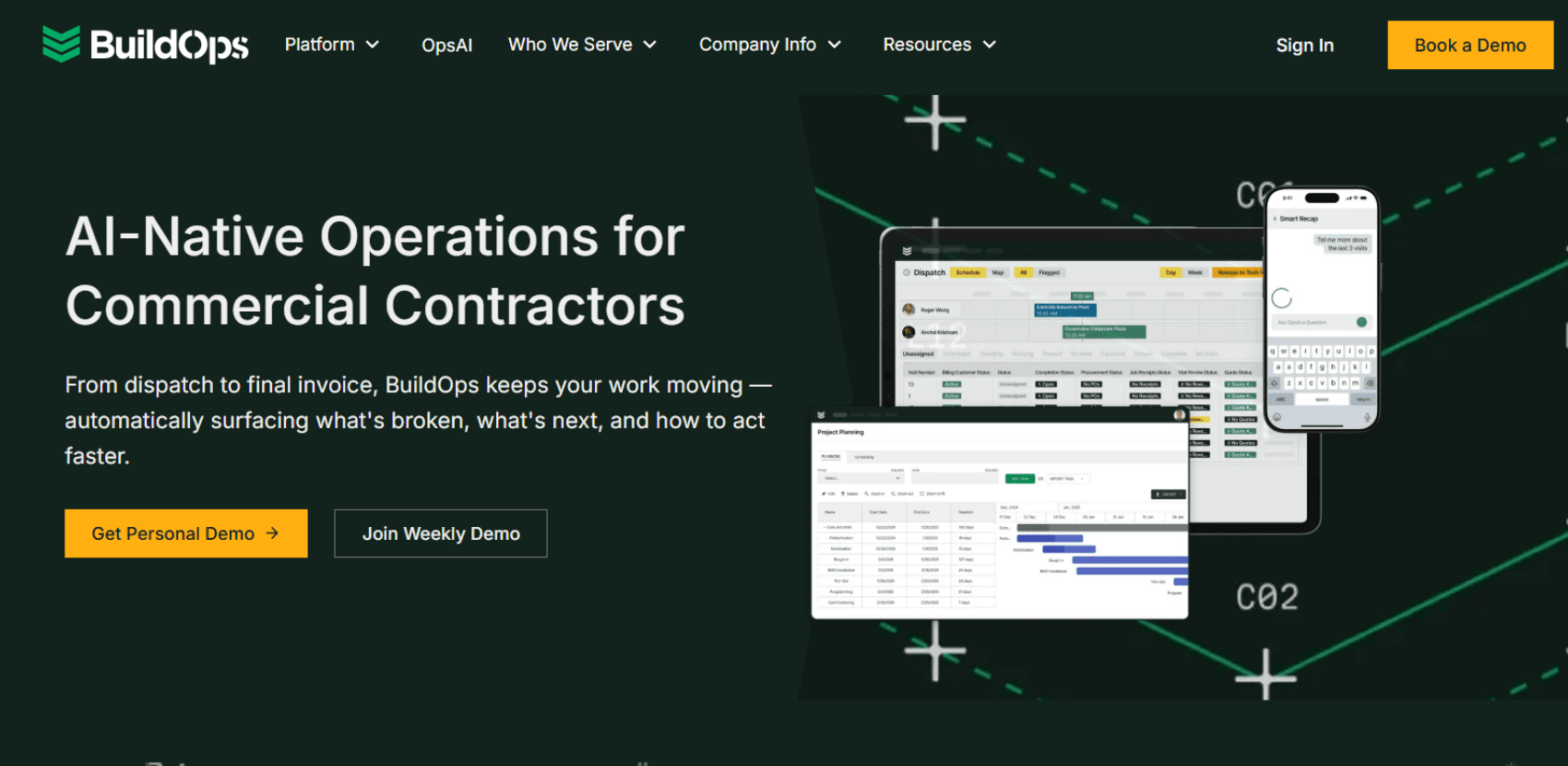
BuildOps is an FSM platform tailored specifically for commercial contractors who handle the heavy, mission-critical stuff – serving professionals across HVAC, plumbing, electrical, fire and life safety, and other specialty trades. It provides a unified platform that seamlessly handles service management, project management, dispatching, and all those headache-inducing financial operations. The veteran-owned BuildOps has made the Forbes' America's Best Startup Employers 2026 list for the fourth year in a row.
Commercial dispatch board, advanced project management, quoting for large commercial jobs, and their newly expanded "OpsAI" toolset. New additions include: AI Smart Recap, HVAC Assist, AI-powered scheduling suggestions, and automated PO and attachment scanning.
Pure commercial contractors handling massive, multi-stage commercial construction projects and high-stakes service calls where equipment failures simply cannot wait.
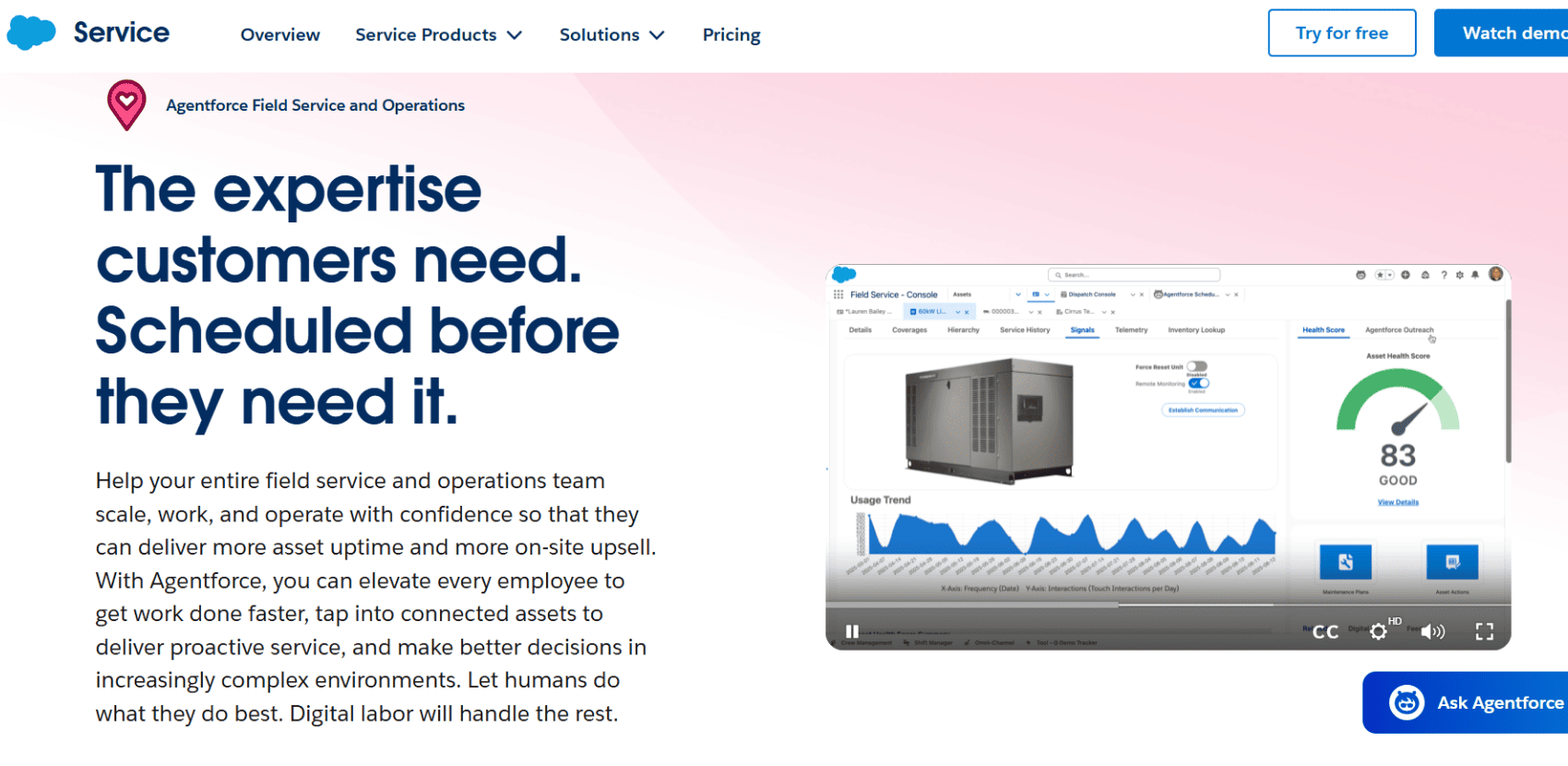
Named the #1 CRM by the International Data Corporation (IDC) for 12 straight years, Salesforce dominates by uniting sales, service and IT on one integrated platform. At its core, it’s designed to connect companies with their customers in a completely unified way, acting as a massive, central brain for sales, service, marketing and commerce. Backed by $41.5 billion in full-year revenue, they deploy autonomous AI agents alongside humans to speed up workflows, win more business, and deliver personalized experiences at scale.
Advanced AI-driven routing, complex global inventory tracking, offline mobile capabilities, and incredibly deep integration with the rest of the Salesforce ecosystem. Its autonomous AI agent platform ‘Agentforce’ lets you build and deploy AI assistants that can make decisions and act independently, rather than just spitting out pre-programmed chat responses.
Massive, multinational enterprise organizations with infinite budgets, thousands of field workers, and dedicated in-house IT teams to manage the software.
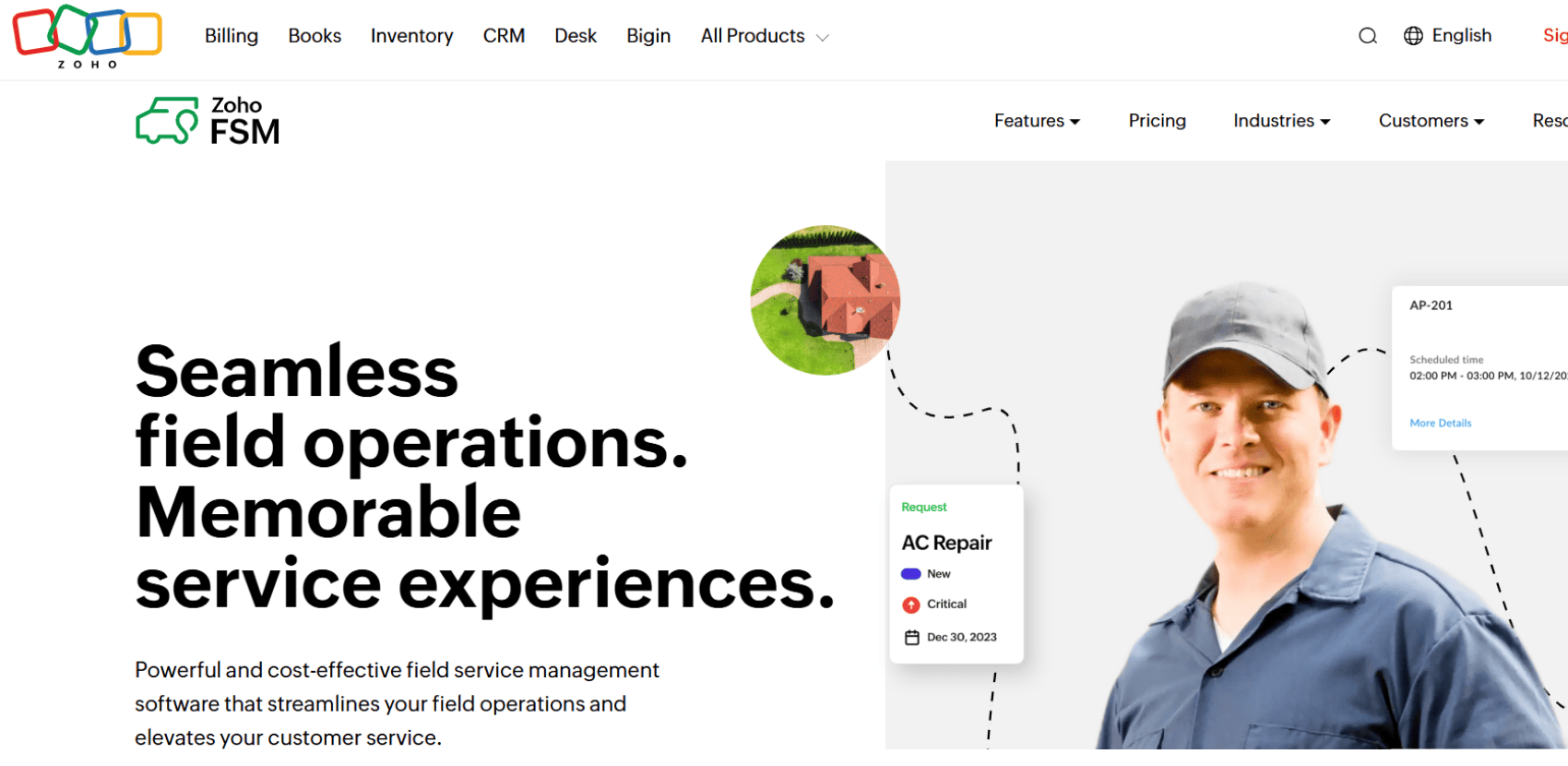
Built specifically to help you manage your physical field operations, Zoho FSM handles the nuts and bolts of scheduling jobs, dispatching your crew, tracking service history, and invoicing the customer. If your company is already living inside the Zoho ecosystem using their CRM or finance apps, plugging in their FSM module is an incredibly seamless, budget-friendly way to connect your office directly to your technicians out in the field.
Dispatching, basic inventory management, multi-user portals, and seamless integration with Zoho CRM and Zoho Books.
Budget-conscious businesses already fully integrated into the Zoho software ecosystem who just need basic dispatching capabilities.
Offers a free tier for solo users, with paid plans typically starting around $28 to $40/user/month.
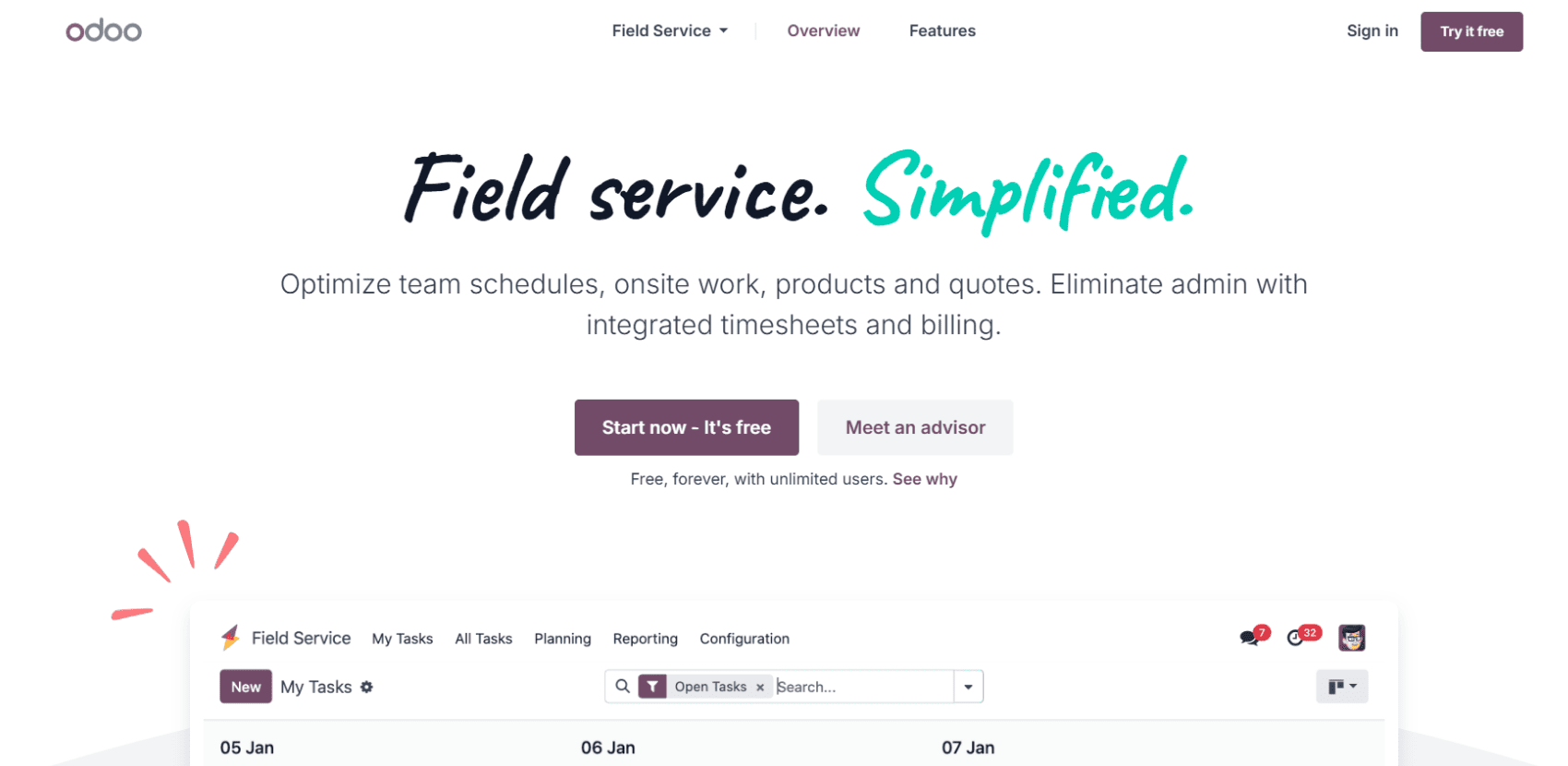
Historically, implementing an ERP system meant investing millions into rigid projects reserved for massive corporations. Odoo flips that script through "technological democratization", offering an open-source ecosystem of over 40 unified business apps. Their Field Service app perfectly ties into this by equipping mobile teams with automated task creation, integrated timesheets, and map views to plan daily itineraries. Plus, it syncs directly with their sales and inventory modules to generate instant invoices and keep stock accurate with zero effort.
It features a remarkably visual UI (User Interface) where dispatchers can plan itineraries on a map view or manage tasks with a simple drag-and-drop Gantt chart. Out in the field, technicians can track their working time using an integrated timer, generate instant draft invoices directly from the task form, and let customers sign off on reports straight from the mobile app.
Tech-savvy companies or growing businesses looking to abandon their fragmented tech stack and bring everything – from their CRM (Customer Relationship Management) to their field service and accounting – under one massive, affordable open-source umbrella.
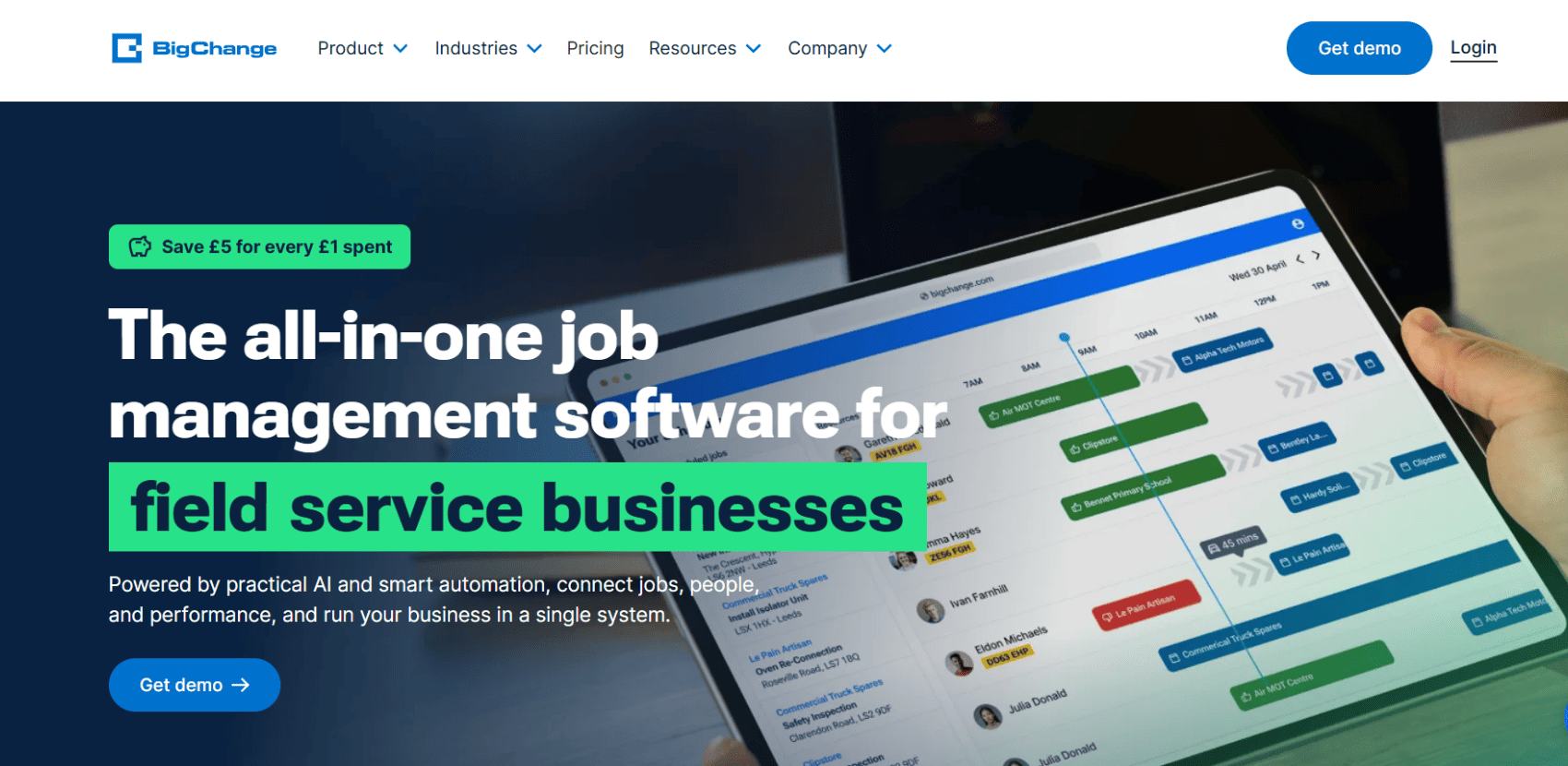
BigChange is actually a part of the global Simpro Group. Headquartered in Leeds, UK, they are laser-focused on helping companies plan, track and manage all their field-based jobs through real-time scheduling, live customer updates, and seamless accounting integrations. They currently support over 2,000 field service businesses spread across more than 20 different industries.
Live vehicle telematics, driver behavior monitoring (like tracking hard braking or speeding), job scheduling, and fleet compliance management.
Businesses where managing a massive, highly mobile fleet of vehicles – and reigning in fuel costs and driver safety – is a significantly bigger priority than complex equipment maintenance.
Field service management isn’t a one-size-fits-all game. While Simpro is undeniably powerful, settling for "clunky and complex" is a massive drain on your resources, your profitability, and your team's morale. The right software should adapt to your business, not the other way around.
If you are tired of wrestling with rigid workflows and want a solution that marries agile field service execution with deep, multi-tier asset management, it’s time to make a switch.
FSM (field service management) focuses on managing people and work outside company property (like dispatching, routing, and external customer billing). CMMS (computerized maintenance management system) focuses on managing physical assets, preventive maintenance schedules, and overall equipment health. Platforms like FieldEx beautifully combine both.
Usually, it comes down to usability and cost. Simpro is quite complex, has a steep learning curve, and is highly geared toward traditional construction contracts. Businesses in dynamic, fast-moving niches often find it way too rigid.
Absolutely. FieldEx supports multi-level asset hierarchies where components are tracked as child assets under a parent asset. This means you can track maintenance on a specific charging cable or display screen, not just the machine as a whole.
Yes. FieldEx is particularly well-suited to the green energy industry, including EV charger operators and solar energy companies. It perfectly bridges the gap between remote monitoring systems (like CPMS – Charge Point Management Systems) and your physical field operations.
Every asset can have a unique QR code. An administrator can enable a form so that anyone – even a member of the public without a login – can scan it and report an issue (like a broken screen on a public EV charger). That report automatically becomes a tracked work order in the system.
It’s an automated way to distribute work evenly so your dispatcher doesn't lose their mind. When a job is assigned to a group of technicians, the system automatically cycles through the members in order. FieldEx even knows who is on leave and will automatically skip them, assigning the job to the next available person.
Some do, but it often requires expensive third-party connectors or a developer. FieldEx, however, has a built-in Power BI connector, allowing companies to easily push their data for advanced reporting and high-level business intelligence.
TCO stands for Total Cost of Ownership. It’s the sticker price of the software plus all the hidden costs: implementation fees, dedicated IT staff, data storage fees, and the cost of pulling your hair out when your team needs a week of paid training just to learn how to log in.
Usually, you are stuck with whatever words the vendor chose. But in FieldEx, the names of modules and fields throughout the entire system can be changed to match the language your business actually uses. For instance, you can easily rename "Customer" to "Site Host" or "Asset" to "Charge Point".
100%. If you want to retain your best technicians in a tight labor market, you cannot force them to fight with a slow, clunky app while they are knee-deep in a complex repair. The faster they can get in, do the job, and log out with automated checklists, the happier they will be – and the faster your business can scale.

.avif)


This website and its content are the property of FieldEx and are protected by copyright laws. © 2026 FieldEx. Any redistribution or reproduction of part or all of the contents in any form is prohibited, except with our express written permission.
FieldEx Pte Ltd Singapore