13 best field service management software in Malaysia (2026)

If you're in the market for the best FSM software in Malaysia, we've got you covered. Discover our top 15 picks, from local heroes to global giants.
Sophie Liu
April 9, 2026
Header image

TL;DR: What is the best FSM software in Malaysia? 

In 2026, FieldEx is the best overall FSM for multi-trade operations managing complex assets. Other top choices include local Malaysian providers like Century Software, Sage42, and Odoo (via Onnet), alongside global heavyweights such as ServiceTitan, Simpro, and Jobber.

The Malaysian industrial and contracting landscape is undergoing a massive boom in 2026. Driven by the National Energy Transition Roadmap (NETR) and rapid commercial real estate development, sectors ranging from Mechanical, Electrical and Plumbing (MEP) to green infrastructure are scaling at breakneck speed.

However, scaling a contracting business is nearly impossible when your dispatchers are drowning in paperwork, disjointed communication and manual scheduling. This reactive approach leads to missed appointments, lost inventory and frustrated field technicians. The solution is adopting a unified digital platform.

In this blog, we bring you the ultimate guide to the 13 best Field Service Management software platforms in Malaysia for 2026. But first, let’s get the basics out of the way.

What is FSM?

Field service management (FSM) refers to the system – usually a centralized software platform – used to coordinate and optimize operations performed outside of company headquarters. 

A modern FSM handles the entire external workflow of your business. This includes job scheduling, dispatching technicians, tracking vehicle and technician locations in real-time, managing field inventory within trucks, and capturing digital invoices or signatures directly on customer sites.

Ultimately, the goal of FSM software is simple: To get the right technician, to the right site, with the exact right parts, at the exactly right time.

The true cost of running your field ops on WhatsApp and Excel

Many growing Malaysian contractors attempt to manage their entire field operations using a messy combination of WhatsApp group chats, physical whiteboards and Excel spreadsheets. This "spreadsheet shuffle" comes with a massive financial cost:

  • Lost Parts & Leaking Profit: Using Excel to track inventory across multiple vans leads to missing high-value parts and bleeding profit margins.
  • Missed Emergency Calls: When dispatching relies on a dispatcher remembering to check a group chat, lucrative emergency service calls inevitably slip through the cracks.
  • No Proof of Service: Relying on handwritten notes instead of time-stamped digital signatures and rich-media PDFs opens your business up to costly customer disputes and delayed payments.

Contrast this chaos with a closed-loop digital workflow. Features like FieldEx's "Checklist Triggers" automatically create follow-up work orders if a technician logs a negative response in the field, ensuring zero billable revenue is missed without requiring any manual office intervention.

FSM vs CMMS: Which one do Malaysian contractors actually need?

It’s easy to confuse FSM with a CMMS (computerized maintenance management system). Understanding the difference is critical to buying the right software:

  • FSM (The People): FSM software focuses on the external workflow – dispatching technicians to client sites, routing, quoting, and customer billing.
  • CMMS (The Equipment): CMMS software focuses on the internal workflow – preventive maintenance, extending equipment lifespans, and tracking asset downtime.

The Verdict: If you’re a multi-trade contractor (eg maintaining your own fleet of heavy excavators while also dispatching teams to fix client infrastructure), you need both.
The 13 Best FSM Software in Malaysia (2026)

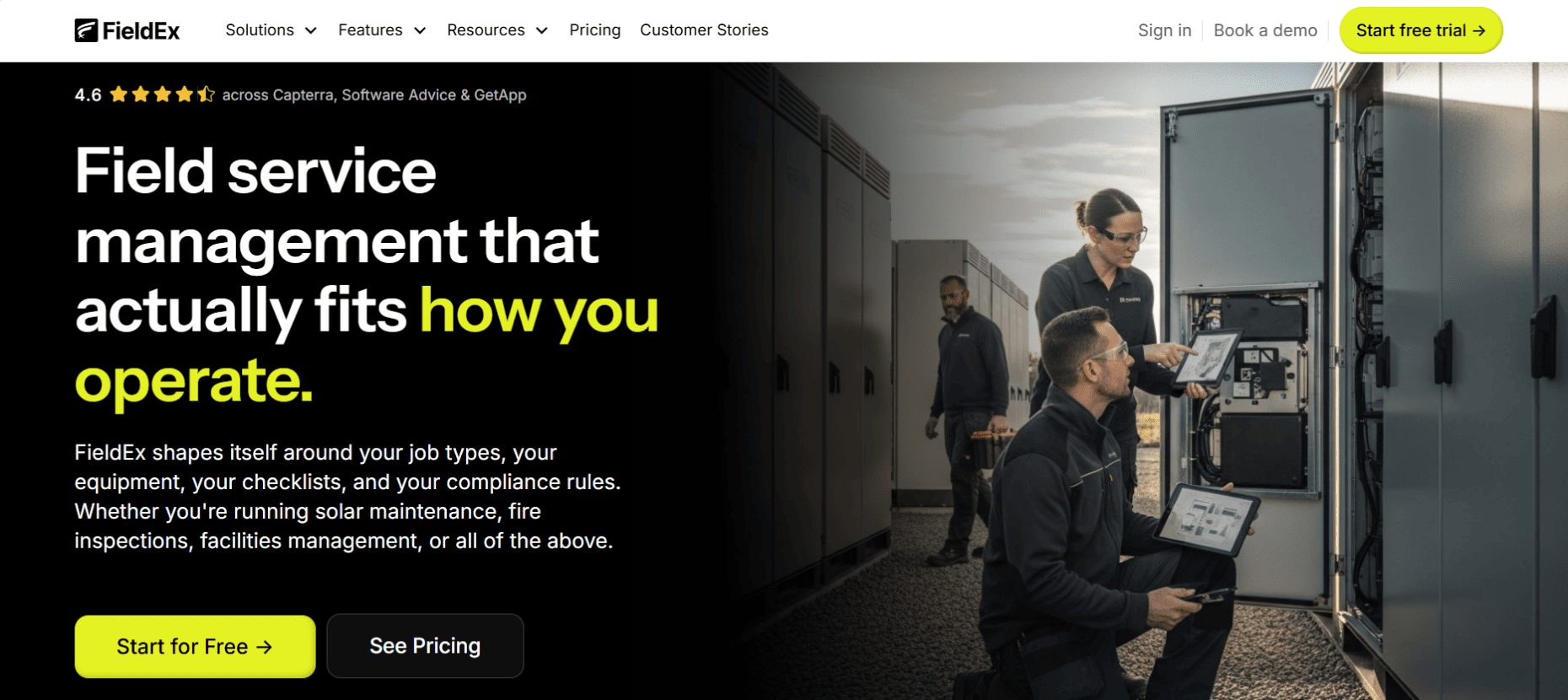
1. FieldEx

www.fieldex.com | The Hybrid Master

FieldEx bridges the massive gap between the field and the front office by offering a highly customizable platform that manages both your multi-trade field technicians (the people) and the heavy equipment they operate (the “iron”).

Best For

Growing multi-trade businesses in Malaysia across various industries, such as green energy, MEP, construction, coffee & beverage, fleet rentals, and facility management, which require end-to-end digital workflows to replace manual processes.

Standout Features

  • Checklist Triggers: Automatically logs follow-up requirements and creates new work orders based on negative responses in the field, ensuring no secondary issues are missed.
  • Granular Asset Management: Supports Parent-Child Asset Relationships, allowing for detailed maintenance tracking of individual components under a single parent piece of equipment.
  • Closed-Loop Compliance: Ensures work is done correctly via Procedures – reusable groups of tasks that can be set as mandatory and ordered to enforce sequential completion before a job can be closed.
  • Public-Facing QR Code Reporting: Administrators can enable a form on an asset's QR code, allowing members of the public to report faults without an account. This instantly generates a tracked work order and assigns it to a technician automatically via round-robin logic.
  • Three-Tier Inventory & User Bins: Tracks physical inventory down to the specific location, zone and bin. It also assigns virtual "user bins" to individual technicians, ensuring that parts consumed via the mobile app create a fully auditable trail from the warehouse directly to the job site.

Pros & Cons

  • Pros: It is a true hybrid platform. Unlike rigid enterprise software, administrators can fully relabel modules (eg changing "Customer" to "Site Host") to perfectly match local business lingo.
  • Cons: It is built for growing, complex operations and is not designed for a single-person owner-operator who just wants a basic digital calendar.

The Local Edge: Uniquely suited for Malaysia's expanding green infrastructure, securely bridging remote public reporting (via QR codes) directly to automated on-site technician dispatching via Round Robin logic.

Plans & Pricing: Growth – $10 per user/month | Pro – $55 per user/month | Enterprise – $85 per user/month
2. Century Software 

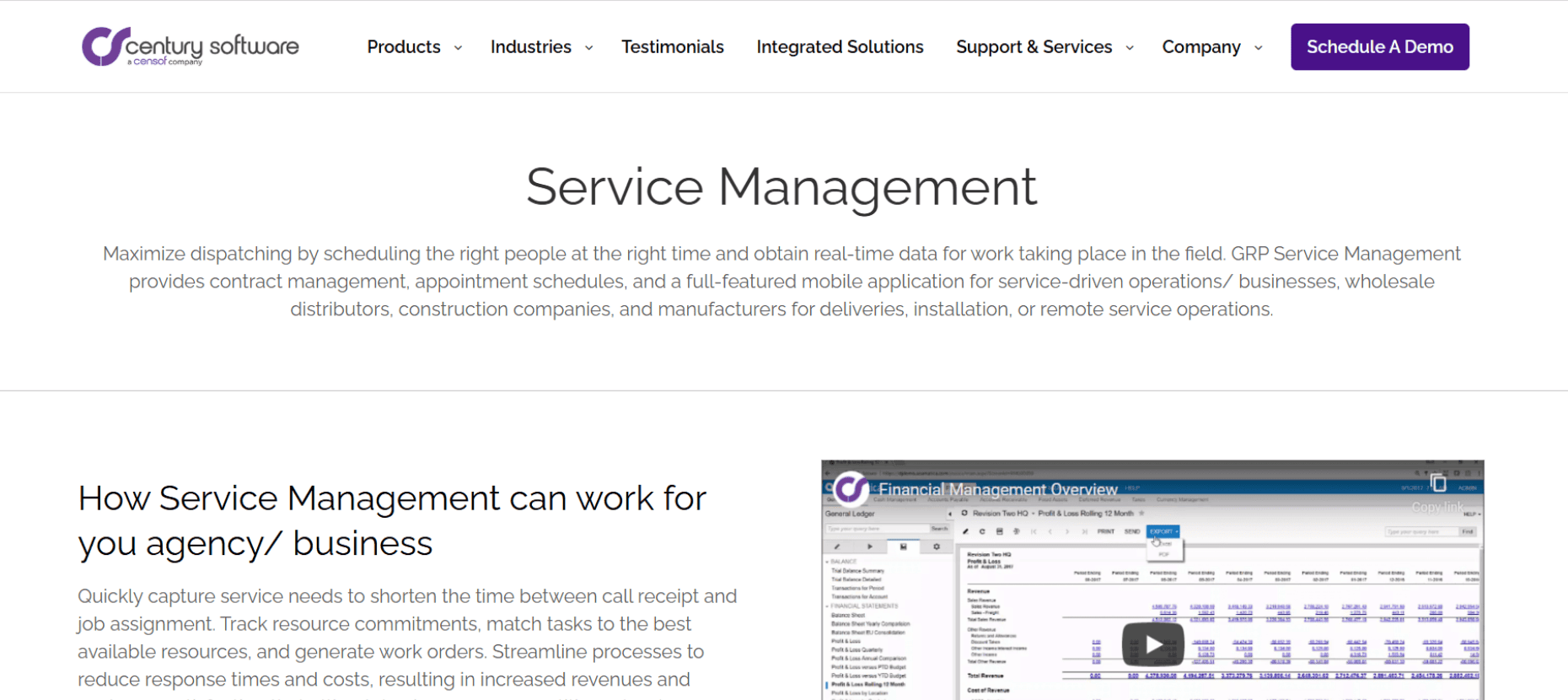
www.centurysoftware.com.my | The Enterprise Specialist

Century Software is highly established, web-based Malaysian ERP suite that includes a dedicated field service module built for massive local enterprise and government operations.

Best For

Large contractors managing massive, multi-year service contracts with Malaysian government agencies and state statutory bodies.

Standout Features

  • Deep Financial Integration: Seamlessly ties field service work directly into comprehensive budgeting, accounting, and expenditure suites.
  • Public Sector Compliance: Built specifically to manage the complex fiscal controls required by local government audits.

Pros & Cons

  • Pros: Highly trusted by major Malaysian institutions with proven stability and local development support.
  • Cons: The interface and deployment are heavy, making it overkill for nimble, private-sector field service teams.

The Local Edge: The absolute go-to if your business handles massive contracts with Malaysian government entities where hyper-local compliance and accountability are mandatory.

Plans & Pricing: Custom enterprise pricing. Contact Century Software directly.

3. Sage42 

www.sage42.net | The SLA Guardian

Sage42 is a Malaysian-built enterprise software developer offering a field service platform specifically tailored for companies managing outbound engineers in appliances and machinery maintenance.

Best For

Malaysian enterprises managing complex service level agreements (SLAs) for electrical appliances, medical equipment and escalator/elevator maintenance.

Standout Features

  • Interactive SLA Dashboard: Tracks exactly how fast your field workers are responding to and closing tickets to ensure you hit strict enterprise KPIs.
  • Omnichannel Communications: Their Ventana product integrates directly to automate customer interactions via WhatsApp and Telegram.

Pros & Cons

  • Pros: Strong local expertise in building bespoke software and custom integrations that fit exactly what your company needs.
  • Cons: It operates more as a bespoke enterprise solution provider rather than an off-the-shelf, plug-and-play SaaS app.

The Local Edge: Deep integration with Malaysia's most popular messaging apps (WhatsApp) allows your company to communicate with customers on the platforms they already use daily.

Plans & Pricing: Custom enterprise pricing. Contact Sage42 directly.
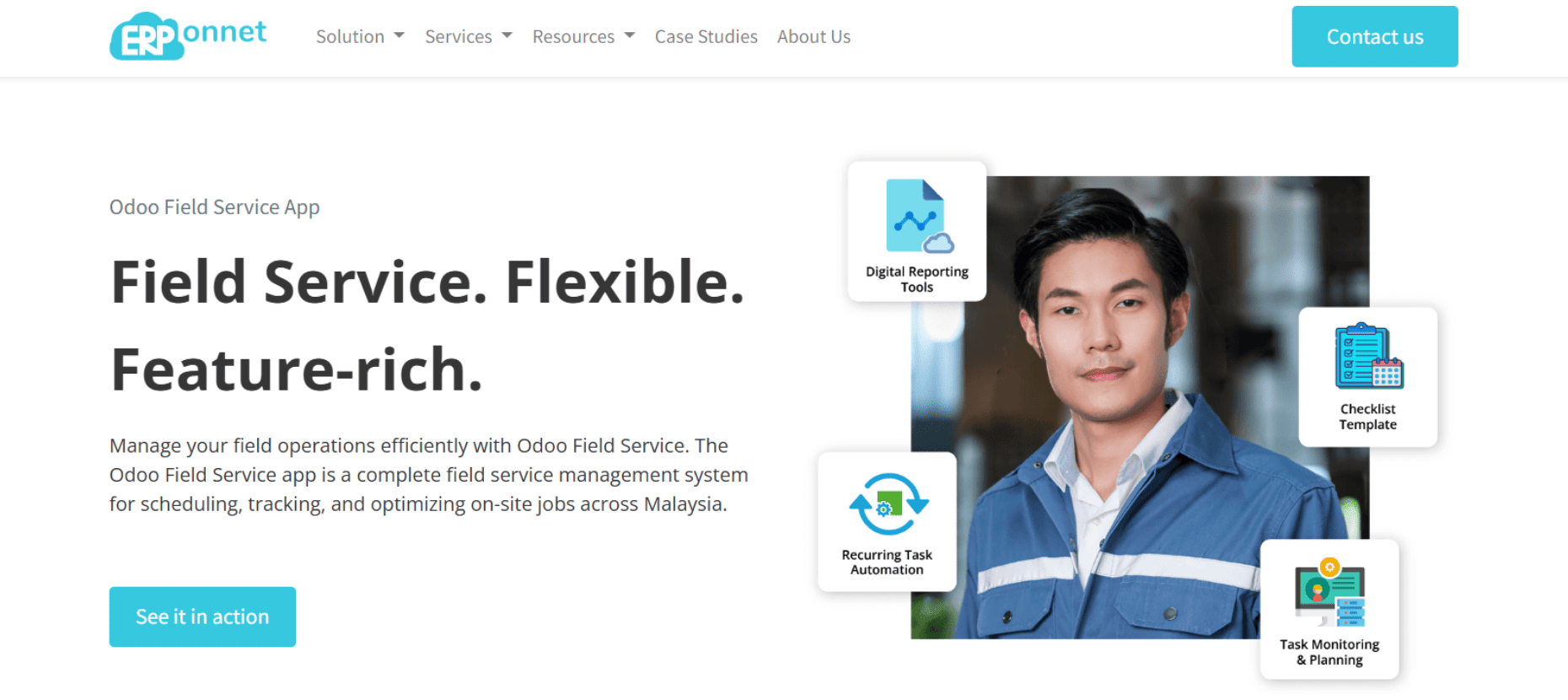
4. Odoo Field Service via Onnet Consulting

www.onnet.my | The Ecosystem Integrator

Odoo is a massive open-source ERP globally, but its Field Service App – localized by top Malaysian partners like Onnet Consulting – is a favorite for local businesses wanting an all-in-one ecosystem.

Best For

Growing Malaysian companies that already use (or want to use) Odoo for their inventory, HR, and accounting, and need a connected field service app.

Standout Features

  • Map View Planning: Planners can view map routing to identify the fastest routes when scheduling the next on-site service in heavy traffic.
  • Recurring Task Automation: Automatically allocates recurring tasks to the initial technicians in charge at regular intervals.

Pros & Cons

  • Pros: Seamlessly integrates with the rest of the Odoo suite, providing a single source of truth for the entire company.
  • Cons: Implementation can be tricky if you try to do it yourself without a certified local partner like Onnet.

The Local Edge: Onnet offers specific Malaysian localization, including e-Invoicing Malaysia compliance, ensuring your field billing meets the latest LHDN mandates.

Plans & Pricing: Basic, Standard, Custom, Pro | Contact Onnet Consulting for tailored implementation packages.

5. Globe3 ERP  

www.globe3.com | The Construction Controller

A highly prominent regional ERP system used heavily in Malaysia and Singapore, specifically engineered for the construction, engineering and heavy contracting sectors. Its field service module helps businesses handle seamless scheduling, dispatching and meticulous tracking of their field service technicians.

Best For

Large-scale Malaysian construction and engineering firms that need field service data tied directly to high-level project accounting.

Standout Features

  • Progressive Billing: Handles the complex payment cycles inherent to the construction industry directly within the ERP.
  • Intelligent Approvals: Access to complex, multi-tiered management approvals via their dedicated mobile app for executives on the go.

Pros & Cons

  • Pros: Developed specifically for regional business requirements, meaning less customization is needed to comply with local tax authorities.
  • Cons: A massive system that is too complex for straightforward residential service companies.

The Local Edge: Unlike lightweight global apps, Globe3 ties field service ticketing directly into complex localized accounting and Malaysian payroll features.

Plans & Pricing: Custom enterprise pricing based on modules. Contact Globe3 directly. 
6. ServiceTitan

www.servicetitan.com | The Sales Behemoth

ServiceTitan is the powerhouse of the residential world, specifically engineered to turn technicians into high-performing salespeople through a data-driven mobile interface.

Best For

Massive, high-growth residential service companies (100+ trucks) that prioritize aggressive sales and deep marketing attribution.

Standout Features

  • Sales Proposals: A tiered presentation screen that simplifies complex quotes to increase average ticket sizes.
  • Marketing Pro: Tracks the exact ROI of every campaign by linking them directly to booked revenue.

Pros & Cons

  • Pros: Unmatched in residential features, including automated memberships and "Uber-style" technician tracking.
  • Cons: Pricing is notoriously expensive, and the "all-in-one" nature can lead to severe feature bloat for simpler shops.

The Global Edge: Provides world-class sales and presentation tools to help massive residential fleets dominate the B2C market.

Plans & Pricing: Starter, Essential, The Works | Pricing is not publicly listed. Contact ServiceTitan directly.

7. Simpro 

www.simprogroup.com | The Commercial Heavyweight

Simpro excels in the complex world of commercial contracting, where a single job can involve thousands of parts and dozens of project milestones over several years.

Best For

Commercial contractors who handle multi-phase projects and facility management where job costing accuracy is the top priority.

Standout Features

  • Plan Takeoffs: Allows estimators to upload digital blueprints and perform markups directly within the app.
  • Progress Billing: Handles complex commercial billing cycles and automated progress claims.

Pros & Cons

  • Pros: Offers the most granular inventory logic on the market, crucial for massive warehouse management.
  • Cons: The UI can feel like a heavy ERP, leading to a steep learning curve for younger field crews.

The Global Edge: The absolute benchmark software for complex commercial job-costing and multi-year project management.

Plans & Pricing: Tiered subscription model. Contact Simpro directly.

8. BuildOps

www.buildops.com | The MEP Bridge

BuildOps was designed to bridge the gap between "service" and "projects" explicitly for commercial Mechanical, Electrical and Plumbing (MEP) specialists.

Best For

Commercial-only shops that need to manage both emergency break-fix service calls and long-term capital improvement projects.

Standout Features

  • PM Agreements: A dedicated module for tracking the profitability of commercial maintenance contracts.
  • Commercial Asset Tracking: Deep history tracking for every commercial unit at a site.

Pros & Cons

  • Pros: Streamlines the quote-to-work-order process for commercial facility managers far better than residential tools.
  • Cons: Lacks "salesy" features, making it rigid for split residential/commercial shops.

The Global Edge: Tailor-made specifically to handle the unique workflows of commercial MEP operations.

Plans & Pricing: Contact BuildOps directly.

9. FieldEdge

www.fieldedge.com | The Financials-First Platform

FieldEdge is built around a "financials-first" philosophy, ensuring that the office and the accounting team are never out of sync with the field.

Best For

Mid-market shops heavily committed to QuickBooks that want a seamless, real-time bridge to their general ledger.

Standout Features

  • Live QB Sync: A bi-directional, real-time sync with QuickBooks that prevents data duplication.
  • Technician Dashboards: Live leaderboards in the office track technician sales rates in real-time.

Pros & Cons

  • Pros: Highly reliable financial data and a strong pricebook management tool.
  • Cons: Project management features for larger, complex jobs are somewhat limited.

The Global Edge: The gold standard for businesses that refuse to compromise on their accounting integrity.

Plans & Pricing: Select, Premier, Elite | Contact FieldEdge directly. 

10. Commusoft

www.commusoft.com | The Automation Engine

Commusoft is designed for multi-trade businesses that want to move away from manual "babysitting" of jobs and toward a fully automated customer journey.

Best For

Multi-trade businesses that want to heavily automate their recurring service reminders and back-office workflows.

Standout Features

  • Automated Service Reminders: Identifies when maintenance is due and automatically contacts the customer.
  • Multi-Location Inventory Tracking: Allows companies to track exactly where each part is stored.

Pros & Cons

  • Pros: Automated triggers save the office team hours of manual work every week.
  • Cons: The initial setup is a massive undertaking because the system is so highly configurable.

The Global Edge: Provides an incredibly robust engine for automating the customer journey from quote to final invoice.

Plans & Pricing: Tiered plans. Contact Commusoft directly.

11. ServiceTrade 

www.servicetrade.com | The Inspection Master

ServiceTrade dominates the commercial compliance niche by providing technicians with the tools to prove exactly what is broken through visual evidence.

Best For

Commercial businesses focused on fire/life safety, commercial HVAC, and routine compliance inspections.

Standout Features

  • Rich Media Reports: Generates photo-heavy, professional digital reports highlighting specific deficiencies.
  • Service Link Portal: A dashboard where site hosts can view their full maintenance history.

Pros & Cons

  • Pros: The best tool in the industry for "proving" the value of maintenance to commercial clients.
  • Cons: The dispatch board can feel disjointed for fast-paced "emergency" service shops.

The Global Edge: Designed explicitly to help contractors win high-value repair approvals from strict commercial facility managers.

Plans & Pricing: Select, Premium, Enterprise | Contact ServiceTrade directly. 

12. Service Fusion

www.servicefusion.com | The Flat-Rate Option

Service Fusion provides a professional-grade feature set without the "per-user" price creep that often penalizes rapidly growing companies.

Best For

Mid-sized shops that want robust features – including GPS tracking and VoIP – but need a predictable, flat-rate bill.

Standout Features

  • Integrated VoIP: Office staff see exactly which customer is calling and their job history instantly.
  • Unlimited User Tiers: Does not charge for every single individual technician added to the field.

Pros & Cons

  • Pros: Extremely cost-effective with a much lower total cost of ownership for growing teams.
  • Cons: Inventory tracking lacks deep "bin-level" granularity.

The Global Edge: The perfect stepping stone for companies outgrowing small software but not ready for enterprise pricing.

Plans & Pricing: Starter, Plus, Pro | Pricing unlisted. Contact Service Fusion directly.

13. Jobber

www.getjobber.com | The Small Business Favorite

Jobber is the industry standard for small businesses looking to professionalize their brand and finally ditch paper calendars.

Best For

Smaller, 1-to-5 van operations that need an intuitive tool to manage scheduling and basic invoicing.

Standout Features

  • Consumer-Grade Portal: Clients can view quotes, pay invoices, and request new work in seconds.
  • Automated Follow-ups: Automatically pings customers who haven't approved their quotes.

Pros & Cons

  • Pros: Incredibly affordable, and most techs can learn the entire app in a single afternoon.
  • Cons: Lacks the ability to handle multi-phase scheduling with dependencies for complex trades.

The Global Edge: Offers an incredibly low barrier to entry for solo operators looking to look highly professional.

Plans & Pricing: Core – $29 per user/month | Connect – $99 per user/month | Grow – $149 per user/month

How to choose the right FSM in Malaysia

Choosing FSM software isn't about finding the tool with the most bells and whistles; it’s about finding the tool that actually matches your daily chaos. Evaluate these three areas before signing a contract:

  • Demand True Customization: Your business doesn't operate exactly like the shop down the street. If the software forces you to change your internal lingo to match their rigid system, walk away. You need a platform like FieldEx that bends to your reality.
  • Audit Your Weakest Link: Are you losing money because cross-trade dispatching is a mess, or because technicians are constantly losing expensive parts? Choose the software that specializes in fixing your exact financial leak.
  • Mobile-First Execution: If your veteran technicians hate the mobile app because it requires a dozen clicks just to close a simple ticket, they simply won't use it. Have your toughest foreman test the mobile interface before you buy.

Unite your operations in 2026

Picking the wrong software is an expensive mistake that will frustrate your dispatchers and make your technicians threaten to quit.

If you’re a single guy in a van just trying to look professional, get Jobber. If you run a massive 200-van residential enterprise, ServiceTitan might be worth the massive cost.

However, if you’re a multi-trade operation balancing different service divisions, complex cross-trade scheduling, massive truck inventories, and a fleet of heavy gear, you need a hybrid system like FieldEx. It is specifically built to manage both your people out in the mud and the iron they drive.

Don't let outdated workflows hold your business hostage; invest in the right modern software today to instantly boost your efficiency and leave the spreadsheet chaos behind.

Frequently asked questions

What exactly is field service management (FSM) software?

At its core, FSM software is a centralized digital platform designed to coordinate and optimize your external workforce. While a CMMS focuses on maintaining your heavy assets, FSM focuses on managing the people. It handles the entire lifecycle of a field job – from intelligent scheduling and technician dispatching to route optimization, real-time tracking, and capturing digital signatures on the job site.

Why should my business switch from paper and spreadsheets to an FSM system?

Relying on paper calendars and muddy whiteboards limits your growth and professional image. Transitioning from spreadsheets to a structured FSM system eliminates the "spreadsheet shuffle" where jobs and inventory easily get lost. Instead of manual data entry, the system automatically tracks who the work is for, what was done, and the final outcome centrally. This ensures nothing slips through the cracks, preventing lost parts and delayed invoicing.

How do we get older, non-tech-savvy technicians to actually use the mobile app?

The biggest mistake companies make is forcing a rigid system onto field workers. To ensure adoption, have your toughest, most old-school foreman test the software demo before you ever sign a contract. Additionally, look for platforms that offer deep relabeling. If your technicians are used to calling a piece of equipment a "Charge Point", the software should say "Charge Point" instead of a generic "Asset". This reduces friction because older technicians aren't forced to learn irrelevant software jargon.

Will an FSM platform scale as my contracting business grows?

Yes, but you must choose a system built for complexity. If you expand into a multi-trade operation balancing different service divisions, you will need a platform that handles complex cross-trade scheduling, massive truck inventories, and even the maintenance of your own heavy gear. Make sure the software supports scalable inventory features, like tracking parts from a main warehouse down to specific zones, bins, and individual technician vehicles.

Can FSM software integrate with my current accounting or ERP systems?

Modern FSM software connects directly to your existing tech stack. You should look for software equipped with a RESTful API or a built-in Power BI connector. This allows you to seamlessly pull your work order, inventory, and labor data into your own business dashboards or accounting software to prevent duplicate data entry and gain deep operational intelligence.

How does FSM software manage complex, multi-trade contracting businesses?

Generic software is often built for single-trade, one-van operations and quickly breaks down when handling multiple service divisions under one roof. A "multi-trade ready" FSM system handles this by supporting phase scheduling, which links different work orders directly to one another using dependencies. Additionally, it uses dynamic checklists that automatically change the required safety and compliance forms based on the specific trade assigned to the job.

Can field service software track spare parts that are already inside a technician’s van?

Yes, advanced platforms track inventory far beyond just your main warehouse. They utilize highly granular inventory tracking by creating individual "user bins" – a virtual inventory representing the exact parts a specific technician is carrying in their truck. When a technician uses an expensive part on a job, they log it directly within the work order on their mobile app. The system processes this as consumed from their specific user bin, creating a fully auditable trail from the warehouse to the job site.

What makes an FSM software "multi-trade ready"?

To run a successful multi-trade operation, a platform must excel in phase scheduling (linking plumbing to electrical work orders), granular inventory tracking (tracking parts to specific user bins on trucks), and dynamic checklists that change based on the specific trade assigned to the job.

About the Author

Dashboard mockup

Sophie Liu

Hi there! I'm Sophie Liu from FieldEx. I love finding simple and smart solutions to the tricky problems field service teams face every day. My background in tackling everything from various field service industries helps me write content that's not just easy to read, but useful for improving your business. Whether you're looking to make your day-to-day operations smoother or aiming to grow, I'm here to help with advice that works. Let's make things better together!

Complex operations simplified with one software.

No paperwork. No spreadsheets. No blindspots. Just one solution that simplifies your field service operations.
Header image