SERVICE REQUEST & CLIENT PORTAL



Attach a QR code to any asset, piece of equipment, or site location. When someone scans it, they fill in a short form and submit. The job lands in your system immediately, assigned, tracked, and ready for action.

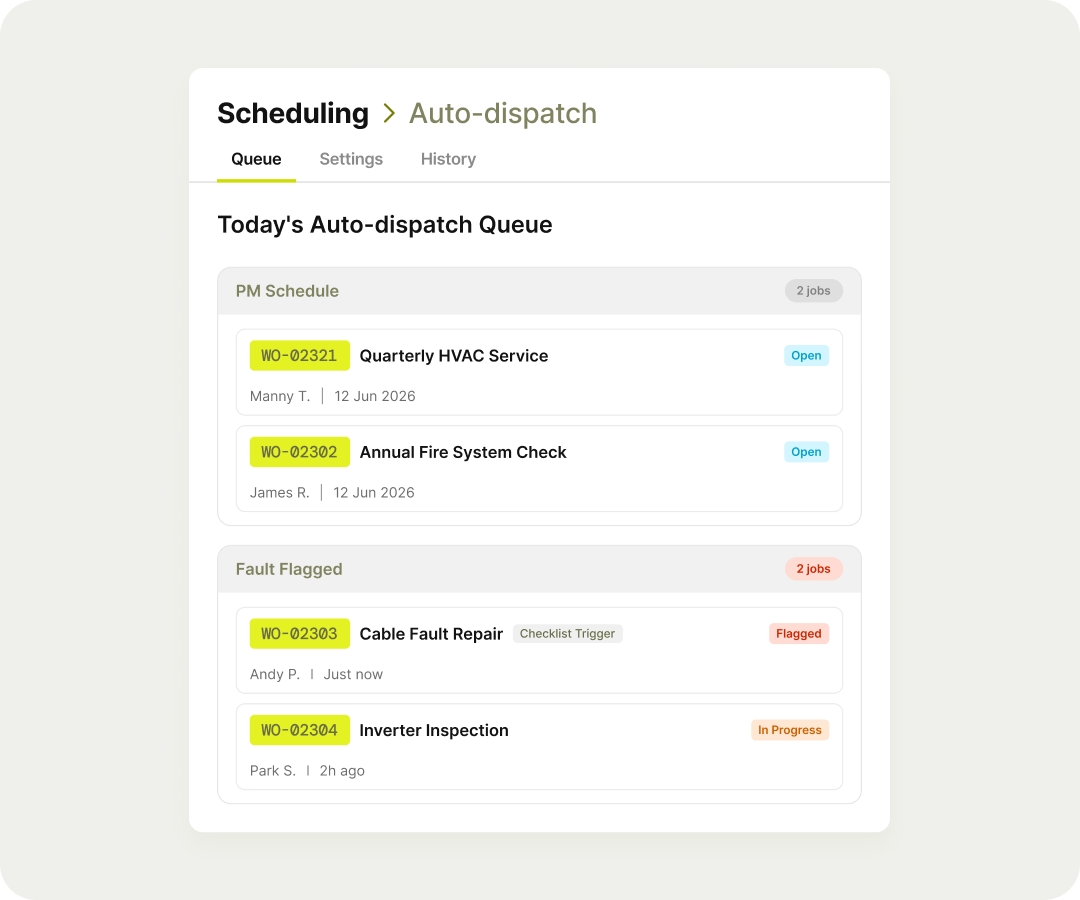
Portal clients submit service requests without calling or emailing. Requests arrive as work orders the moment they're submitted. Your team sees everything in one place, not spread across three different channels.
From the moment a job is raised to the moment it's closed, your client can see exactly where it stands. They do not need to call you. You do not need to update them manually.
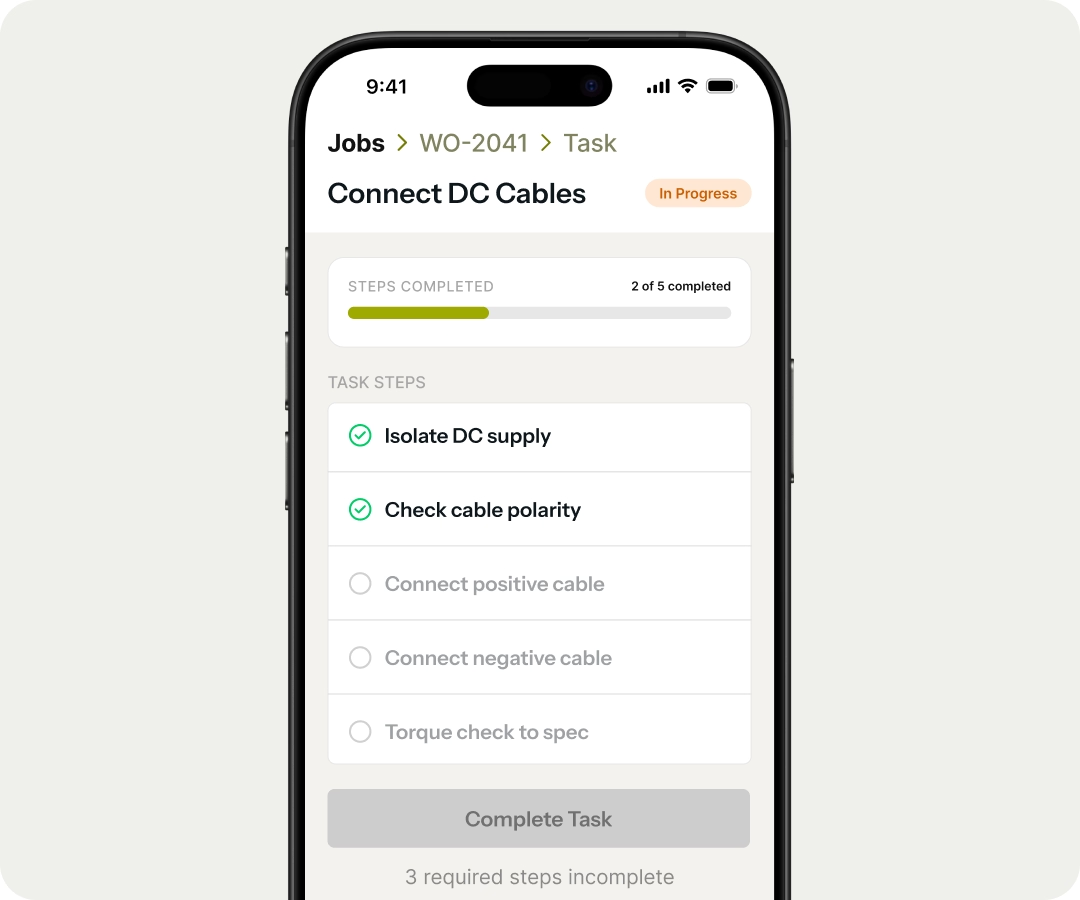
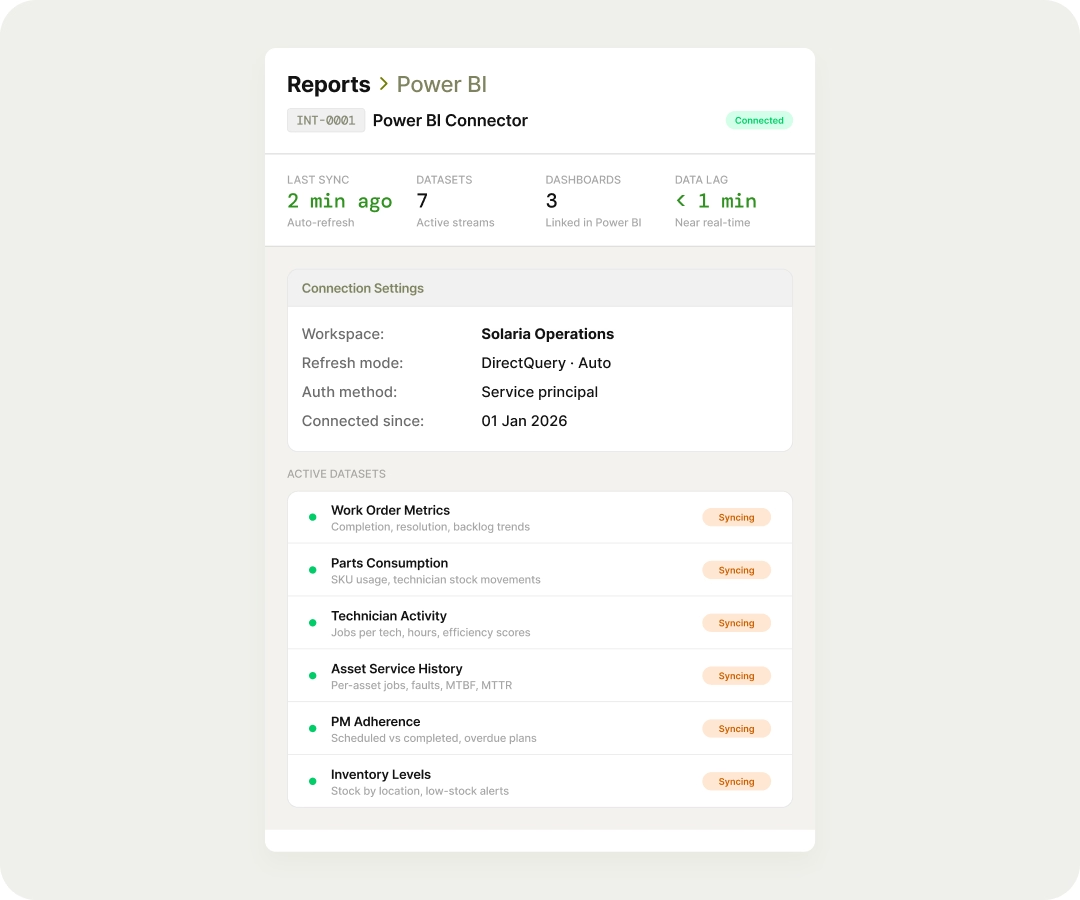
When a job is completed, the service report reaches your client through the portal. Timestamped, signed off, ready to file. No printing, no sending PDFs manually.
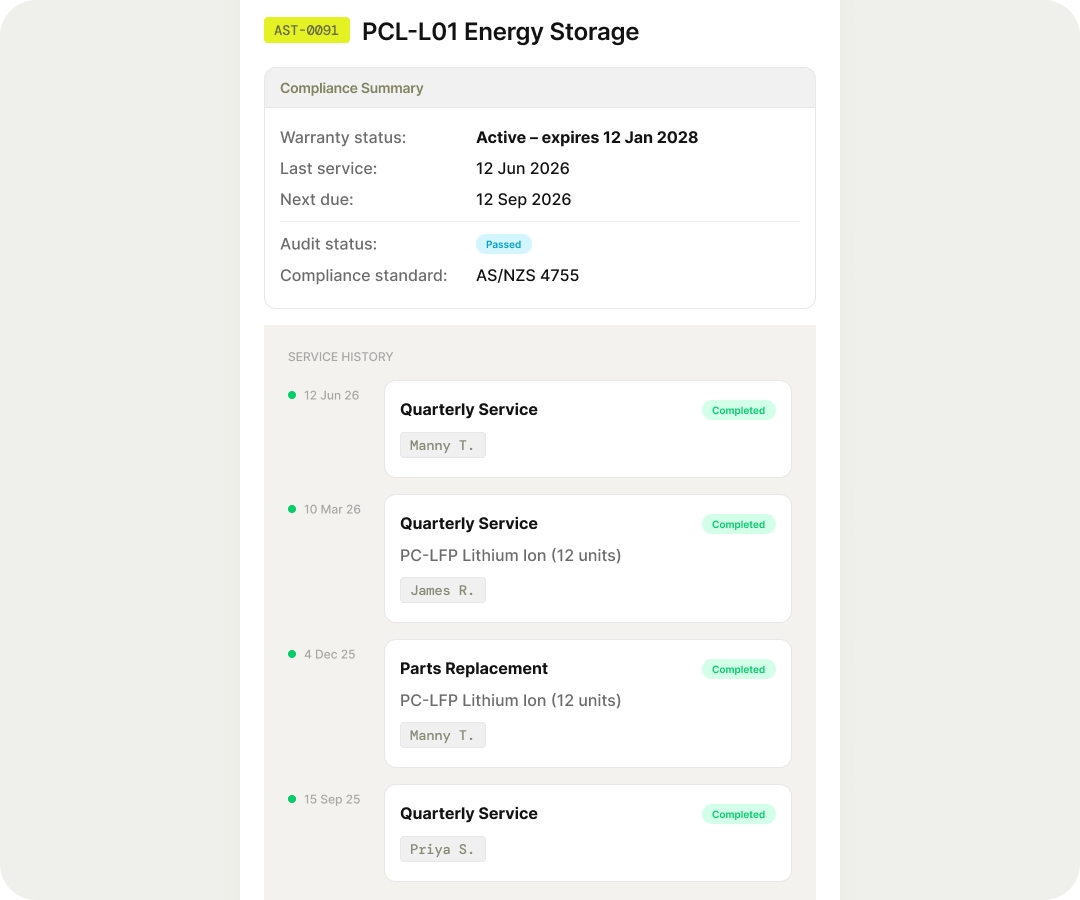
Every job completed against an asset is logged and visible. If a client questions whether a scheduled service was done, the record is already there — date, technician, checklist, photos.

This website and its content are the property of FieldEx and are protected by copyright laws. © 2026 FieldEx. Any redistribution or reproduction of part or all of the contents in any form is prohibited, except with our express written permission.
FieldEx Pte Ltd Singapore


.avif)
.avif)

.avif)