
.webp)
.png)
BuildOps is undeniably a powerhouse for traditional, pure-play commercial MEP (Mechanical, Electrical and Plumbing) contractors. But let’s address the elephant in the room: it is an incredibly heavy lift.
If you’re here, you’re likely researching BuildOps alternatives because you’ve hit one of the common roadblocks: the notoriously steep learning curve, the high implementation costs, or an interface that feels overly rigid if your business doesn't fit perfectly into their specific box. (And if you run a "mixed shop" doing both commercial and residential work? BuildOps explicitly avoids residential, meaning you're left juggling two different systems).
The reality is that commercial field service is evolving fast. You need software that actually adapts to your unique workflows, rather than forcing your dispatchers and technicians to completely change how they work just to appease a computer program.
So, we rolled up our sleeves and got to work – putting together a solid ‘alternatives’ list so you don’t have to. Ready? Let’s dive into the 9 best BuildOps alternatives that can actually handle the heavy-duty commercial work without the bloated enterprise headaches.
In a rush? Here is the cheat sheet to help you find your perfect fit before you dive into the deep end:
Before you make the switch, you need to know exactly what you’re looking for. Commercial service is a completely different beast than residential, so keep an eye out for these crucial elements:
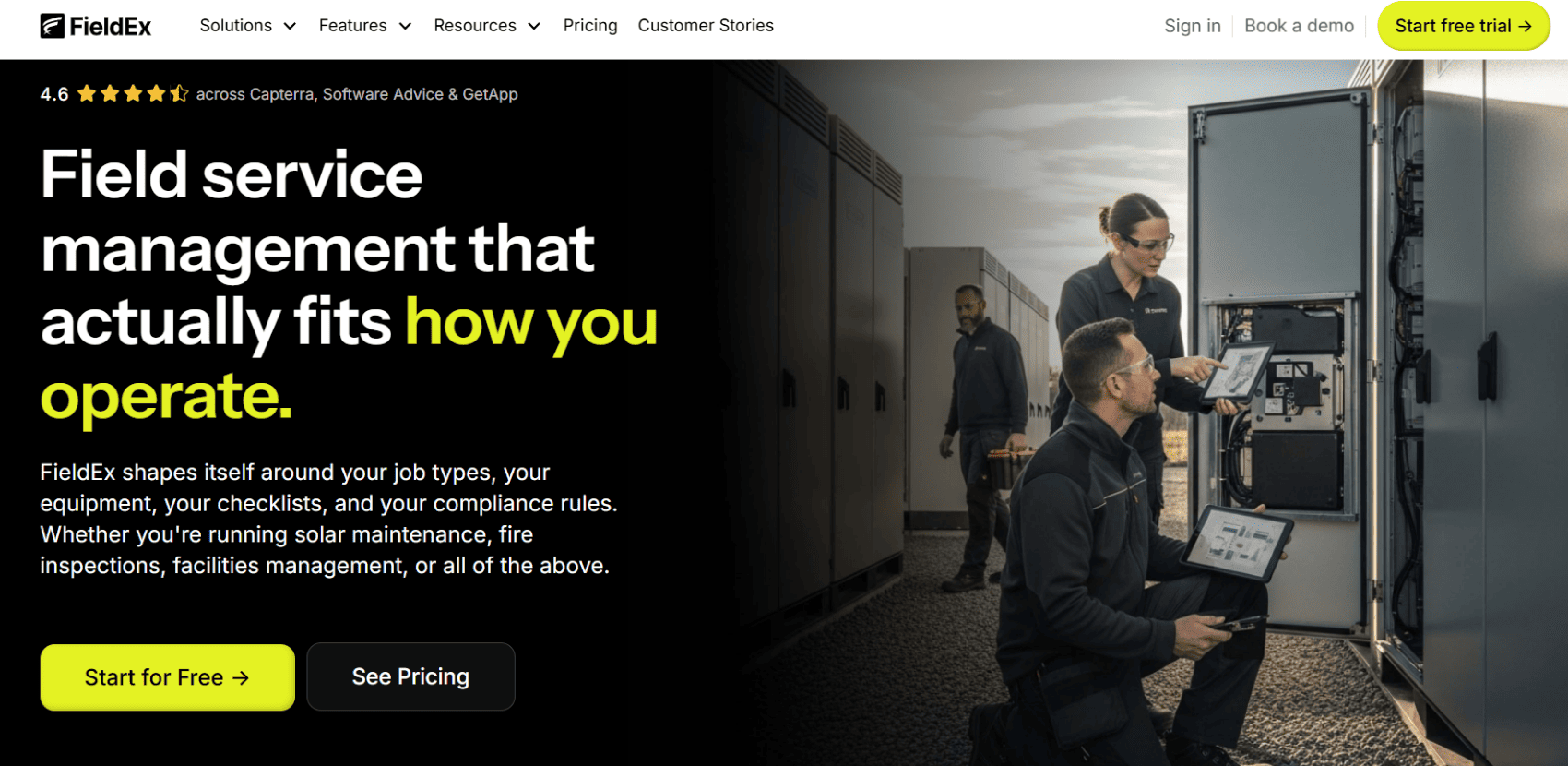
FieldEx was specifically built to be the premier solution that bridges the gap between field service agility and heavy-duty asset management. If you want the sheer power of a commercial CMMS (Computerized Maintenance Management System) without the bloated, rigid enterprise implementation of BuildOps, this is your sweet spot. Available on Android, iOS, and the web, FieldEx manages everything from dispatching the right tech to generating the final compliance documentation.
Commercial contractors, maintenance and HVAC teams, green infrastructure operators, and any agile operation managing complex, multi-level assets across various physical sites that require strict SLA (Service Level Agreement) adherence.
.png)
If BuildOps has a true archnemesis in the commercial service world, it’s ServiceTrade. Based in Durham, North Carolina, they provide an AI-powered field service platform built on 13 years of deep operational data. Tailored specifically for commercial contractors in mechanical, fire and life safety, HVAC and refrigeration, ServiceTrade boasts deep asset histories, offline mobile photo documentation, and a highly polished customer experience that makes it incredibly easy for your commercial clients to approve expensive repair quotes.
Advanced project management, intelligent scheduling, deep accounting integrations (including Sage and NetSuite), and their highly-rated "ServicePortal" where customers can log in to view service histories, approve quotes, and track appointment progress in real-time.
Mid-to-large commercial mechanical, electrical, and fire protection contractors who prioritize exceptional customer-facing communication and rich asset compliance tracking.
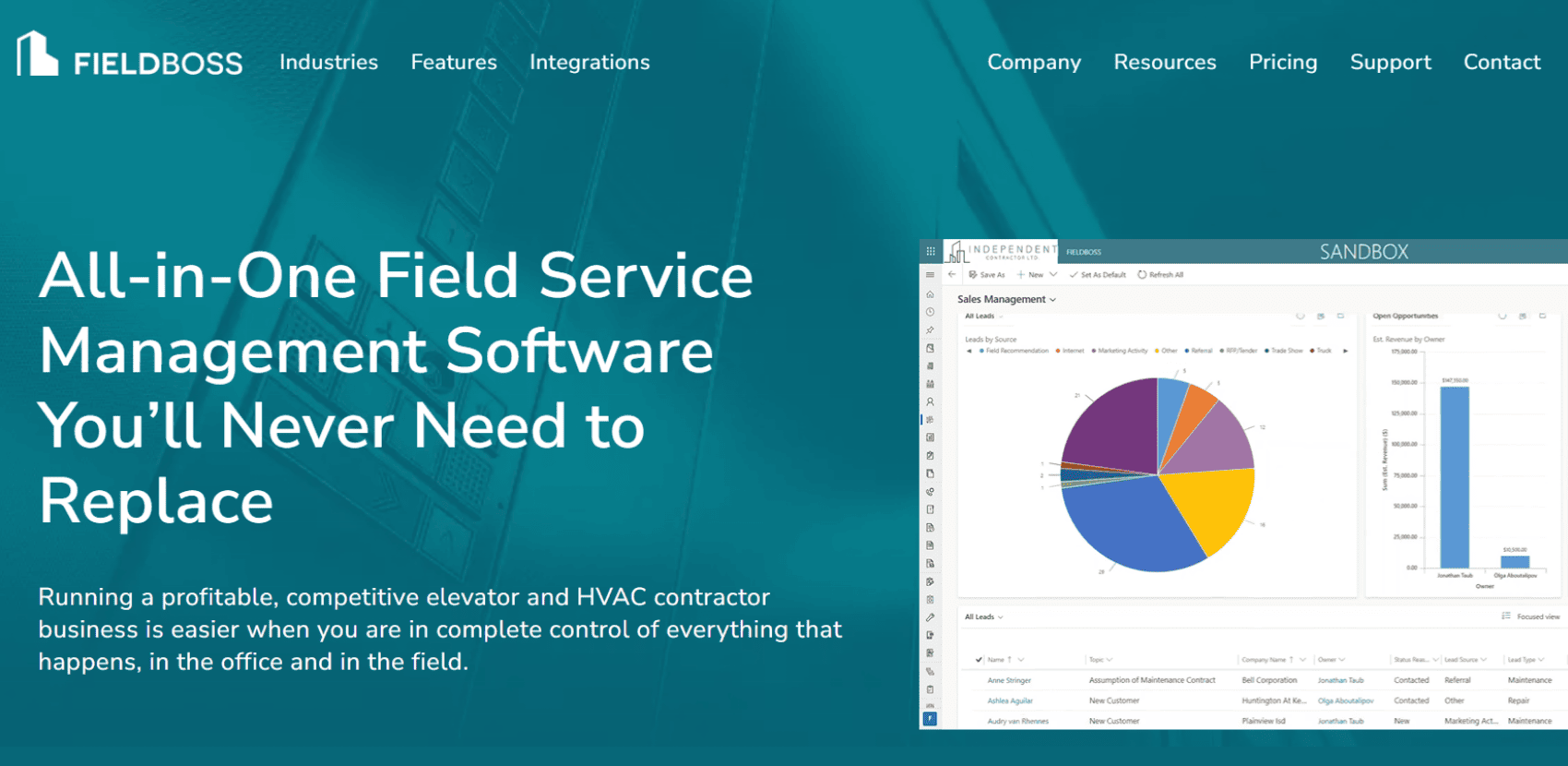
Headquartered in Toronto with offices in NYC and Florida, FIELDBOSS is purpose-built field service management (FSM) software for HVAC and elevator contractors. The defining characteristic of FIELDBOSS is that it is built entirely on top of the Microsoft Dynamics 365 ecosystem. This means if your enterprise is already heavily invested in Microsoft products, this platform plugs right into your existing infrastructure, giving your back office a familiar environment while powering complex field operations.
Advanced preventive maintenance scheduling, rigorous compliance tracking, complex contract management, and seamless integration with the Microsoft suite (Excel, Outlook, Teams, and Dynamics ERP).
Elevator, lift, and large-scale HVAC contractors who manage massive, multi-year maintenance contracts and require airtight audit trails to avoid hefty non-compliance fines.
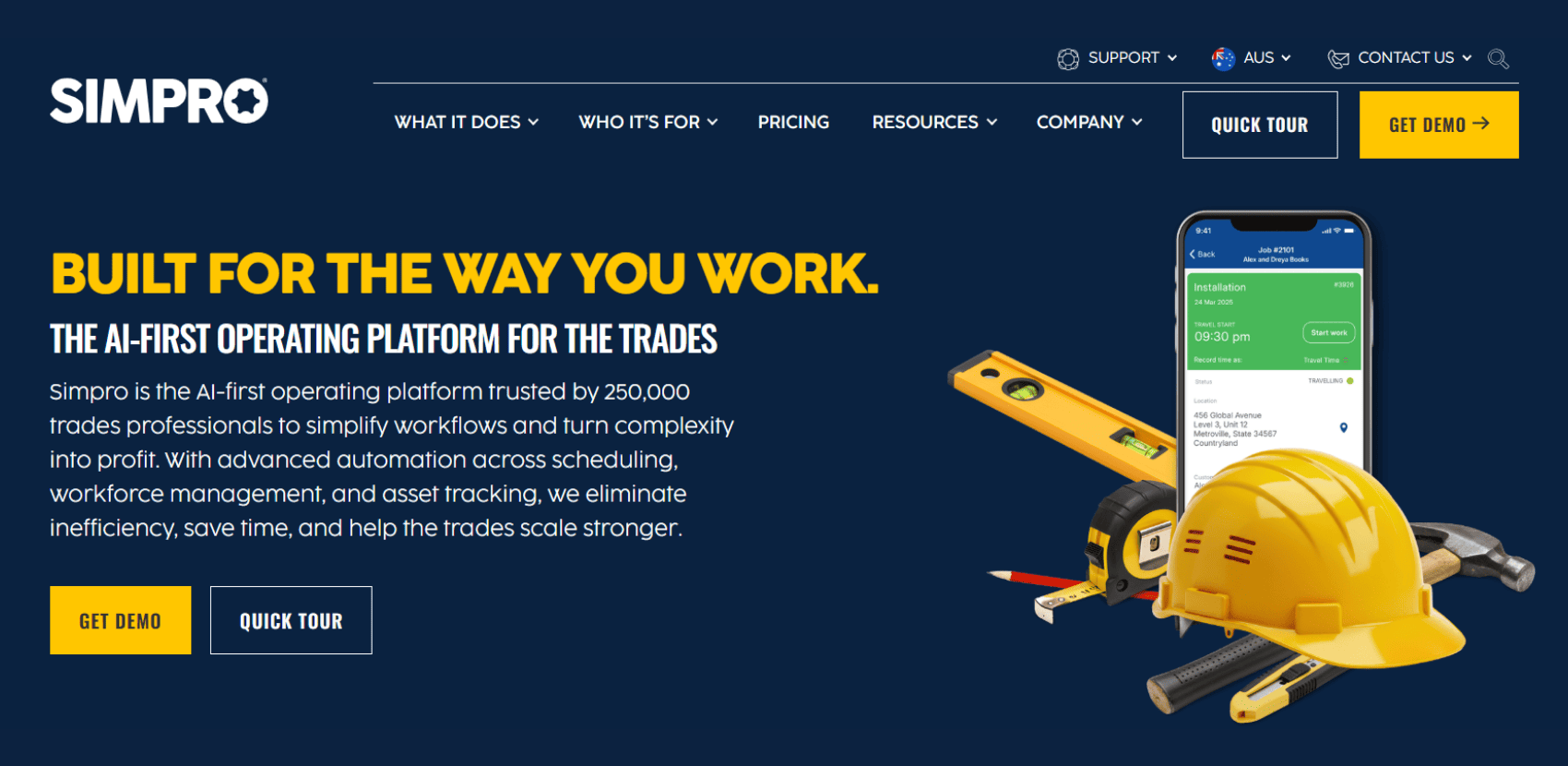
Simpro is the undisputed global heavyweight for true project management. They recently doubled down on their "AI-first" strategy under new CEO Fred Voccola, planting a massive new North American headquarters in Miami. While BuildOps handles standard commercial service well, Simpro truly shines when your operation acts like a general contractor – juggling massive, multi-month construction builds right alongside your recurring maintenance contracts.
Deep commercial job costing, multi-stage project management, progress billing (like AIA billing), and robust inventory purchasing workflows.
Commercial MEP (Mechanical, Electrical, and Plumbing) contractors that derive a huge portion of their revenue from large, complex, multi-month construction projects rather than just daily break/fix service calls.

Founded by the sons of immigrants to help their fathers run better contracting businesses, Glendale-based ServiceTitan has grown into the undeniable juggernaut of the field service space. While BuildOps explicitly avoids residential work, ServiceTitan is the ultimate hybrid alternative for "mixed shops". It acts as a massive CRM streamlining scheduling, e-commerce and marketing automation for plumbing, HVAC and electrical trades.
Advanced dispatching, automated marketing, highly polished technician mobile apps, and powerful sales presentation modules (often called "Good, Better, Best" quoting).
Large, mixed-model plumbing, HVAC and electrical empires that want a single platform to manage their commercial accounts while aggressively growing their residential sales.
.png)
Dallas-based FieldPulse provides a comprehensive, easy-to-use platform for scheduling, dispatching, invoicing, and customer management, beautifully bridging the gap between simple tools and massive enterprise systems. It sits perfectly in the mid-market sweet spot. If you’ve outgrown basic apps but sat through a BuildOps demo and realized you don't need (or want to pay for) that level of overwhelming complexity, FieldPulse steps in.
User-friendly scheduling, excellent customer communication tools, integrated CRM, and a robust inventory management system that doesn't require a PhD to wrap your head around.
Small and mid-sized trade businesses (eg HVAC, plumbing and electrical) who want a powerful, modern platform without the suffocating bloat and high price tag of an enterprise system.
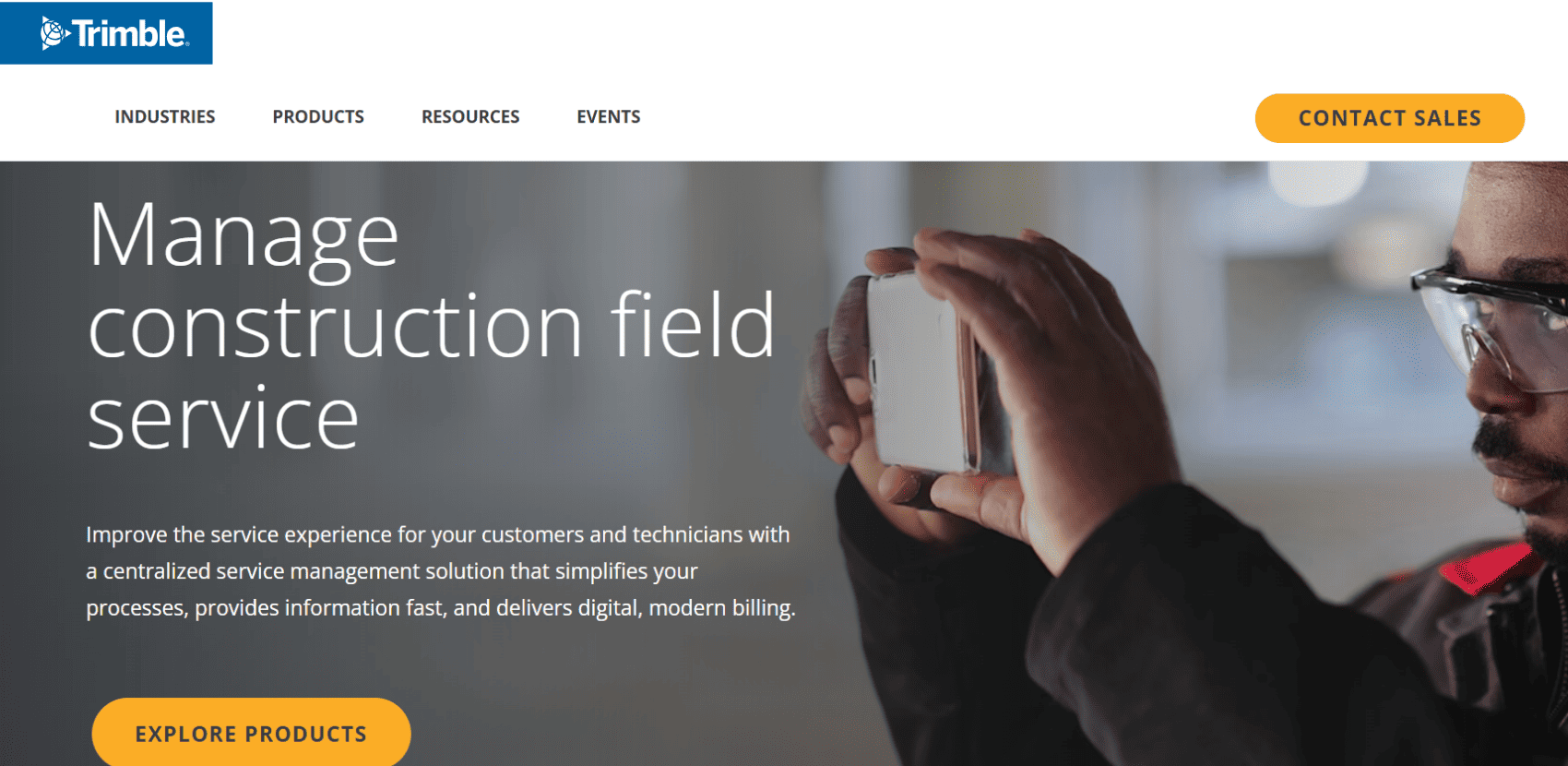
Founded in 1978 by HP engineers above a Silicon Valley theater, Trimble is now a construction tech empire. If your accounting department wants to rule the world, this all-in-one heavyweight is for you. Instead of paying for an FSM middleman like BuildOps, Trimble builds field service directly into their massive enterprise ERP. Mobile apps sync instantly with your accounting database, eliminating third-party APIs and delivering real-time profitability tracking down to the individual work order.
Deeply integrated job-cost accounting, mobile work order apps (like Vista Field Service), real-time visibility into cash flow, and GIS-centric asset mapping (through Trimble Unity).
Massive commercial contractors where the accounting department dictates the software choices, and keeping all financial data, certified payroll, and field service history inside a single, unified ERP is the top priority.
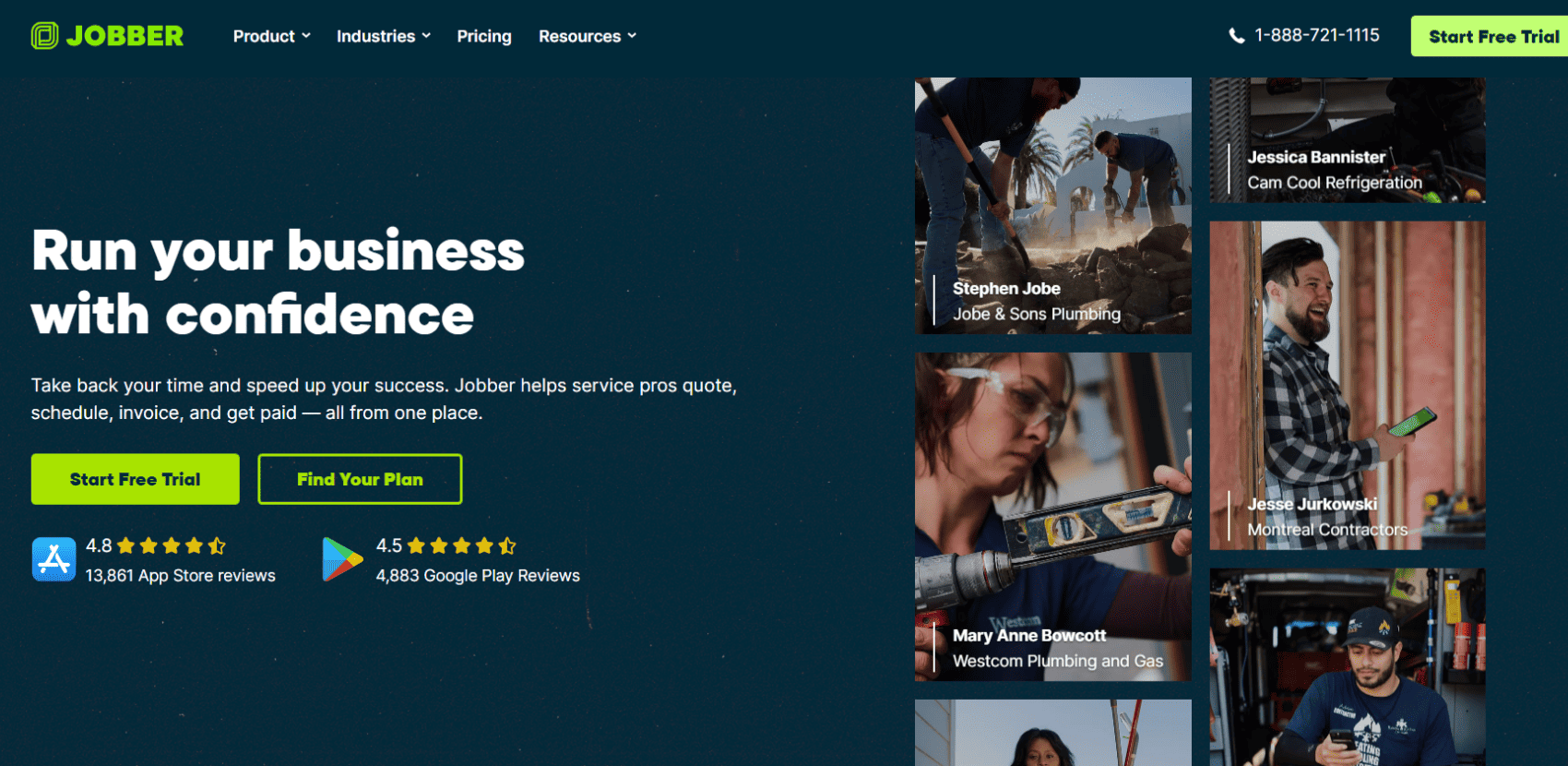
We ‘re including Jobber on this list for the smaller shops who thought they needed BuildOps, sat through the demo, looked at the price tag, and realized they are way out of their depth. Founded in 2010 by two freelance programmers in Edmonton, Canada, Jobber is the darling of the small business world, supporting over 350,000 service professionals. It is simple, effective and gets the job done for lighter commercial work.
Drag-and-drop scheduling, customizable quoting, automated invoicing, and their newly released digital marketing tools (like website creators and review analysis).
Smaller shops and solo operators taking on light commercial maintenance who just need a reliable tool to dispatch, quote and get paid quickly.
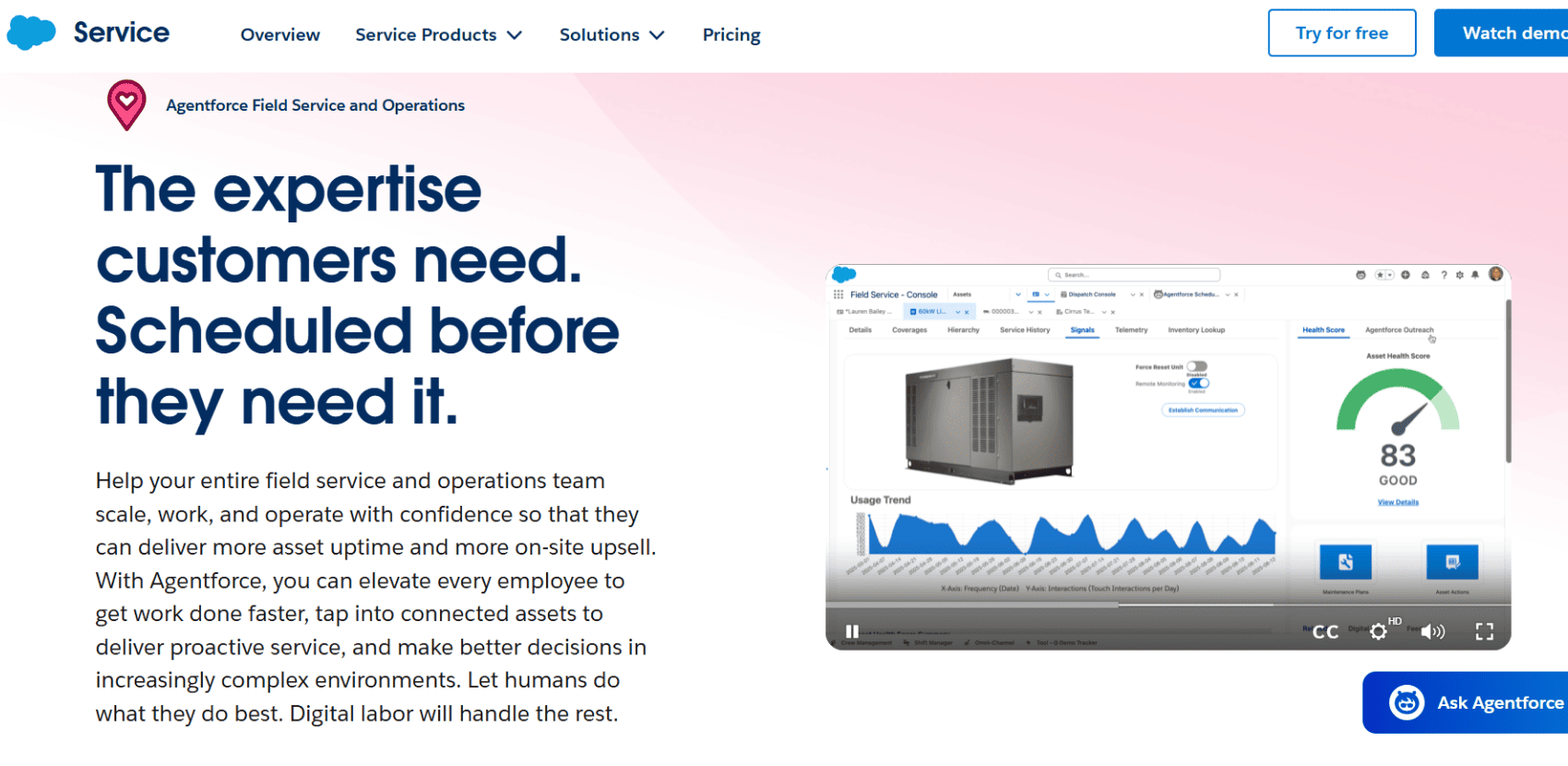
Salesforce dominates by uniting sales, service and IT on one integrated platform. If you’re a multinational commercial contractor, BuildOps might actually be too small for you. Salesforce Field Service takes their massive, data-hungry CRM ecosystem and extends it straight into your technician's van. It connects dispatchers, mobile technicians and customers in real-time to streamline scheduling, inventory and job completion, improving efficiency for industries like manufacturing, utilities and home service.
Advanced AI-driven routing, complex global inventory tracking, and "Agentforce", their autonomous AI agent platform that works side-by-side with humans to speed up processes and take action independently.
Global, enterprise-level commercial contractors who have completely outgrown off-the-shelf FSMs. If your operation includes international B2B sales, complex equipment manufacturing, and thousands of field technicians, this is your end-game platform.
The top 9 BuildOps alternatives to help you run a tighter, more profitable commercial service operation.
Commercial field service management isn’t a one-size-fits-all game. While BuildOps is undeniably a strong tool for traditional MEP contractors, settling for a rigid platform that dictates exactly how you must run your business is a massive drain on your resources, your profitability and your field team's morale. The right software should adapt to your workflows, not the other way around.
If you’re tired of wrestling with enterprise bloat, expensive implementation consultants and daily workarounds just to get your team dispatched, it’s time to make a switch.
In residential work, an AC unit is usually treated as a single asset. In commercial environments, equipment is massive and complex. Parent-child tracking allows you to link individual, granular components (the "children" – like a compressor, condenser or fan motor) to the main piece of equipment (the "parent" – like an industrial chiller).
This is critical for your business because when a specific part fails, your technicians need the service history, warranty status and exact replacement specs for that specific component, not just a generic note on the building as a whole.
Honestly, no. If you’re a solo operator mowing lawns or fixing leaky residential sinks, a basic calendar app and a simple invoicing tool might be all you need. However, the moment your business scales to include a fleet of trucks, complex multi-part machinery, strict compliance contracts, or multi-day commercial projects, running without an FSM tool means you are actively bleeding money through operational inefficiencies and lost paperwork.
Relying solely on "break/fix" emergency work is stressful, unpredictable, and ruins your dispatching schedule. Preventive maintenance (PM) is the process of servicing equipment before it breaks down. Automated PM takes this a step further by using software to instantly generate work orders based on time intervals (eg every 90 days) or meter readings (eg 5,000 hours of machine runtime). This locks in highly predictable recurring revenue, keeps your clients compliant, and drastically reduces 3 am emergency blowouts.
Usually, yes – but you should never assume. The top-tier FSM platforms have either native integrations or robust, open APIs that connect directly to major accounting and ERP heavyweights like QuickBooks, Sage or Microsoft Dynamics. When evaluating a new platform, always verify that they offer a two-way sync with your specific tech stack. If the systems don't talk to each other, you will end up paying your back-office staff to do double data entry.
Absolutely. FieldEx acts as a hybrid FSM and CMMS. It supports automated, asset-based maintenance plans triggered by time elapsed or meter-based usage, making it incredibly easy to manage strict commercial SLAs and recurring compliance contracts.

.avif)


This website and its content are the property of FieldEx and are protected by copyright laws. © 2026 FieldEx. Any redistribution or reproduction of part or all of the contents in any form is prohibited, except with our express written permission.
FieldEx Pte Ltd Singapore