12 best multi-trade field service software platforms in 2026
Comparing ServiceTitan, Simpro, Jobber, and more? Here are the 12 best multi-trade field service software platforms for 2026, ranked by features, offline capabilities, and price.
The field service management(FSM) market is exploding, projected to grow from $5.66 billion in 2025 to $9.87 billion by 2031. But for contractors, searching for the right FSM software in 2026 is an exhausting process. Every tech company claims they offer the ultimate "all-in-one solution", but the reality out in the mud is very different. Most software is built for single-trade, one-van operations.
When a multi-trade business (managing HVAC, plumbing, electrical, and commercial projects under one roof) tries to use generic, single-trade software, the system immediately breaks down. They lack complex phase scheduling, independent truck inventory tracking, and computerized maintenance management system(CMMS) capabilities for their heavy gear.
We did the heavy lifting. We stripped away the marketing fluff and ranked the 12 best multi-trade field service platforms based on how they actually perform, tracking complex dispatching, granular inventory, and trade-specific profitability. But first, let’s establish the basics.
What is a multi-trade business?
In the simplest terms, a multi-trade business is a contracting company that offers more than one specialized service line under a single corporate roof. Instead of just doing plumbing, they have distinct, dedicated divisions for HVAC, plumbing, electrical, and perhaps even general construction or commercial roofing.
While this business model is fantastic for revenue – allowing you to cross-sell a new electrical panel upgrade to a customer who originally just called for an AC repair – it is notoriously difficult to manage. Each trade has entirely different heavy equipment needs, highly specific inventory parts, and unique safety compliance checklists. If you try to run all those distinct trades using the exact same generic workflows and paper forms, your back office will inevitably bottleneck and your profit margins will bleed.
What makes software "multi-trade ready"?
Before diving into the list, you need to know how we judged these tools. To run a successful multi-trade operation, a platform must excel in these 4 areas:
Phase Scheduling: Can it link a plumbing work order directly to an electrical work order using dependencies so crews aren't waiting around?
Granular Inventory ("User Bins"): Can it track a specific $400 blower motor to a specific truck, rather than just lumping all parts into a generic "Main Warehouse"?
Dynamic Checklists: Does the mobile app automatically change its safety and compliance forms based on the specific trade assigned to the job?
The "Iron" Factor (CMMS): Does the software manage the company's own heavy fleet maintenance (like excavator oil changes) alongside customer work orders?
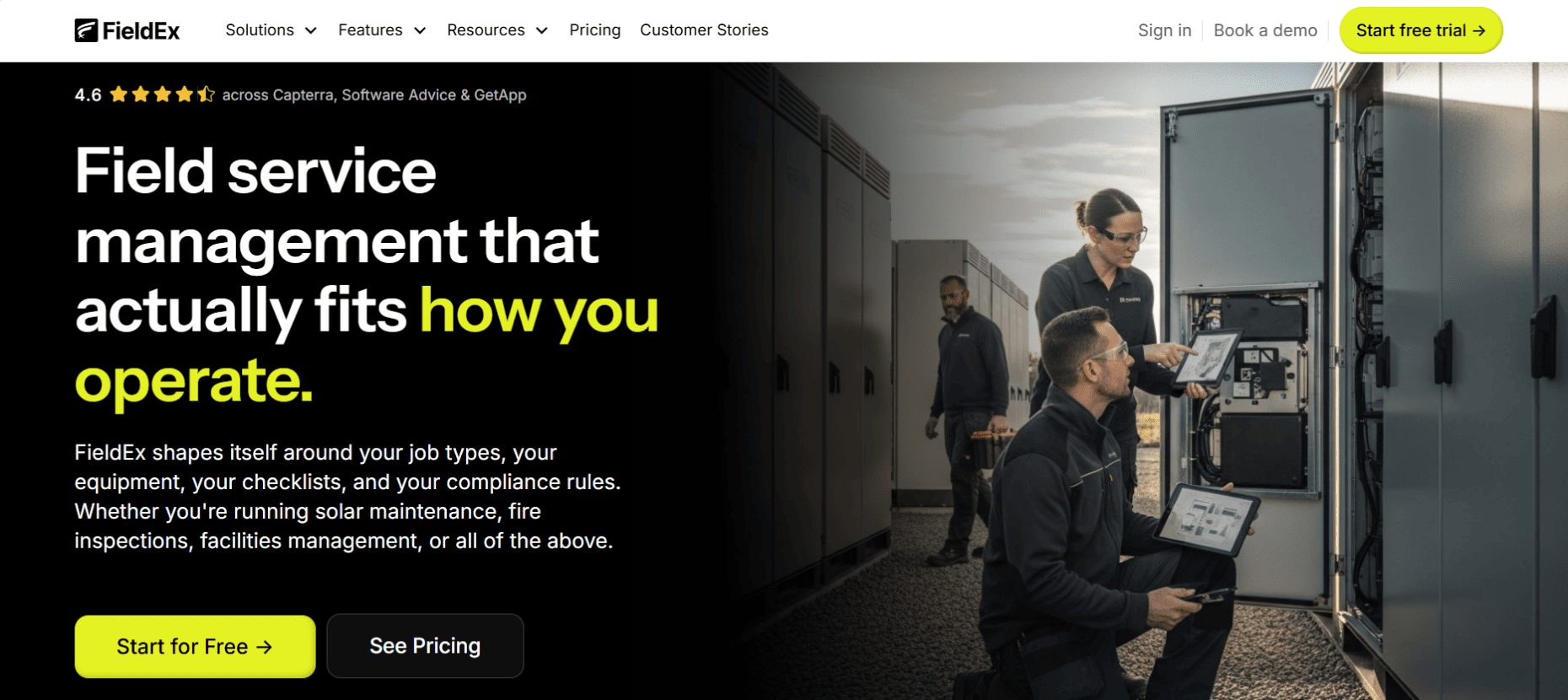
FieldEx bridges the massive gap between the field and the front office by offering a highly customizable platform that manages both your multi-trade field technicians (the people) and the heavy equipment they operate (the iron).
Best For
Growing multi-trade businesses across any sector – from general construction and MEP to specialized infrastructure and green energy – that require a structured, end-to-end digital workflow to replace manual processes and spreadsheets.
Standout Features
Checklist Triggers that automatically log follow-up requirements and create new work orders based on negative responses in the field, ensuring no secondary issues are missed without requiring manual office intervention.
Closed-Loop Compliance: Ensures work is done correctly via Procedures – reusable groups of tasks that can be set as mandatory and ordered to enforce sequential completion before a job can be closed.
Granular Asset Management: Supports Parent-Child Asset Relationships, allowing for detailed maintenance tracking of individual components (like connectors or display units) under a single parent piece of equipment.
Advanced Preventive Maintenance (PM): Features a robust PM module supporting time-based, meter-based, and hybrid scheduling, including "Self-Healing" logic that automatically reschedules overdue jobs.
Public-Facing Reporting: Every asset can have a QR code enabled for public use, allowing members of the public to report faults that instantly become tracked work orders assigned via Round Robin logic.
True Field Customization: Administrators can fully relabel modules (eg changing "Customer" to "Site Host" or "Asset" to "Machine") and configure dependent picklists so technicians only see faults and resolutions relevant to the specific equipment they are servicing.
Pros & Cons
The Pros: FieldEx is the only major platform that seamlessly blends FSM (dispatching, cross-trade scheduling) with a native CMMS (fleet and equipment maintenance). Unlike rigid enterprise software, FieldEx adapts to your business – you can actually rename system data fields to perfectly match your shop's daily lingo.
The Cons: FieldEx is built for growing, complex operations. It is not designed for single-person, owner-operator businesses who just want a basic digital calendar to track their daily appointments.
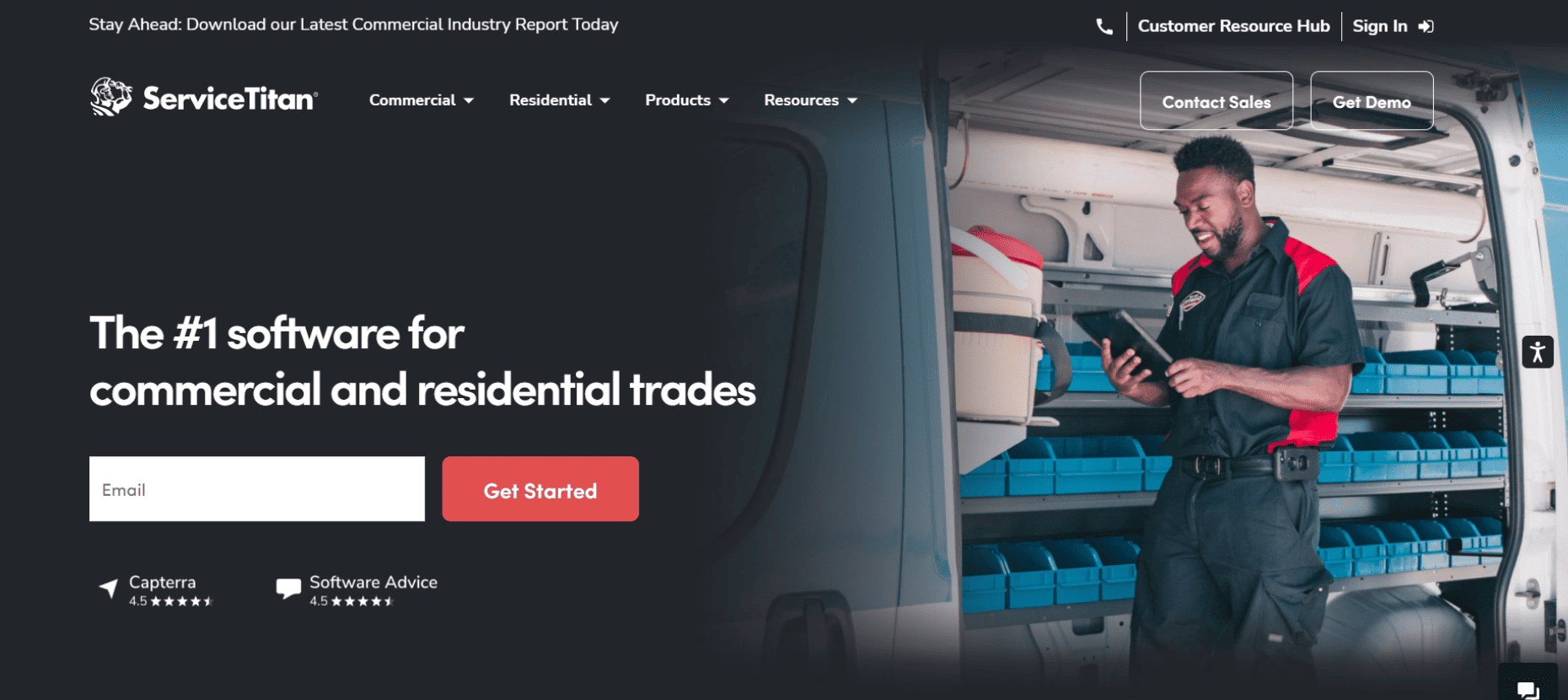
ServiceTitan is the powerhouse of the residential world, specifically engineered to turn technicians into high-performing salespeople through a data-driven mobile interface.
Best For
Massive, high-growth residential service companies (100+ trucks) that prioritize aggressive sales, integrated financing and deep marketing attribution.
Standout Features
Sales Proposals: A "Good, Better, Best" tiered presentation screen that simplifies complex quotes, statistically proven to increase average ticket sizes in the residential space.
Marketing Pro: An advanced module that tracks the exact ROI of every campaign, from direct mailers to Google Local Services Ads, by linking them directly to booked revenue.
Pros & Cons
The Pros: Unmatched in its depth of residential features – including automated memberships, "Uber-style" technician tracking for homeowners, and 24/7 managed chat.
The Cons: ServiceTitan’s pricing is reportedly notoriously expensive, ranging between $125 and $400 per tech. The "all-in-one" nature can lead to feature bloat for shops with simpler workflows.
Plans & Pricing
Starter
Essential
The Works
Pricing is not publicly listed. Contact ServiceTitan directly to know more.
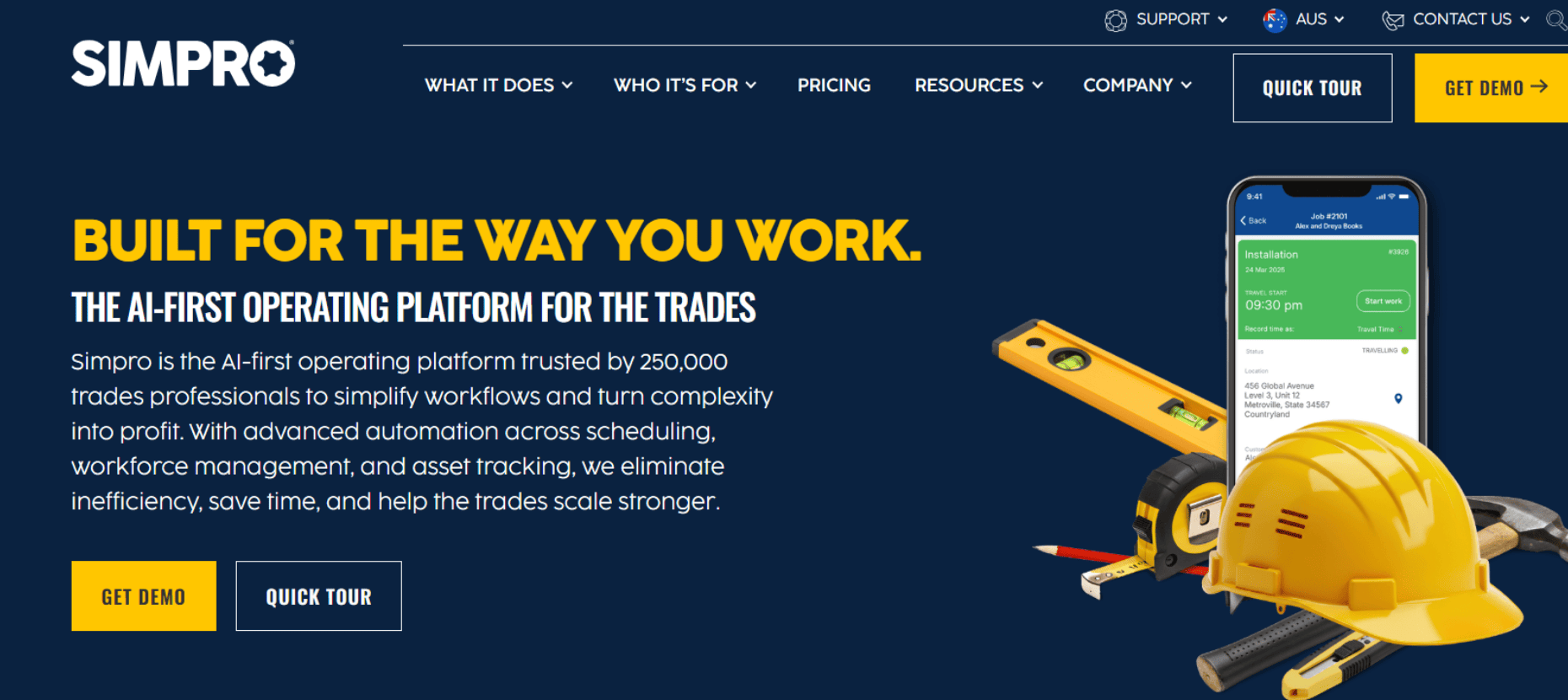
Simpro excels in the complex world of commercial contracting, where a single job can involve thousands of parts and dozens of project milestones over several years.
Best For
Commercial contractors who handle multi-phase projects, government contracts, and facility management where job costing accuracy is the top priority.
Standout Features
Plan Takeoffs: Allows estimators to upload digital blueprints and perform markups and symbol counts directly within the app to generate accurate estimates.
Project progress Billing: Handles complex commercial billing cycles, including retention/holdback tracking and automated progress claims.
Pros & Cons
The Pros: Offers the most granular inventory logic on the market – crucial for MEP shops managing vast warehouses. Its job-costing engine is widely considered the industry benchmark.
The Cons: The learning curve is steep. While powerful, the user interface can feel more like an ERP than a modern app, which can lead to lower adoption rates among younger field crews.
Pricing Model
Tiered subscription model. Typically involves a robust professional services fee for data migration and system configuration.
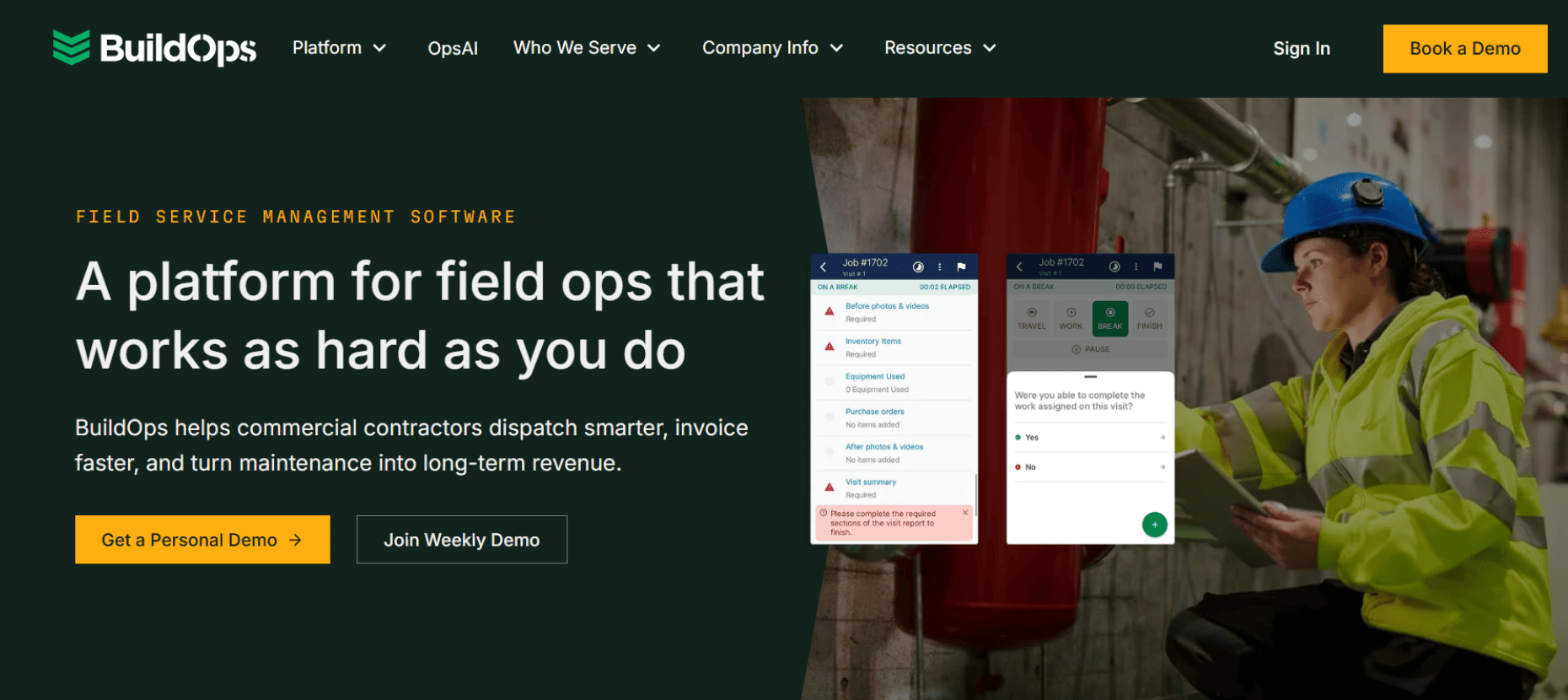
Commercial-only shops that need to manage both emergency break-fix service calls and long-term capital improvement projects in a single platform.
Standout Features
Preventive Maintenance (PM) Agreements: A dedicated module for tracking the profitability of commercial maintenance contracts, ensuring you aren't losing money on "fixed-fee" agreements.
Commercial Asset Tracking: Deep history tracking for every commercial unit (chillers, boilers, panels) at a site, including past refrigerant leaks and repair history.
Pros & Cons
The Pros: Very efficient for commercial-focused workflows. It streamlines the "quote-to-work-order" process for commercial facility managers better than residential-first tools.
The Cons: It lacks the "salesy" features required for residential work. If you have a split residential/commercial shop, your residential techs may find it too rigid.
Plans & Pricing
Plans and pricing are not publicly listed. Contact BuildOps directly to know more.
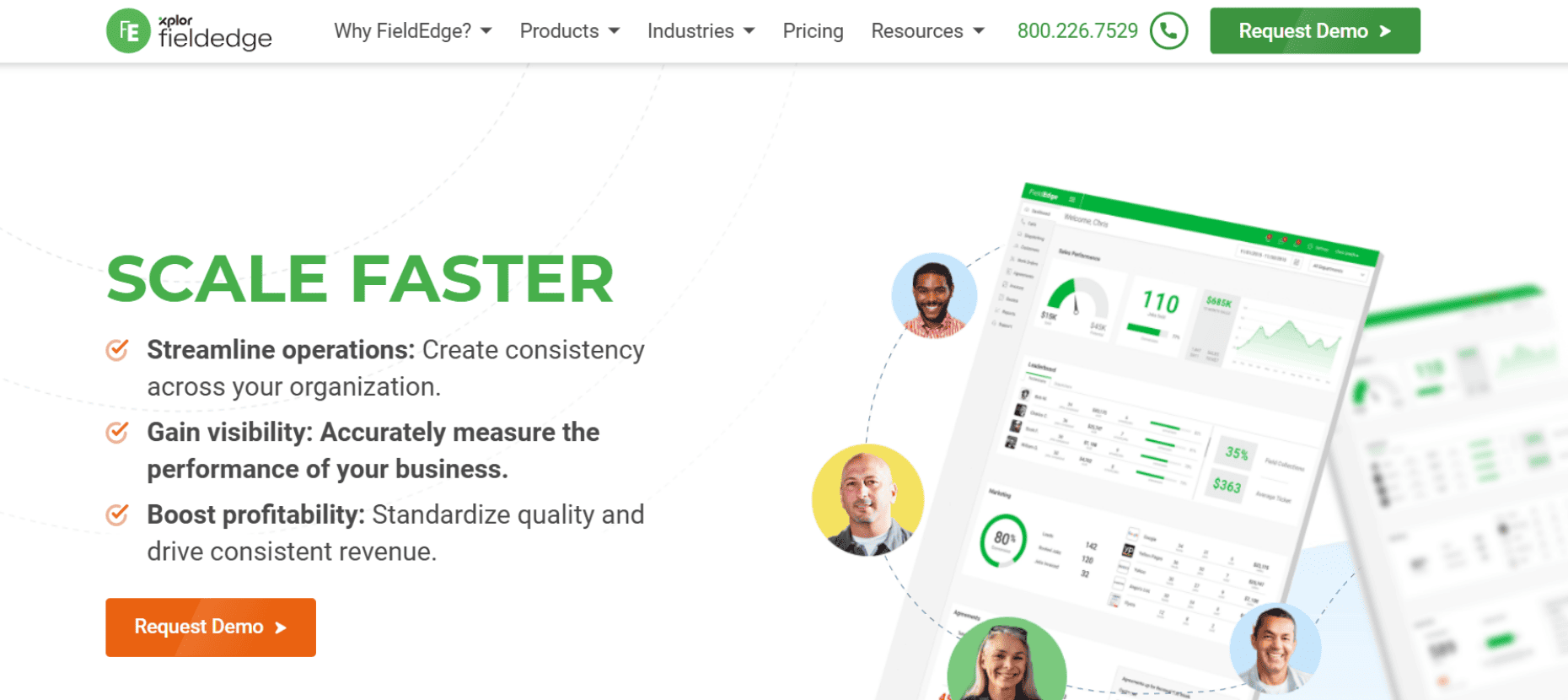
FieldEdge is built around a "financials-first" philosophy, ensuring that the office and the accounting team are never out of sync.
Best For
Mid-market residential shops that are heavily committed to QuickBooks and want a seamless, real-time bridge between field billing and the general ledger.
Standout Features
Live QB Sync: A bi-directional, real-time sync with QuickBooks Desktop and Online that prevents data duplication – the gold standard for accounting-focused shops.
Technician Performance Dashboards: Live leaderboards in the office that track technician sales and conversion rates in real-time.
Pros & Cons
The Pros: Highly reliable financial data. It features a very strong "pricebook" management tool that ensures techs are always quoting the latest material costs.
The Cons: Performance can lag during peak morning "check-in" times. While its QuickBooks integration is great, its project management features for larger jobs are somewhat limited.
Plans & Pricing
Select
Premier
Elite
Pricing is not publicly listed. Contact FieldEdge directly to know more.
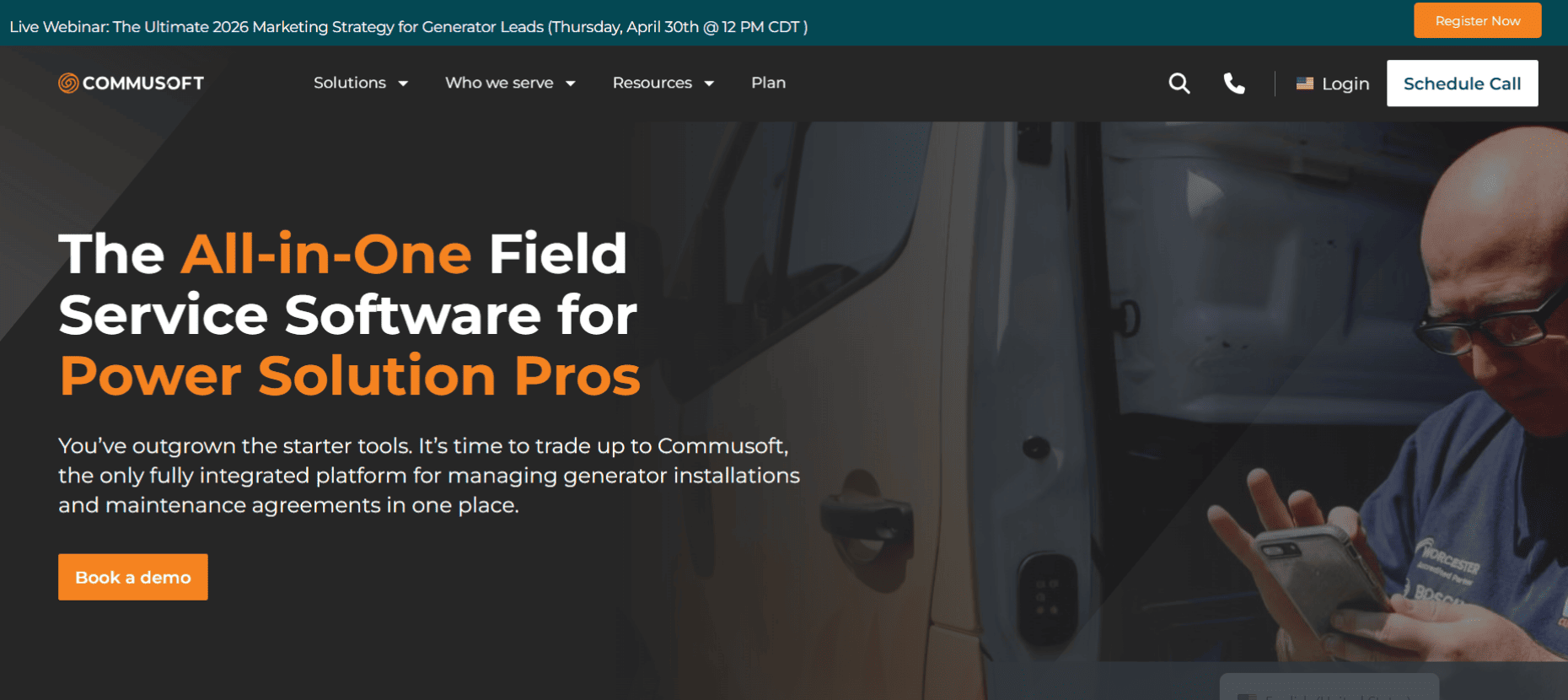
Commusoft is designed for multi-trade businesses that want to move away from manual "babysitting" of jobs and toward a fully automated customer journey.
Best For
Multi-trade businesses that want to heavily automate their customer communications, recurring service reminders, and back-office operational workflows.
Standout Features
Automated Service Reminders: A sophisticated engine that identifies when an annual safety inspection or maintenance is due and automatically contacts the customer to self-schedule.
Multi-Location Inventory Tracking: A robust system that allows companies to track exactly where each part is stored, from a main warehouse down to specific zones and bins.
Pros & Cons
The Pros: Its automated triggers save the office team hours of manual work every week, and its inventory tracking is significantly more granular than most residential-first competitors.
The Cons: The initial setup is a massive undertaking. Because the system is so highly configurable, it requires a significant time investment to set up all your automated "rules" correctly.
Pricing Model
Standard plans are built on a 12-month contract. Contact Commusoft directly to know more.
ServiceTrade dominates the commercial compliance niche by providing technicians with the tools to prove exactly what is broken through visual evidence.
Best For
Commercial multi-trade businesses heavily focused on fire/life safety, commercial HVAC, and routine compliance inspections where detailed reporting is mandatory.
Standout Features
Rich Media Inspection Reports: Generates photo-heavy, professional digital reports that highlight specific deficiencies, making it easy for facility managers to approve repairs.
Service Link Portal: A customer-facing dashboard where site hosts can view their full maintenance history, upcoming schedules, and open quotes for all their properties.
Pros & Cons
The Pros: It is arguably the best tool in the industry for "proving" the value of maintenance to commercial clients, leading to much higher repair approval rates.
The Cons: The dispatch board is built for maintenance cycles, which can feel disjointed for high-volume, fast-paced "emergency" service shops that require instant routing.
Plans & Pricing
Select
Premium
Enterprise
Pricing is not publicly listed. Contact ServiceTrade directly to know more.
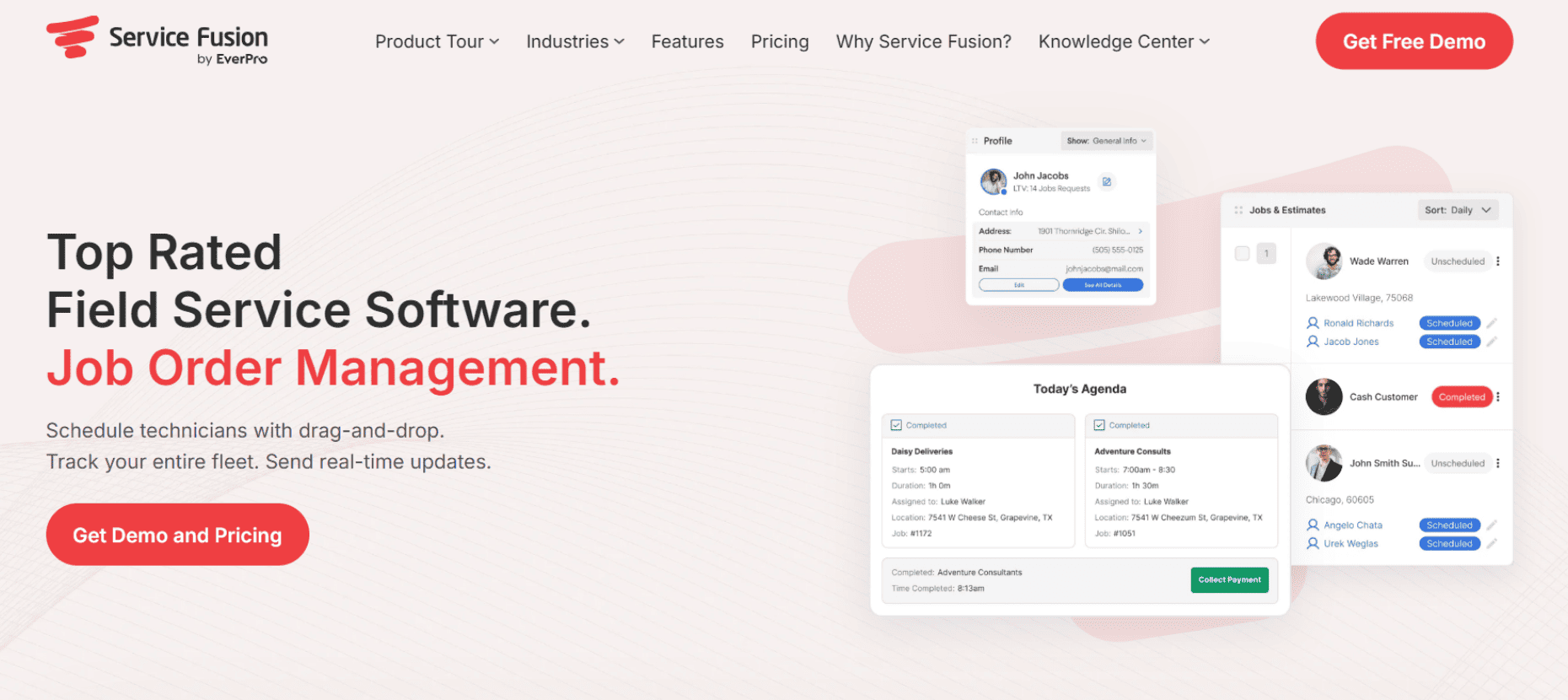
Service Fusion provides a professional-grade feature set without the "per-user" price creep that often penalizes growing multi-trade companies.
Best For
Mid-sized multi-trade shops that want a robust set of features – including GPS tracking and VoIP – but need a predictable, flat-rate software bill.
Standout Features
Integrated VoIP Phone System: Allows your office to see exactly which customer is calling and their full job history before the dispatcher even picks up the phone.
Pros & Cons
The Pros: Extremely cost-effective for rapidly growing teams. It offers a much lower total cost of ownership than enterprise behemoths like ServiceTitan while still providing solid dispatching tools.
The Cons: The mobile app has been known to be occasionally buggy in low-signal areas, and its inventory tracking lacks the deep "bin-level" granularity found in more specialized systems.
Plans & Pricing
Starter
Plus
Pro
Pricing is not publicly listed. Contact Service Fusion directly to know more.
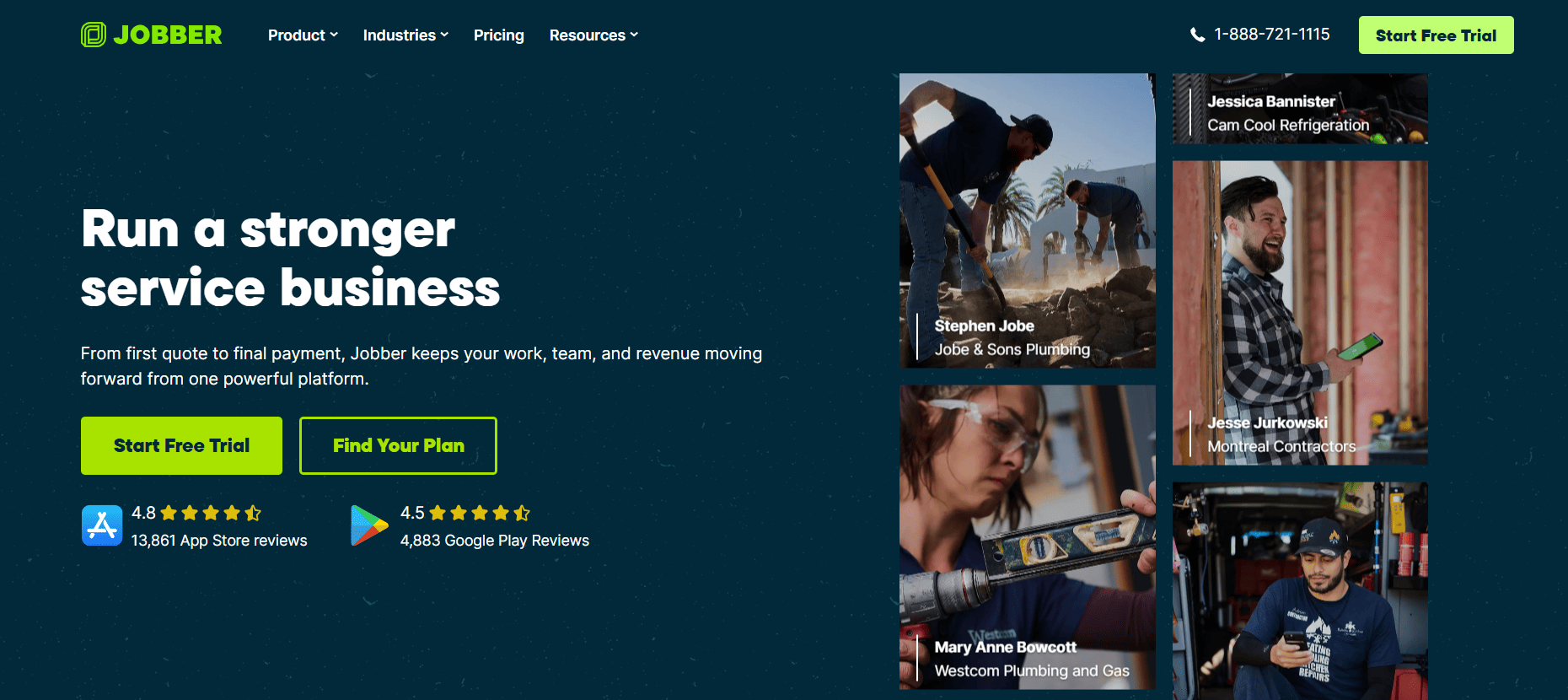
Jobber is the industry standard for small businesses looking to professionalize their brand and finally ditch their paper calendars and muddy whiteboards.
Best For
Smaller, 1-to-5 van operations that need a simple, intuitive tool to manage scheduling, quoting, and basic invoicing.
Standout Features
Consumer-Grade Client Portal: A high-end portal where clients can view quotes, pay invoices via credit card, and request new work in seconds.
Automated Follow-ups: Automatically pings customers who haven't paid their invoices or approved their quotes, acting as a virtual collections assistant.
Pros & Cons
The Pros: It is incredibly affordable. Most techs can learn the entire app in a single afternoon.
The Cons: It is not built for complex multi-trade operations. It lacks the ability to handle multi-phase scheduling with dependencies and does not offer robust inventory tracking for different trade divisions.
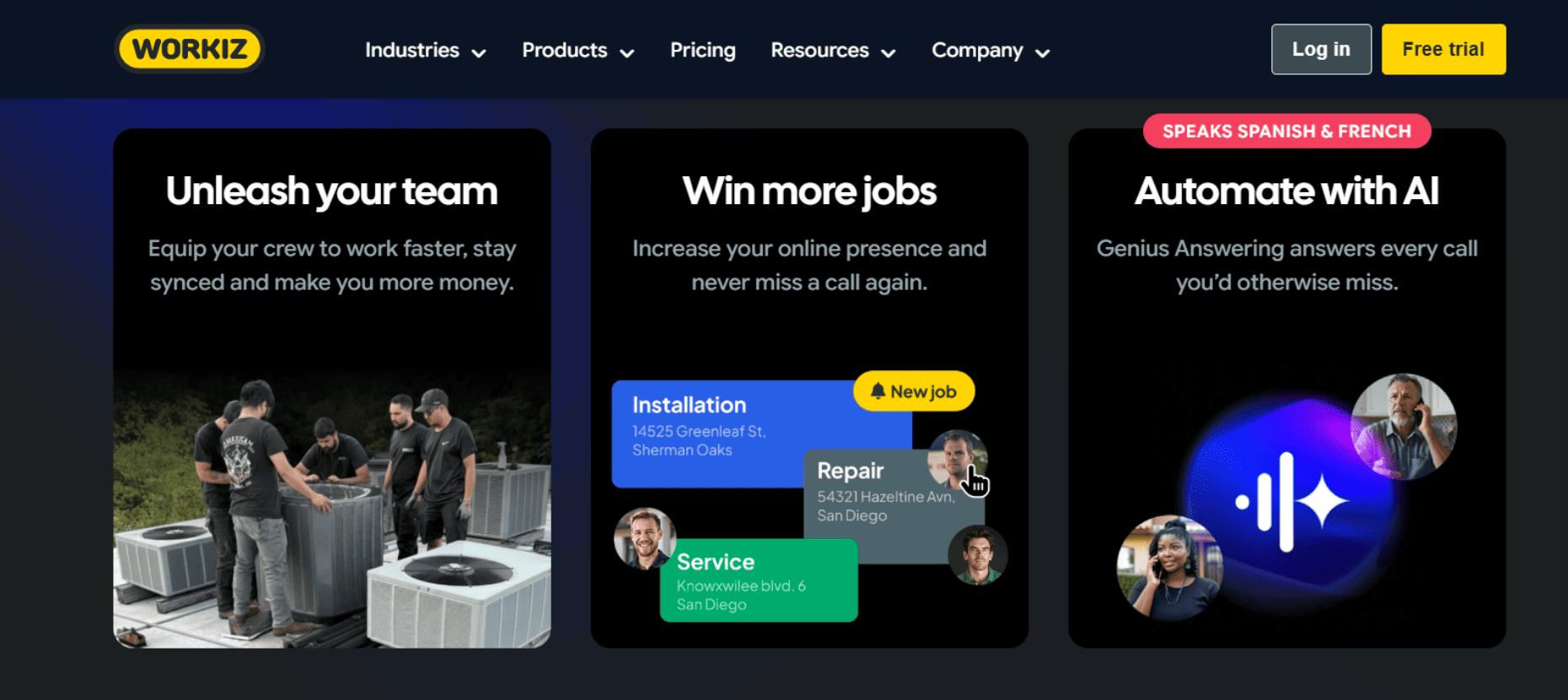
Workiz focuses heavily on the "front end" of the service business – making sure you never miss a lead and that every customer stays informed.
Best For
High-volume, fast-paced multi-trade dispatching (like locksmiths, garage door repair, or junk removal) where speed and customer communication are the primary drivers of success.
Standout Features
Ad-Tracking Integration: Shows you exactly which Google Ad or social media post resulted in a phone call and a booked job, allowing for smarter marketing spend.
Technician Tracking: Sends a "live" map link to customers so they can see exactly where their technician is when they are en route to the site.
Pros & Cons
The Pros: Excellent for managing high-speed dispatching and tracking marketing ROI. The built-in phone system is a major time-saver for busy office staff.
The Cons: It is "feature-light" when it comes to heavy operational requirements. It lacks deep job costing and the CMMS features required to manage a fleet of heavy construction equipment.
Housecall Pro balances a robust set of residential features with one of the most active and supportive online communities in the trades today.
Best For
Standard residential home service companies that want a blend of online booking, simple dispatching, and great sales tools to help techs close more jobs.
Standout Features
Online Booking Widget: A seamless tool for your website that allows homeowners to book specific time slots directly, reducing the load on your office staff.
InstaPay: Allows technicians and business owners to get paid almost instantly via the app, significantly helping with daily cash flow.
Pros & Cons
The Pros: Very user-friendly and offers an excellent "flat-rate" pricebook that makes it easy for new techs to sell. It has a very high adoption rate among residential field crews.
The Cons: Inventory tracking across different trade divisions (like keeping plumbing and HVAC parts isolated) isn't as granular as a complex multi-trade business requires.
Plans & Pricing
Basic
Essentials
MAX
Pricing is not publicly listed. Contact Housecall Pro directly to know more.
Trusted by thousands of service businesses, FieldPulse customers grow an average of 78% year over year and have rated the platform 4.8/5.0 across 2,537 reviews.
Best For
Growing multi-trade field service businesses (5–200 techs) in HVAC, plumbing, electrical and related trades that have outgrown basic tools and need one platform that adapts as the business gets more complex.
Standout Features
ClearPath Workflows: Build job workflows that match how each trade actually operates. Custom status flows, tech checklists, and a clean mobile view that shows field staff only what's relevant at each stage. Different job types (install, maintenance, repair) can follow different paths.
Flexible Scheduling & Dispatching: Drag-and-drop scheduling with GPS tracking, conflict alerts, and multi-team views. Route optimization and automated arrival-time notifications cut driving time and keep customers informed.
Custom Forms: Build trade-specific inspection reports, compliance checklists, and installation docs with a drag-and-drop builder. Conditional logic, offline support, and signature collection included.
Inventory Across Locations: Track parts and materials across trucks, warehouses, and job sites. Serialized tracking and barcode scanning, linked directly to invoices and the pricebook.
All-In-One Communication: FieldPulse Engage® brings calls, texts, voicemails, and emails into one inbox, all tied to the customer record. Operator AI handles after-hours and overflow calls and books jobs automatically.
Pros & Cons
The Pros: Highly customizable workflows, forms and fields, backed by industry-leading US-based support, flexible seat-based pricing.
The Cons: Not ideal for solo operators or businesses requiring Sage integration. Deeper feature set means a more involved onboarding – but FieldPulse's implementation team handles setup, migration and training.
Plans & Pricing
Seat-based – no tiers. Back-office and field-only seats are priced separately.
Add-ons include dispatching, AI receptionist, VoIP phone system, fleet tracking, custom forms, and custom pricebook. The fastest way to get a real number is a 20-minute demo.
How to choose the right software for your business
Choosing FSM software isn't about finding the tool with the most bells and whistles; it is about finding the tool that actually matches your daily chaos. Here is the no-BS checklist for making the right choice without getting burned:
Audit Your Weakest Link: Are you losing money because cross-trade dispatching is a mess, or because technicians are constantly losing $500 parts? Figure out your single biggest financial leak and choose the software that specifically specializes in fixing that exact problem.
Include the Field in the Decision: If your veteran technicians hate the mobile app because it requires a dozen clicks just to close a simple ticket, they simply won't use it. Have your toughest, most old-school foreman test the software demo before you ever sign a contract.
Demand True Customization: Your business doesn't operate exactly like the shop down the street. If the software forces you to change your internal lingo and operational workflows to match their rigid system, walk away. You need a platform that bends to your reality.
Look Beyond the Schedule: Remember, you aren't just managing people; you are managing equipment. If you have a massive fleet of vehicles and heavy equipment, prioritize a system with native CMMS capabilities so you aren't forced to pay for two entirely separate software subscriptions just to keep your company moving.
Making the right choice for your crew
Picking the wrong software is an expensive mistake that will frustrate your dispatchers and make your technicians threaten to quit. If you run a massive 200-van enterprise, ServiceTitan might be worth the massive cost. If you’re a single guy in a van just trying to look professional, get Jobber.
But if you are a multi-trade operation balancing different service divisions, complex cross-trade scheduling, massive truck inventories, and a fleet of heavy gear, you need a hybrid system like FieldEx, specifically built to manage both your people out in the mud and the iron they drive. Stop settling for fragmented tools and unite your entire operation under one highly profitable digital roof.
Frequently asked questions
1. What is the difference between a "Task" and a "Checklist" in high-end FSM software?
While they sound similar, they serve different purposes. A Task is a specific step in a work order that tracks "time on task" via check-in/check-out functionality. A Checklist is a structured digital form used for compliance and documentation. Advanced platforms like FieldEx allow you to use both simultaneously to ensure every minute of labor and every safety check is recorded.
2. Can I track components inside of a larger piece of equipment?
Yes, if the software supports Parent-Child Asset Relationships. This is crucial for multi-trade work where you might need to perform maintenance on a specific connector or cable (the child) that is part of a larger charging station or HVAC unit (the parent).
3. Can I use my own company terminology in the app?
Most generic apps force you to use their labels, but "re-labelable" platforms like FieldEx allow you to change "Customer" to "Site Host," "Site" to "Station", or "Asset" to "Machine". This ensures the software matches your shop’s actual lingo.
4. Is it possible to automate maintenance based on how much a machine is used?
Yes. This is called Meter-Based Scheduling. Instead of just doing a checkup every six months, the software can trigger a work order automatically when a piece of equipment reaches a certain threshold, such as a specific number of hours of operation or charging cycles.
5. What is a "Site Sweep" plan?
A Site Sweep is a maintenance strategy where a technician is assigned to inspect every asset at a physical location during a single visit, rather than targeting one specific unit. This is highly efficient for multi-trade businesses managing large commercial campuses or stations with multiple pieces of equipment.
6. Can we capture signatures and send reports before the tech leaves the driveway?
Modern mobile-first apps allow technicians to capture digital signatures on-site and instantly generate a branded PDF completion document. This document can be emailed to the customer immediately, ensuring they have proof of service before the truck even pulls away.
7. Can I connect my field data to my own custom business dashboards?
Look for software with a built-in Power BI connector or a RESTful API. This allows you to pull your work order, inventory, and labor data into your own reporting tools for deep operational intelligence.
8. How does FSM software eliminate the "spreadsheet shuffle" for multi-trade teams?
Transitioning from spreadsheets to a structured digital workflow ensures that every piece of work is captured in a central Work Order module. Instead of manual data entry, the system automatically tracks who the work is for, what was done, and what the outcome was. By using Work Order Templates, administrators can pre-populate required parts and procedures, ensuring consistency across every job without the risk of human error or "lost" rows in a spreadsheet.
9. What is the most effective way to manage the onboarding of different trade divisions?
A successful digital rollout relies on a system that can be adapted to each trade’s specific terminology and operational structure. Modern platforms allow administrators to re-label modules – for instance, changing "Customer" to "Site Host" or "Asset" to "Charge Point" – so the software feels like a tool built specifically for that trade's daily reality. This level of Customization and Configuration reduces friction during onboarding because technicians aren't forced to learn generic, irrelevant software labels.
FieldEx is a B2B field service management software designed to streamline operations, scheduling, and tracking for industries like equipment rental, facilities management, and EV charging, helping businesses improve efficiency and service delivery.
Don’t just take our word for it
Hear from some of our amazing customers who used FieldEx
"If you want to solve your paper record problems and you want to digitize your operations and you want to elevate your customer experience go and use FieldEx"


.png)


.png)

.avif)

