From heavy equipment maintenance to 3D blueprints, explore the top 9 construction contractor software of 2026 built for the gritty reality of the jobsite.
Managing heavy machinery, parts, and active field crews.
Parent-child asset tracking and self-healing maintenance schedules.
Procore
Enterprise Budgets
General contractors managing massive project financials.
Deep financial integrations and comprehensive RFI management.
Buildertrend
Residential Focus
Custom homebuilders and large-scale remodelers.
Client portals for approvals and timeline tracking.
Autodesk (ACC)
BIM & Large Projects
Massive commercial teams needing architectural control.
3D model integration and strict document collaboration.
Sage 100 Contractor
Hardcore Accounting
Back-office teams handling complex construction financials.
Real-time job costing and union payroll tracking.
HCSS HeavyJob
Heavy Civil Tracking
Earthwork and highway contractors.
Daily production tracking for moving dirt and laying pipe.
Fieldwire
Plan Coordination
Site foremen who need to manage blueprints on tablets.
Blueprint version control and task pinning.
Contractor Foreman
Budget All-in-One
Small to mid-sized builders moving off spreadsheets.
Flat-rate pricing with basic daily logs and scheduling.
Fleetio
Fleet Costs
Contractors who just need to track their rolling trucks.
Telematics integration and fuel consumption tracking.
Let’s state the obvious: construction is the only industry where your "factory floor" relocates constantly, and half your crew doesn't even work for you directly. You’re orchestrating a complex supply chain of heavy machinery, subcontractors, and incredibly tight deadlines.
Yet, many contractors still run multi-million-dollar projects using chaotic spreadsheets, group texts and sheer willpower. While that proves your resilience, it’s also a fantastic way to leak profit margins. When the office and the jobsite disconnect, equipment maintenance gets skipped, and miscommunications snowball into expensive rework.
Scaling a profitable business in 2026 requires digital infrastructure as solid as what you build. You need software that bridges the gap between the executive dashboard and the dirt.
But with hundreds of platforms flooding the market, finding the right fit feels like a full-time job. We have cut through the noise to break down the 9 best construction software solutions out there. Whether you’re coordinating 3D blueprints, tracking complex financials, or ensuring your fleet actually gets its preventive maintenance, we will help you find the perfect tool.
But before we explore the list, let’s establish the basics, shall we?
What exactly is construction contractor software?
If you search for "construction software", you’re going to get hit with a tidal wave of technical jargon. Let’s clear that up right now.
Construction contractor software is a digital platform used to manage the day-to-day operations, finances and physical assets of a construction business. However, it generally comes in three different "flavors":
Project Management (PM): These tools are focused on the big picture – the overall budget, the architectural blueprints, and the project timeline.
Field Service Management (FSM): These tools are focused on the people – dispatching crews, managing subcontractors, and tracking the actual physical work being done on-site.
Computerized Maintenance Management System (CMMS): These tools are designed entirely to keep your physical assets (like cranes, excavators, and dump trucks) serviced, compliant, and running.
For contractors who actually own heavy equipment and deploy crews, the sweet spot is finding a platform that blends FSM and CMMS. You need to manage the mechanics and the machinery in one place.
Why does a construction contractor need a CMMS?
Before we get to the software list, we need to talk about why you can't afford to ignore equipment maintenance.
According to a 2024 report by Siemens, unplanned downtime costs the world’s 500 largest companies ~11% of their revenue, totaling $1.4 trillion annually.
But here’s the real kicker: an emergency breakdown doesn't just cost you the price of a replacement hydraulic pump. Because of premium rush shipping, overtime labor rates, and project delay penalties, an unplanned equipment breakdown carries a staggering cost multiplier of 3 to 5 times more than planned maintenance.
This is exactly why you need a system with preventive maintenance capabilities. Preventive maintenance just means servicing a machine based on engine hours or elapsed time before it breaks down. The right software automates this, ensuring you never miss a critical oil change on an excavator again.
What to look for in your software
When evaluating your options, keep an eye out for these four critical features:
Granular Asset Tracking: It’s not enough to just track a "crane”. You need software that tracks the crane and its swappable riggings separately.
Subcontractor Management: The ability to automatically assign work orders and track compliance checklists across your third-party crews.
Mobile Functionality: Jobsites are notorious for cellular dead zones. If the mobile app is clunky or useless in the field, your crew will abandon it.
Custom Terminology: Software that forces you to use corporate jargon your crew doesn't understand is incredibly frustrating. You need a system that lets you rename things (like changing "Sites" to "Projects") to match your actual shop lingo.
Top 9 Construction Contractor Software Solutions in 2026
1. FieldEx
www.fieldex.com | Best Overall for Equipment Maintenance & Field Ops
Think of FieldEx as the ultimate hybrid betweenFSM and a CMMS. Available on Android, iOS, and the web, it’s a powerhouse designed to manage the gritty reality of physical fieldwork, heavy equipment upkeep, and strict subcontractor compliance. Instead of just tracking project budgets, it tracks the actual moving parts – bridging the gap between your expensive assets and the people turning wrenches on them.
Key Features for Construction Contractors
Parent-Child Asset Tracking: FieldEx lets you track the parent asset (the crane) and its individual child assets (the swappable riggings, blocks, or GPS modules) separately. This means you can track maintenance history and parts down to the exact component.
Self-Healing Preventive Maintenance: You can set up maintenance triggers based on meter readings, like engine hours or elapsed time. If a scheduled service is missed because a jobsite was completely rained out, the "self-healing" feature automatically reschedules it to a new, logical date rather than leaving it perpetually overdue and throwing off your entire calendar.
Automated Checklist Triggers: You can attach digital forms to a work order. If a technician answers negatively to a critical question – like hitting "No" for "Are the excavator tracks tensioned correctly?" – the system automatically flags it as requiring follow-up. It then automatically creates a brand new work order from a template and assigns it to the right mechanic via round-robin dispatching.
Deep Spare Parts Tracking (The "User Bin"): FieldEx tracks physical inventory across three tiers (Location, Zone and Bin) so you know exactly which warehouse shelf a part is sitting on. More importantly, every technician has a virtual "User Bin" representing the parts physically sitting in their truck. When they log a part on the mobile app out in the mud, it instantly records it as consumed from their specific truck, giving you a fully auditable trail of where your expensive parts are going.
QR Code & PDF Sign-offs: Every single piece of equipment gets a QR code. Technicians can scan a bulldozer, instantly pull up its full service history , run through a mandatory safety checklist, take photos, and generate a branded PDF compliance document with a digital signature from the site foreman – all completely in the field.
Pros & Cons
Pros: Incredible flexibility to relabel the entire system – you can change "Customer" to "Client" or "Site" to "Project" in the settings so it matches your actual jobsite lingo. It also features strict compliance workflows and works natively on both Android and iOS without needing desktop access.
Cons: Because it’s so feature-rich and highly structured, it might be a bit too heavy for a boutique homebuilder who literally just wants to store PDF blueprints and send a basic invoice.
The Verdict: The undisputed champion for heavy contractors whose biggest headaches are managing expensive equipment fleets, tracking spare parts on a granular level, and orchestrating complex field teams without constant manual intervention.
If you’re building a $50 million hospital or a massive downtown high-rise, Procore is the industry-standard behemoth you will likely run into. It is a massive project management platform built to handle the incredibly complex financial, architectural, and legal side of mega-projects.
Key Features for Construction Contractors
Financial Mastery: It ties every single dollar spent back to the master budget, ensuring massive multi-year projects don't bleed cash into the red.
RFI and Submittal Workflows: An RFI (Request for Information) is just a formal way of asking the architect "Are you sure you want this wall here?" Procore creates an ironclad digital paper trail for these requests so contractors don't get sued for building the wrong thing.
Drawing Centric: It allows the entire enterprise team to view massive architectural drawings and 3D models from anywhere.
Pros & Cons
Pros: It is the gold standard for general contractors managing massive project financials and complex liability.
Cons: Pricing typically starts around $375 per user per month and can balloon quickly with hidden implementation fees. It’s also focused heavily on the project itself, not the mechanical maintenance of the machines digging the foundation.
The Verdict:Perfect for enterprise-level general contractors building skyscrapers who need to track billion-dollar budgets and avoid massive legal liabilities.
3. Buildertrend
buildertrend.com | Best for Residential Homebuilders & Remodelers
Let's pivot from skyscrapers to custom kitchens. Buildertrend is the 800-pound gorilla built from the ground up to manage the chaotic, highly emotional relationship between the custom homebuilder, subcontractors, and the homeowner.
Key Features for Construction Contractors
The Client Portal: This gives the homeowner a dedicated login to see daily logs, view progress photos, and approve expensive change orders.
Schedule Syncing: It keeps all your drywallers, plumbers and painters aligned on a central calendar so nobody is stepping on each other's toes in a crowded living room.
Selections Management: It tracks exactly which tile or faucet the client picked out so the wrong materials don't end up on the jobsite.
Pros & Cons
Pros: The customer experience is top-notch. It makes a small builder look incredibly professional to a homeowner spending half a million dollars.
Cons: As your team grows, the price climbs steeply; their top-tier plans can cost over $1,000 per month. It also completely lacks the granular asset tracking required to manage a fleet of heavy diesel equipment.
The Verdict: If you’re building high-end houses and need to keep anxious homeowners happy, informed, and paying on time, this is your software.
Autodesk Construction Cloud (which many folks still refer to by its old name, BIM 360) is a highly advanced platform built entirely around the architectural design of a project. It acts as a single digital ecosystem for managing a project from the design phase all the way to completion.
Key Features for Construction Contractors
BIM Integration: BIM stands for Building Information Modeling. It allows the team to view incredibly complex 3D models of the building. This is crucial for "clash detection" – like realizing a massive HVAC duct is designed to run straight through a concrete support pillar before you actually pour the concrete.
Strict Document Control: An absolute fortress for managing thousands of architectural blueprints and ensuring every contractor is working off the latest version.
Pros & Cons
Pros: Users have reported a substantial decrease in rework because of its automated clash detection capabilities. It is literally mandatory for modern commercial building design.
Cons: It’s heavily geared toward the engineers and architects sitting in the office trailer. Not designed for the mechanic out in the mud trying to pull up a maintenance checklist on a broken skid steer.
The Verdict:The ultimate tool for commercial teams that live and die by complex 3D models and need strict architectural collaboration between the office and the site.
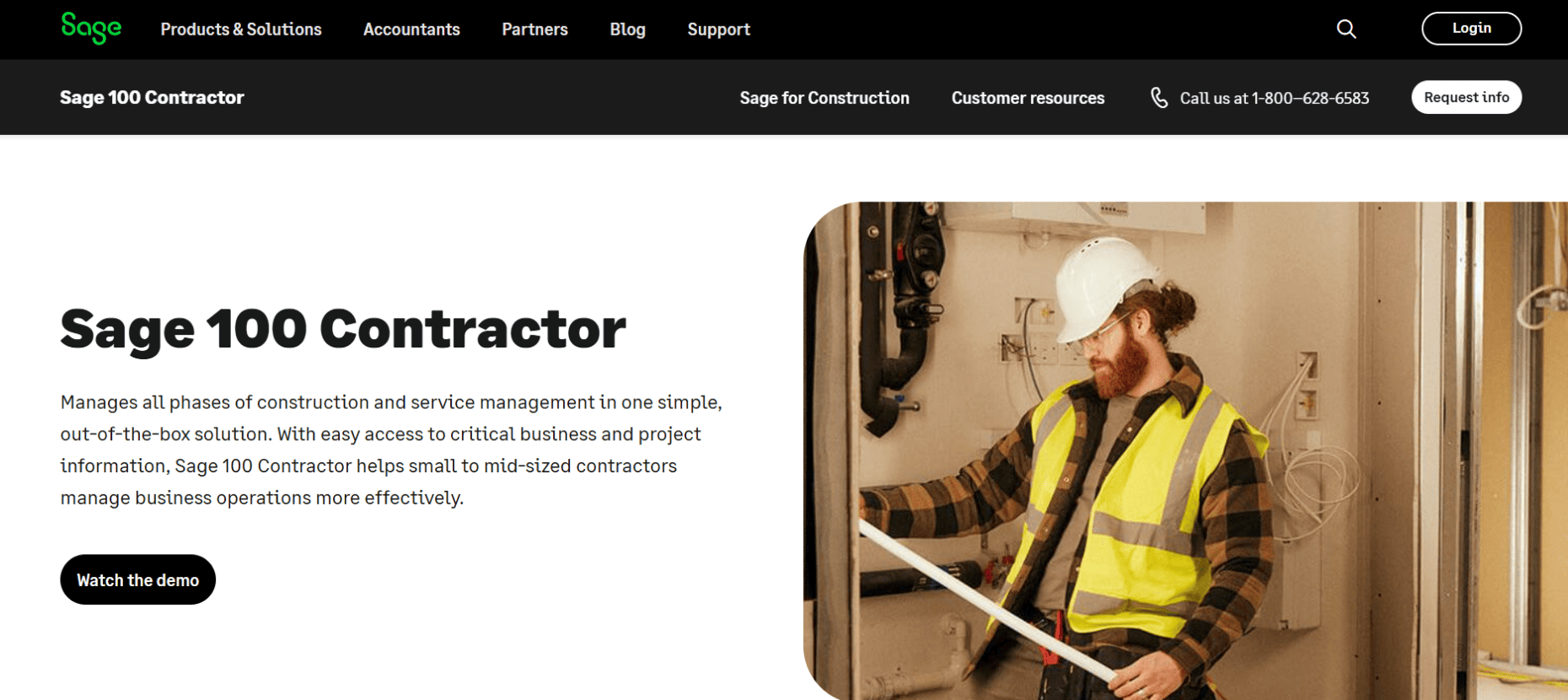
5. Sage 100 Contractor
www.sage.com | Best for Hardcore Construction Accounting
At the end of the day, construction is about cash flow. If you don't know your costs, you’re just working for free. Sage 100 Contractor is a robust enterprise resource planning (ERP) tool – basically a supercharged accounting software – built specifically for the messy financial reality of the construction industry.
Key Features for Construction Contractors
Real-Time Job Costing: It tracks every single penny of labor, materials, and overhead against your original estimate in real-time, so you know exactly when a job starts losing money.
Construction Payroll: It handles the absolute nightmare that is union payroll, prevailing wage tracking, and complex multi-state tax compliance.
Subcontractor Compliance: It tracks your subcontractors' insurance expirations and lien waivers, ensuring you don't accidentally cut a check to a sub who isn't properly insured.
Pros & Cons
Pros: It keeps the IRS happy and ensures your jobs are actually profitable, not just busy.
Cons: It’s a back-office accounting tool through and through. It lacks the modern, intuitive mobile app experience for a technician who needs to execute a digital safety checklist in the field.
The Verdict:A brilliant back-office financial engine, but you will almost certainly need to pair it with a dedicated field operations tool to keep your boots-on-the-ground crew productive.
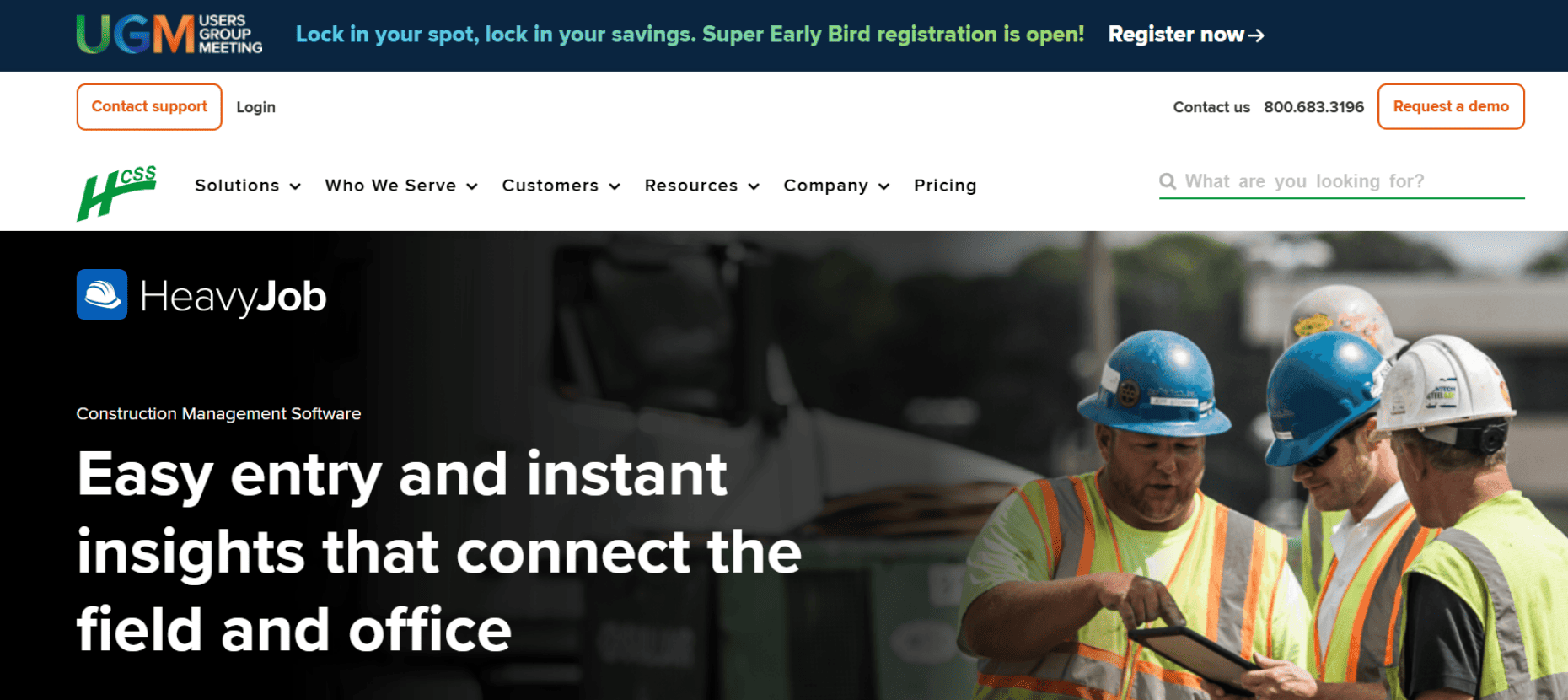
6. HCSS
www.hcss.com | HeavyJob – Best for Heavy Civil & Earthwork
HCSS HeavyJob is a highly specialized tool built strictly for civil contractors. If your entire business model revolves around moving dirt, laying pipe, or paving highways, this is the system designed for your exact workflow.
Key Features for Construction Contractors
Daily Time Cards: It makes capturing labor hours for massive crews out in the field incredibly fast, automatically feeding that data back to the payroll department to eliminate double-entry errors.
Production Tracking: Instead of just tracking time, it tracks production. You can see exactly how many yards of dirt your crew moved or how many feet of pipe they laid that day.
Heavy Estimating: It integrates deeply with their sister product, HeavyBid, so foremen can see how their daily production is stacking up against the original bid.
Pros & Cons
Pros: It’s incredibly robust for tracking the specific metrics of earthwork. Foremen love that they can enter time and production data on their mobile app even without an internet connection.
Cons: It’s laser-focused on civil engineering and production rates. It doesn't offer the deep, component-level CMMS maintenance tools for the machines actually doing the digging.
The Verdict: A rock-solid, proven choice if you live and breathe heavy civil bids and daily production rates.
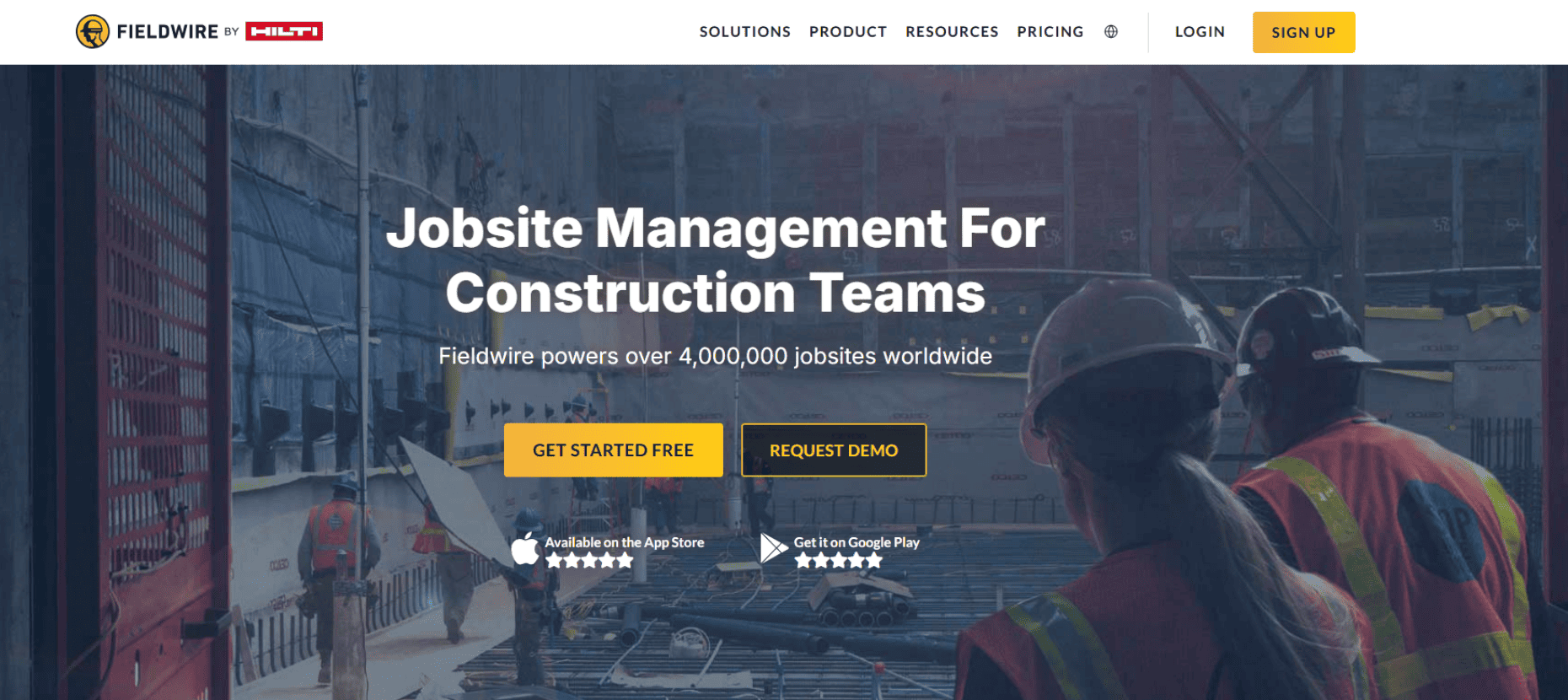
Fieldwire is a jobsite coordination app that lives and dies by the blueprint. It was built specifically for the foremen, superintendents and specialty tradesmen who are physically walking the site and trying to figure out what needs to be built next.
Key Features for Construction Contractors
Mobile Plan Viewing: It allows guys in the field to pull up massive, high-resolution blueprints on their iPads without the app crashing.
Version Control: It automatically ensures everyone is looking at the newest set of drawings, preventing the incredibly expensive mistake of a crew building a wall off an outdated blueprint.
Task Pinning: You can drop a digital "pin" directly on a spot on the blueprint, attach a photo, and assign a task to a specific worker (like fixing a scuffed piece of drywall).
Pros & Cons
Pros: It’s incredibly visual and easy for a site foreman to use. It drastically cuts down on the chaos of punch lists at the end of a project.
Cons: It’s a blueprint and task management tool, not an equipment management tool. It won't tell you when your generator needs an oil change or track the spare parts in your mechanic's truck.
The Verdict: Brilliant for site foremen trying to fix architectural snags and coordinate specialty trades off a master building plan.
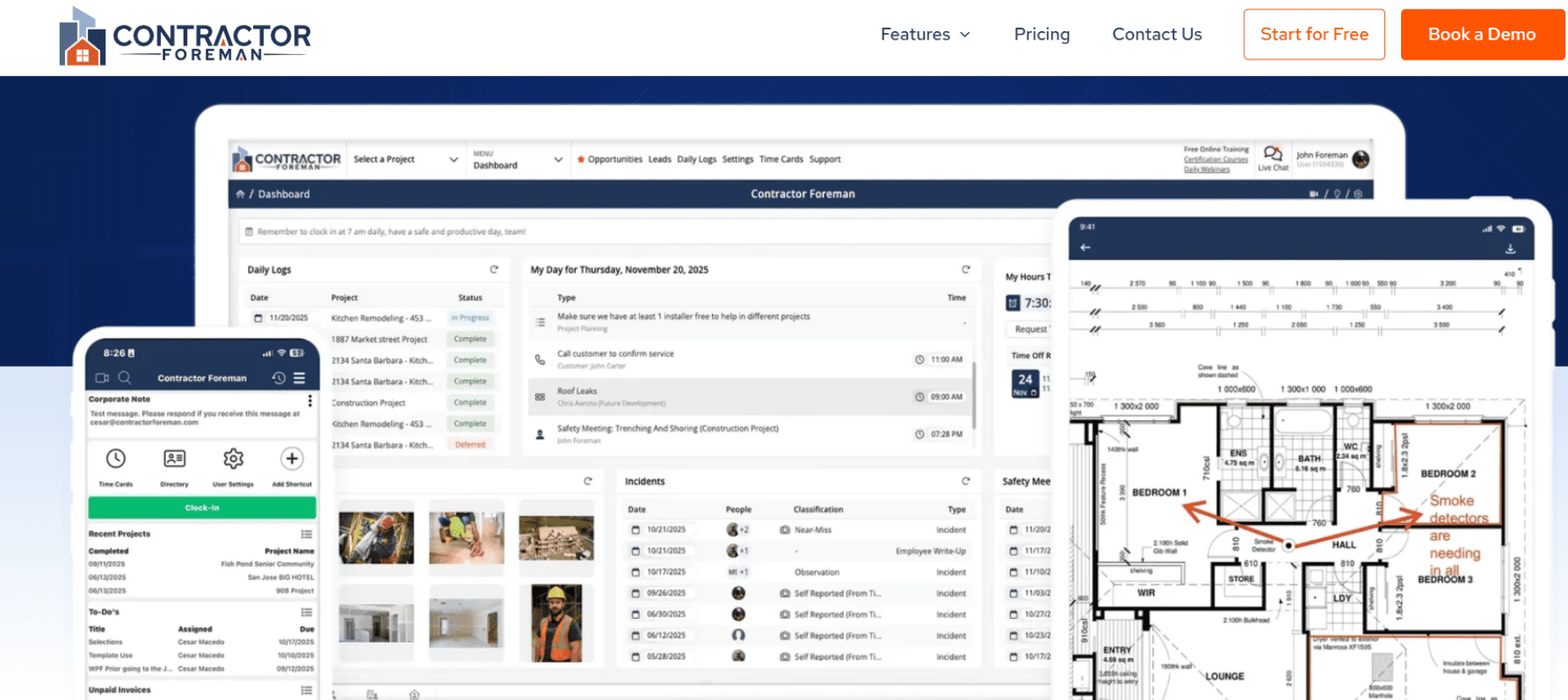
Let's face it, not every contractor has an enterprise-sized software budget. Contractor Foreman is a highly affordable, feature-packed software aimed squarely at small to mid-sized builders who are tired of paying massive per-user fees.
Key Features for Construction Contractors
Flat-Rate Pricing: Instead of charging you for every single employee who logs in, they offer flat-rate monthly tiers, making your software costs highly predictable.
The Core Basics: It bundles scheduling, daily logs, basic estimating, and time cards all into one dashboard.
Built-in Templates: It comes with pre-built templates for safety meetings and contracts, which is a lifesaver for small outfits without a dedicated HR or legal team.
Pros & Cons
Pros: It is arguably the best "bang for your buck" on the market right now for a small contractor transitioning away from chaotic whiteboards.
Cons: It is a "jack of all trades, master of none". As your fleet grows, you will quickly outgrow its basic equipment tracking capabilities.
The Verdict:The absolute perfect stepping stone for a small contractor looking to digitize their operations without breaking the bank.
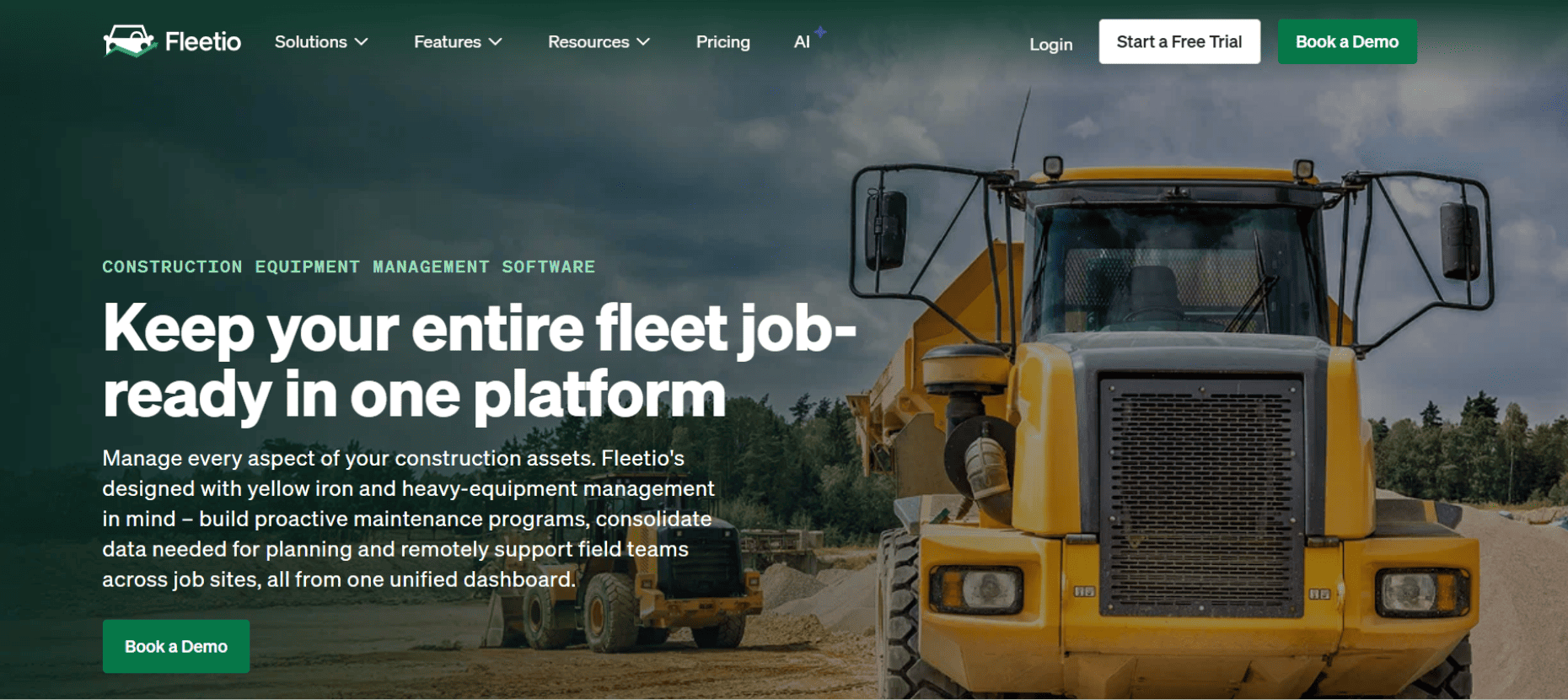
While FieldEx handles complex fieldwork and heavy machinery maintenance, Fleetio is specialized software dedicated purely to keeping trucks, vans and heavy rolling vehicles moving on the highway.
Key Features for Construction Contractors
Fuel Card Tracking: It integrates directly with your company fuel cards, automatically logging every gallon of diesel pumped so you can spot fuel theft or inefficient vehicles immediately.
Telematics Integrations: It plugs directly into the GPS trackers on your trucks to automatically pull odometer readings and engine fault codes.
Cost-Per-Mile Analysis: It calculates the exact total cost of ownership for every vehicle in your fleet down to the penny.
Pros & Cons
Pros: If you own 50 dump trucks, the fuel savings and maintenance tracking this software provides will pay for itself in a matter of months.
Cons: It is strictly focused on the vehicles. It will not manage your subcontractors, track site compliance, or generate customer-facing documents.
The Verdict:If your absolute biggest bottleneck is figuring out how much diesel your dump trucks are burning and when their next tire rotation is, Fleetio is a fantastic, highly specialized choice.
Ready to upgrade your operations?
At the end of the day, no single piece of software cures every construction headache. Picking the right one comes down to knowing exactly where your biggest bottleneck is. Is your main problem tracking architectural drawings? Keeping an anxious homeowner updated? Or is it dealing with broken excavators and scattered field technicians?
If you’re looking for a system that bridges the gap between the office and the mud, prioritize platforms that actually adapt to your crew. Software is only useful if the guys in the hardhats actually open the app. The best solution for your business will be one that is highly customizable, easy to use, and built for the gritty reality of field operations.
Frequently asked questions
1. What is the difference between Project Management (PM) and Field Service Management (FSM) software?
Think of it this way: PM software is for the office, and FSM is for the dirt. PM tools (like Procore or Buildertrend) focus on the big picture – the master budget, the architectural blueprints, and the long-term schedule. FSM tools focus on the gritty, day-to-day physical work – dispatching mechanics, managing subcontractors, and making sure the heavy machinery actually runs. You need PM to plan the building, but you need FSM to actually get it built.
2. My whiteboards and spreadsheets are working fine. Why should I pay for software?
We hear this all the time. But let’s be honest – "working fine" usually just means you’re successfully surviving the chaos. The problem with spreadsheets is that they don't automatically remind you when a $200,000 crane is due for an oil change, and whiteboards get wiped off by accident. Upgrading to specialized software protects your profit margins. Honestly, the cost of avoiding just one blown hydraulic pump or missed billing cycle usually covers your software subscription for the entire year.
3. How much does construction contractor software actually cost?
It varies wildly depending on how your business operates. Some platforms charge a flat monthly fee (like Contractor Foreman), which is great for predictability. Others charge a "per user" fee, meaning you pay for every employee who has a login. Massive enterprise tools (like Procore) often base their pricing on your company's annual construction volume. When you’re shopping around, don't just look at the sticker price – factor in the cost of the equipment downtime you will be avoiding.
4. My crew hates new tech and complains about complicated apps. How do I get them to use it?
You have to make it ridiculously easy for them. Mechanics and operators want to turn wrenches, not tap on an iPad for 20 minutes. If you want high adoption rates, pick software that lets you change the confusing corporate jargon to match your actual shop lingo.
Also, look for tools that use QR codes. If a guy can just scan a barcode on a bulldozer to pull up a safety checklist instead of typing in a 14-digit serial number, the shop-floor grumbling will disappear fast.
5. Can I just buy one "all-in-one" software to run my entire company?
You can certainly try, but in the software world, a "jack of all trades" is almost always a master of none. A software that is brilliant at handling complex union payroll probably has a terrible, clunky mobile app for your field mechanics. Instead of looking for a mythical "unicorn" software that does everything perfectly, it’s usually better to find a great accounting tool and a great field operations tool that can easily integrate (or "talk") to each other.
FieldEx is a B2B field service management software designed to streamline operations, scheduling, and tracking for industries like equipment rental, facilities management, and EV charging, helping businesses improve efficiency and service delivery.
Don’t just take our word for it
Hear from some of our amazing customers who used FieldEx
"If you want to solve your paper record problems and you want to digitize your operations and you want to elevate your customer experience go and use FieldEx"


.png)

.avif)

