Building a preventive maintenance program for construction fleets

Building a preventive maintenance program for construction fleets starts with clear schedules, inspections, and tracking. Here’s a step-by-step guide.
The FieldEx Team
January 13, 2026
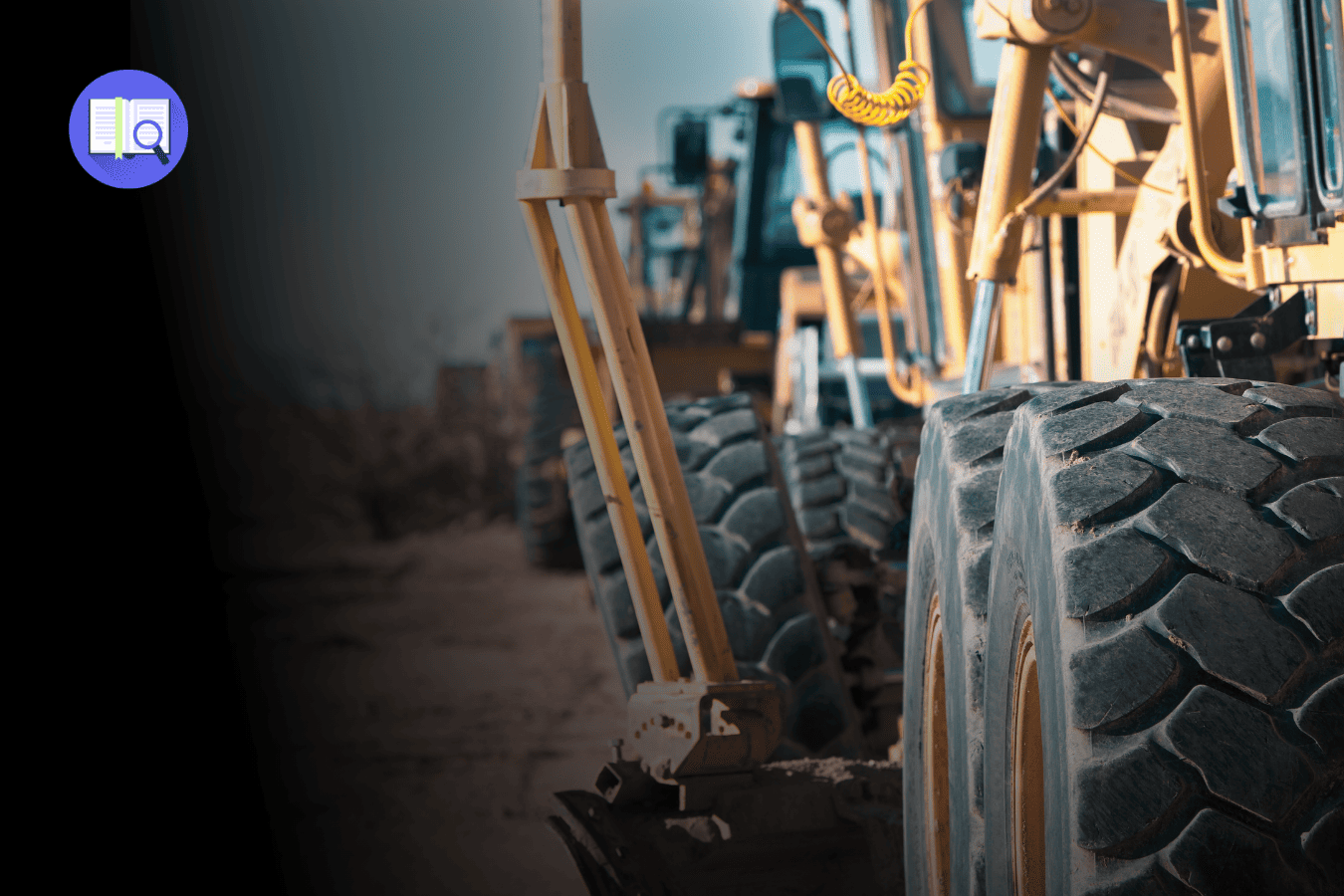
Header image

Preventive maintenance sounds like one of those “nice in theory” ideas. Everyone agrees it’s important … right up until jobsites get busy, machines are needed now, and maintenance gets pushed to “later.”

And then later turns into:

  • A breakdown at the worst possible time
  • An urgent parts order
  • A crew standing around waiting
  • And someone asking, “Didn’t we just fix this thing?”

A good preventive maintenance program isn’t about perfection.
It’s about consistency, clarity, and making the right thing easy to do.

This guide walks through how to build a preventive maintenance (PM) program for a construction fleet step by step, in a way that actually survives real jobsite life.

Step 0: Get clear on what you’re trying to achieve

Before schedules, checklists or software, you need direction.

Decide what “success” looks like

Keep it practical. Examples:

  • Fewer surprise breakdowns
  • Higher PM completion rates
  • Less repeat work on the same machines
  • Better uptime on critical equipment

If the goal is vague (“do better maintenance”), the program will be vague too.

Define the scope

Be honest here.

  • Are you starting with heavy equipment only?
  • Including attachments?
  • Field service, shop work, or both?

Trying to fix everything at once is how PM programs stall before they start.

Step 1: Build a clean asset list (this is the foundation)

You can’t maintain what you can’t clearly identify.

Every asset should have:

  • Make, model, and year
  • Serial number
  • Engine serial (if applicable)
  • Asset type (excavator, loader, crane, etc.)
  • Ownership status (owned, leased, loaned)
  • Typical jobsite conditions (dusty, muddy, urban, quarry)

And yes – naming matters.
“Excavator 1,” “EX-01,” and “Big Yellow Cat” should not be three different records.

Step 2: Decide how maintenance will be triggered

Construction equipment is different from office buildings or factories.
Most maintenance is driven by usage, not calendar dates.

Common PM triggers

  • Hour-based (most common): service every 250, 500, or 1,000 hours
  • Calendar-based: useful for low-use assets
  • Condition-based: triggered by inspections, oil analysis, or fault alerts

Hour-based PM works well – as long as hours are accurate.

That’s where many fleets struggle:

  • Operators forget to log hours
  • Readings get entered late
  • Nobody notices missing data

However you track hours, the rule is simple:
If hours are unreliable, PM will be unreliable.

Step 3: Build your PM task library

This is where the actual “maintenance” lives.

Start with OEM recommendations

Manufacturers publish service intervals for a reason. Use them as your baseline:

  • Engine oil and filters
  • Fuel system service
  • Air filters
  • Cooling system checks
  • Hydraulic oil and filters
  • Greasing points
  • Undercarriage inspections
  • Safety checks (lights, alarms, brakes)

Create standardized PM “packages”

Instead of random tasks, group them:

  • 250-hour service
  • 500-hour service
  • 1,000-hour service
  • Seasonal prep or storage checks

This keeps things predictable for technicians and schedulers.

Step 4: Adjust for real jobsite conditions

Here’s where many PM programs either level up … or fall apart.

A machine working in a dusty quarry does not need the same care as one on a clean urban site.

Adjust PM based on:

  • Dust and debris levels (more filter and cooler cleaning)
  • Mud and moisture (more undercarriage checks)
  • High heat (extra cooling system attention)
  • Heavy hydraulic attachments (more oil and hose inspections)

Think of this as adding “site multipliers” to your PM schedule.

Step 5: Turn inspections into action (not paperwork)

Inspections are only useful if something happens afterward.

Typical inspection types

  • Operator pre-start or shift inspections
  • Weekly supervisor checks
  • Scheduled shop inspections
  • Compliance inspections for certain equipment (like cranes)

The key rule:

If an inspection finds a problem, it must create action.

That means:

  • Clear pass/fail criteria
  • Severity levels (stop now vs fix soon)
  • Automatic follow-up work, not notes in a notebook

Step 6: Plan labor and scheduling realistically

A perfect PM schedule that no one can execute is useless.

Decide:

  • Will work be done in a central shop, in the field, or both?
  • When are machines usually available?
  • Can PM tasks be bundled to reduce downtime?

Many fleets succeed by:

  • Scheduling PM at shift start or end
  • Assigning “PM days” per jobsite
  • Combining multiple tasks into one service window

Step 7: Make sure parts are ready before PM is due

Preventive maintenance fails fast when parts aren’t available.

Classify your spares

  • Fast-moving consumables (filters, belts, hoses)
  • Critical spares (long lead times, big downtime impact)
  • Major components (planned replacements)

Use PM kits where possible

A “500-hour kit” with all required parts saves time, reduces mistakes, and keeps PM on schedule.

If techs have to hunt for parts, PM gets skipped. Simple as that.

Step 8: Document the work (without making people hate the process)

Documentation shouldn’t feel like punishment.

At minimum, capture:

  • Date and time
  • Asset ID
  • Hour reading
  • Work performed
  • Parts used
  • Technician sign-off
  • Photos when relevant

Good records help with:

  • Warranty claims
  • Audits
  • Resale value
  • And figuring out why the same problem keeps coming back

Step 9: Track a few KPIs that actually matter

You don’t need 30 dashboards. You need a handful of useful signals.

Start with:

  • PM compliance rate (on-time vs overdue)
  • Unplanned downtime
  • Repeat failures
  • Maintenance cost per operating hour
  • Mean Time to Repair (MTTR) – how fast you fix things

If a KPI doesn’t lead to action, it’s just noise.

Step 10: Roll it out in phases (not all at once)

The fastest way to kill a PM program is trying to deploy it everywhere overnight.

A smarter approach:

  1. Pilot on a small group of machines
  2. Fix friction and confusion
  3. Expand by site or region
  4. Lock in standards once it’s working

Momentum beats perfection every time.

Treat preventive maintenance as a system, not a chore

Here’s the hard truth: Most PM programs fail not because the idea is wrong, but because the process is scattered.

Hours live in one place.
Inspections live in notebooks.
Work orders live in emails.
Parts live in someone’s head.

This is where a CMMS (computerized maintenance management system – software that organizes maintenance, inspections, assets, and parts in one place) quietly changes the game.

A platform like FieldEx helps construction fleets:

  • Schedule PM automatically based on engine hours
  • Standardize inspections and PM checklists
  • Turn inspection findings into work orders
  • Track PM compliance across multiple jobsites
  • Keep clean, exportable maintenance records for audits and resale

Want to see FieldEx in action? Book a free demo or simply get in touch. We’re here to help.

Final thoughts

Preventive maintenance isn’t about doing more work.
It’s about doing the right work at the right time – before problems get expensive.

A simple, consistent PM program will always outperform a complicated one that nobody follows. Start small, stay disciplined, and improve as you go.

That’s how fleets buy uptime instead of reacting to downtime.

Frequently Asked Questions (FAQ)

What is a preventive maintenance program for a construction fleet?

It’s a structured system for servicing equipment before failures happen, using schedules, inspections, and documented work.

Should preventive maintenance be based on hours or calendar dates?

Most heavy equipment PM is hour-based, while low-use assets may benefit from calendar schedules.

What should be included in a heavy equipment PM checklist?

Routine servicing tasks, inspections, safety checks, fluid changes, and documentation of findings.

How do you track PM compliance across multiple jobsites?

By standardizing schedules, inspections, and work orders in a centralized system instead of spreadsheets.

What KPIs matter most for preventive maintenance?

PM compliance, unplanned downtime, repeat failures, MTTR, and maintenance cost per operating hour.

How long does it take to implement a PM program?

Most fleets can pilot and scale a working PM program within 30–60 days if the scope is realistic.

About the Author

Dashboard mockup

The FieldEx Team

FieldEx is a B2B field service management software designed to streamline operations, scheduling, and tracking for industries like equipment rental, facilities management, and EV charging, helping businesses improve efficiency and service delivery.

Complex operations simplified with one software.

No paperwork. No spreadsheets. No blindspots. Just one solution that simplifies your field service operations.
Header image